

Free AI Note Taker Online
Record, transcribe, and summarize your recordings in real time. Our AI note taker turns your recordings into clear, structured notes within minutes, fast, accurate, and free.
Languages Supported
Transcription Accuracy
Minutes Long Recordings
Minute to Notes
Turn Your Recordings into Smart Notes Online
No need to organize your recordings manually. Just upload your audio and quickly get accurate transcripts and key notes.
Use Cases
AI Note Taker Simplifies Every Workflow
Stop spending hours reviewing recordings. AI note taker helps you quickly turn your audio into structured notes you can easily read, share, and revisit.
Meeting Note Taker
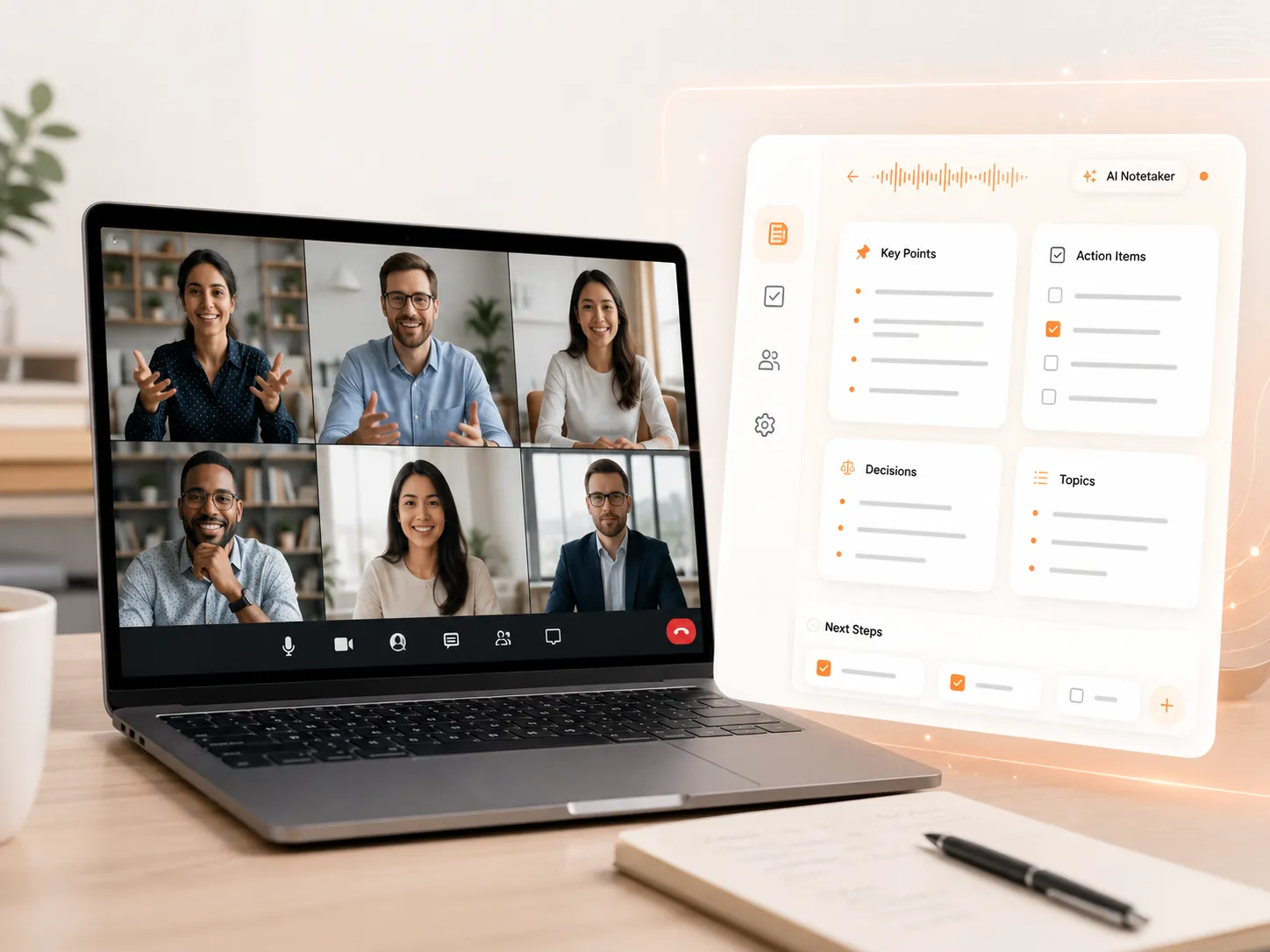
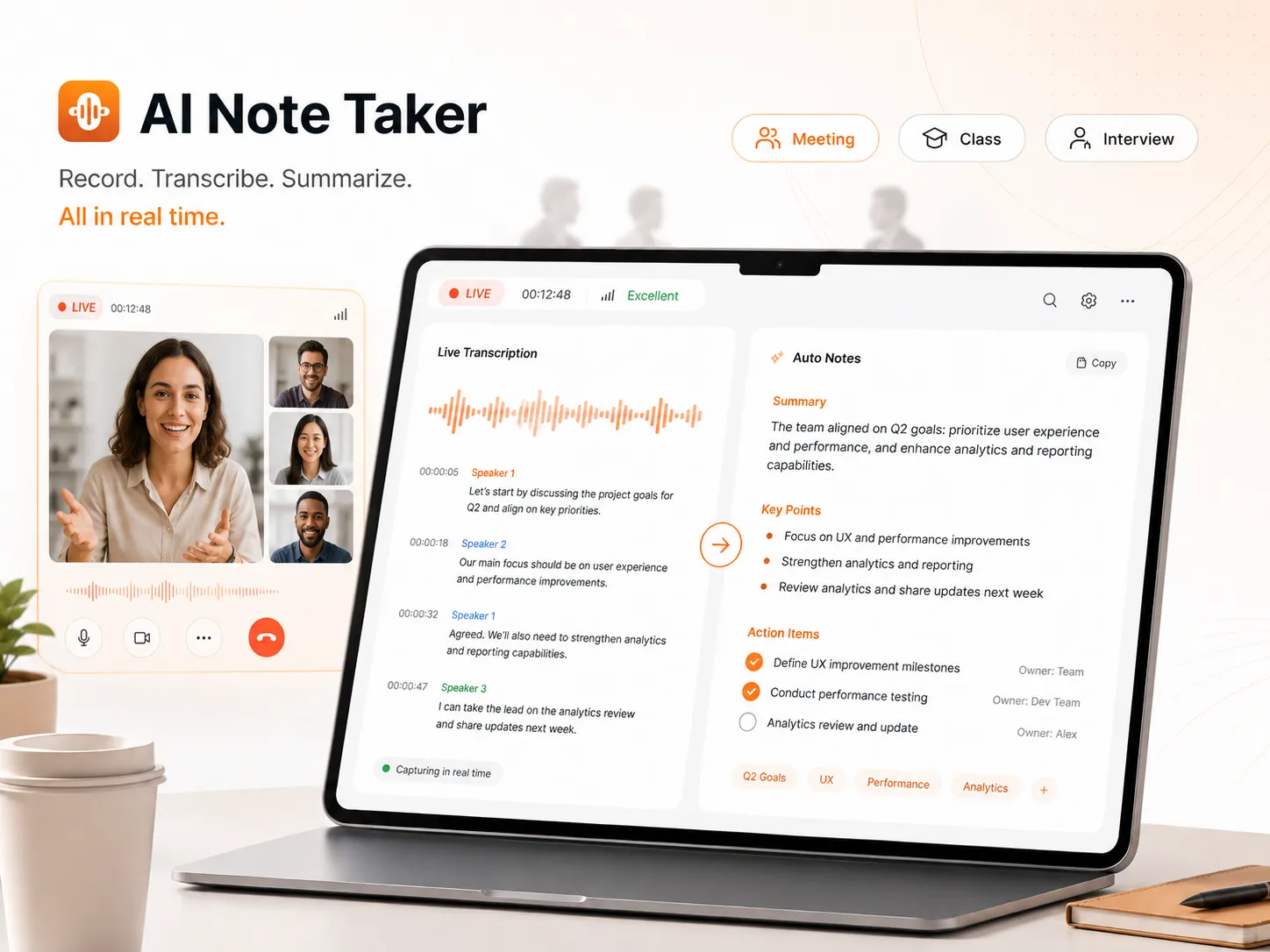
Our AI meeting note taker transcribes and summarizes Zoom, Google Meet, and other online meetings in real time, helping you capture key points without missing important details.
Creat Notes for Lectures
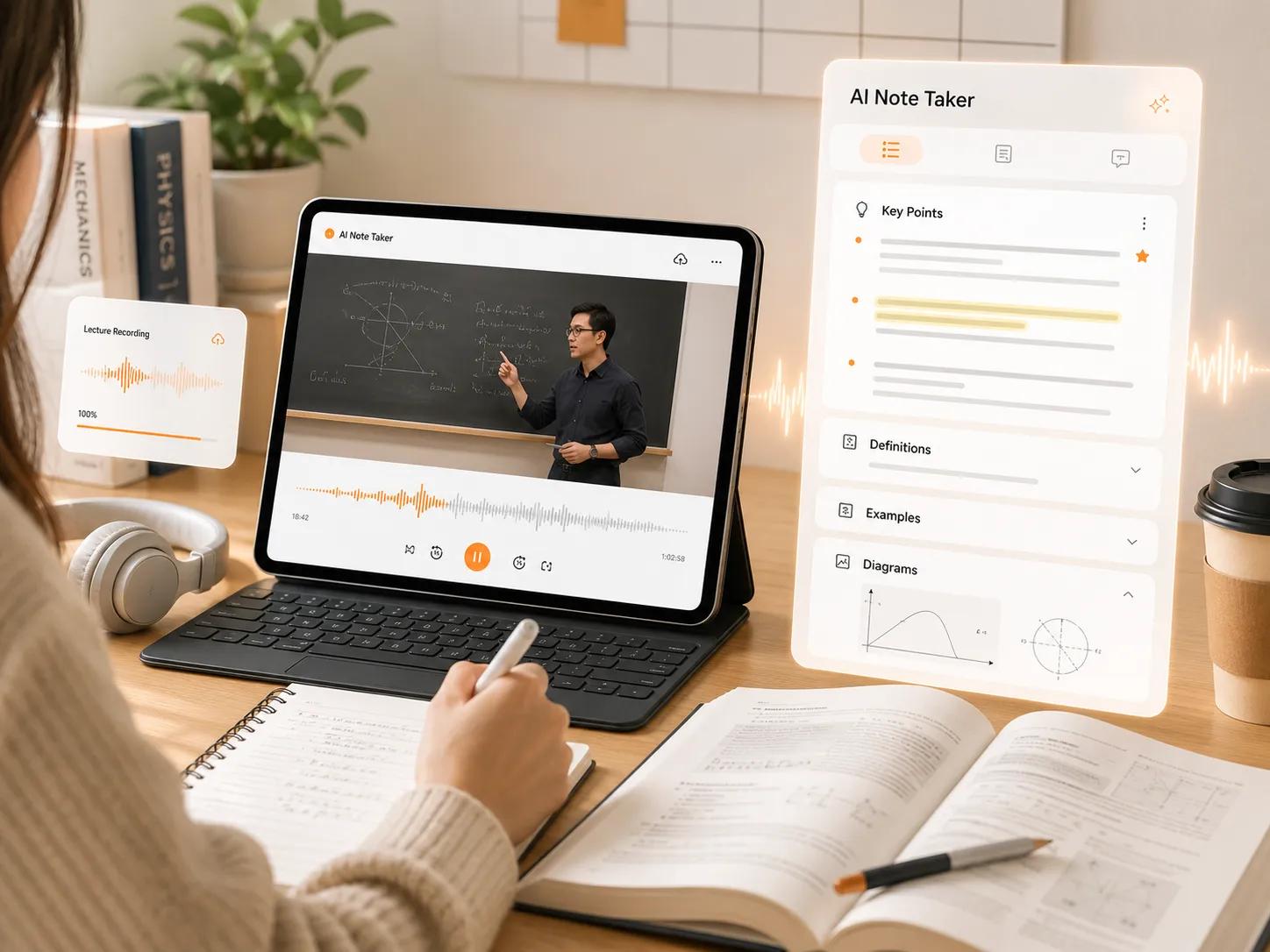
No need to take notes while listening. Upload lecture recordings and get organized notes that make it easier to review key information later.
Note Taker for Interviews
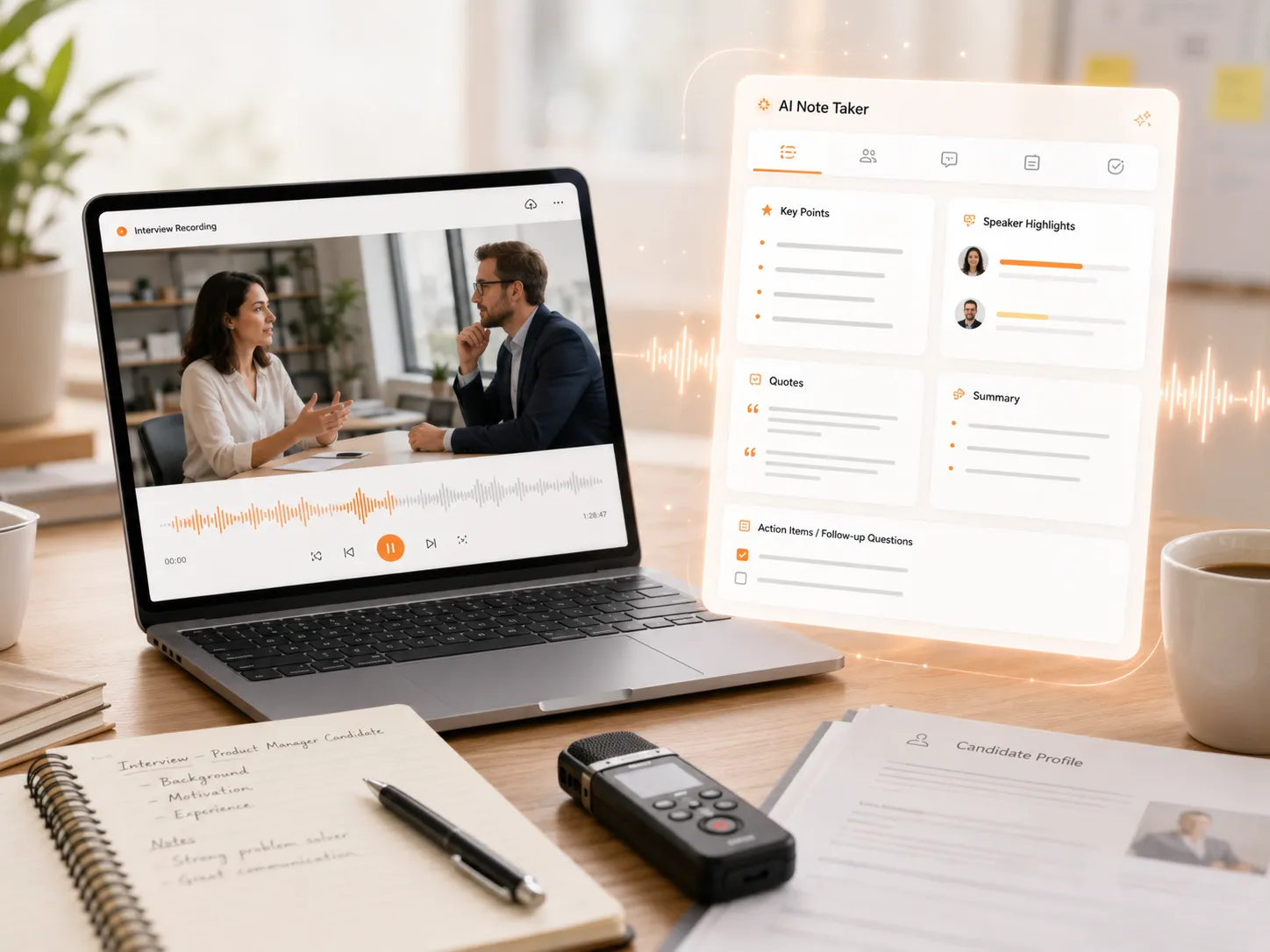
Handle long interview recordings without replaying them over and over. Quickly organize conversations into clear records and save time on manual review.
Turn Any Recording into Accurate Notes in Real Time
When you're in a meeting, attending a class, or conducting an interview, you don't need to write down every important detail manually. Our AI note taker converts your recordings into accurate transcripts and creates clear notes automatically. You can stay focused on the conversation instead of taking notes constantly. Once the recording is finished, simply review your notes and make sure no important information is missed.
Create Accurate Notes with 3 Smart Transcription Modes
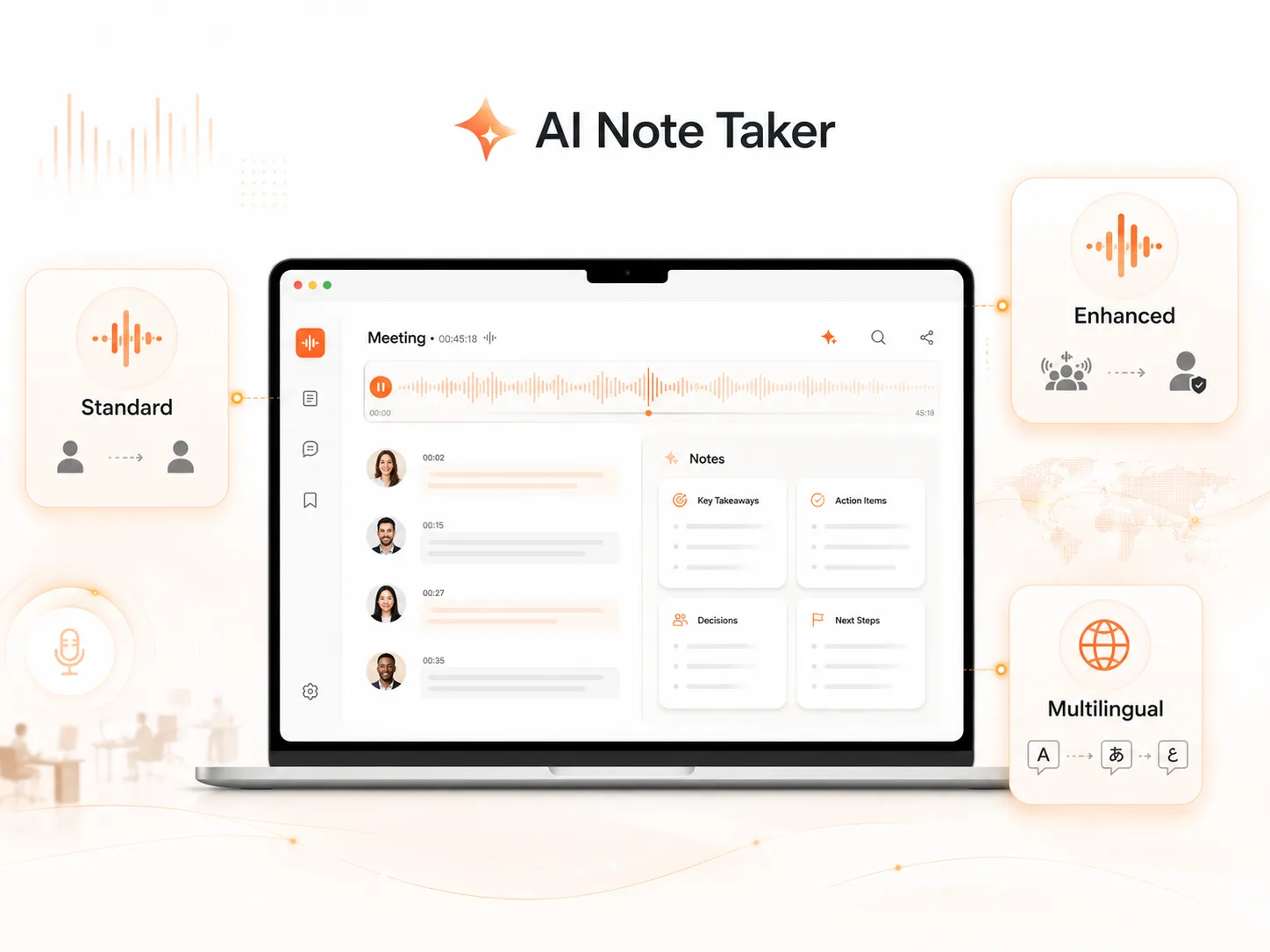
You don't have to worry about noisy environments or multilingual audio affecting your note quality. Our free AI note taker offers three transcription modes to fit different recording scenarios. Enhanced Mode is designed for noisy backgrounds, different accents, and harder-to-recognize speech, while Multilingual Mode works well for meetings where multiple languages are used. Choose the mode that matches your recording and get better-quality notes every time.
Create Structured Notes with Custom AI Summaries
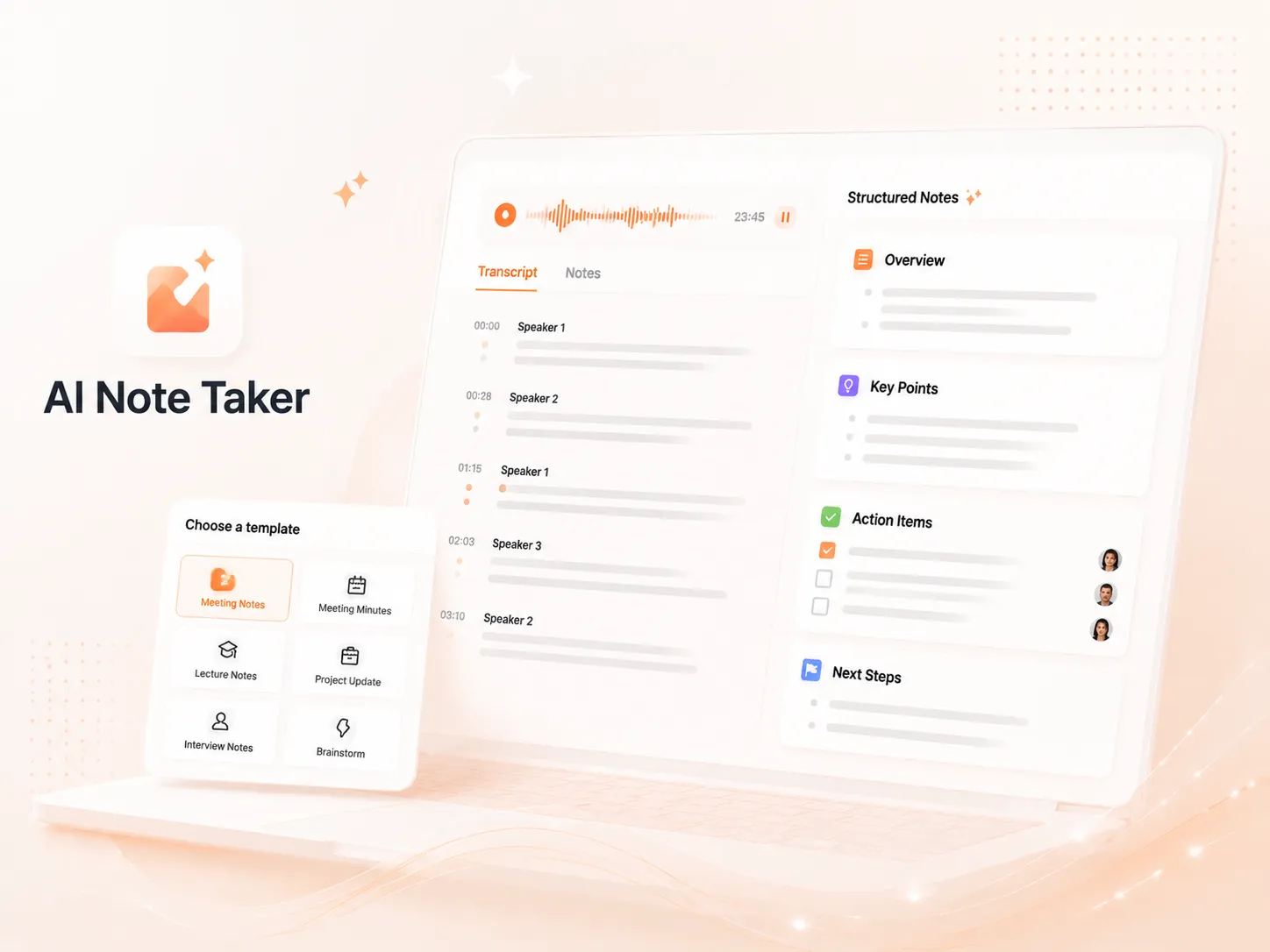
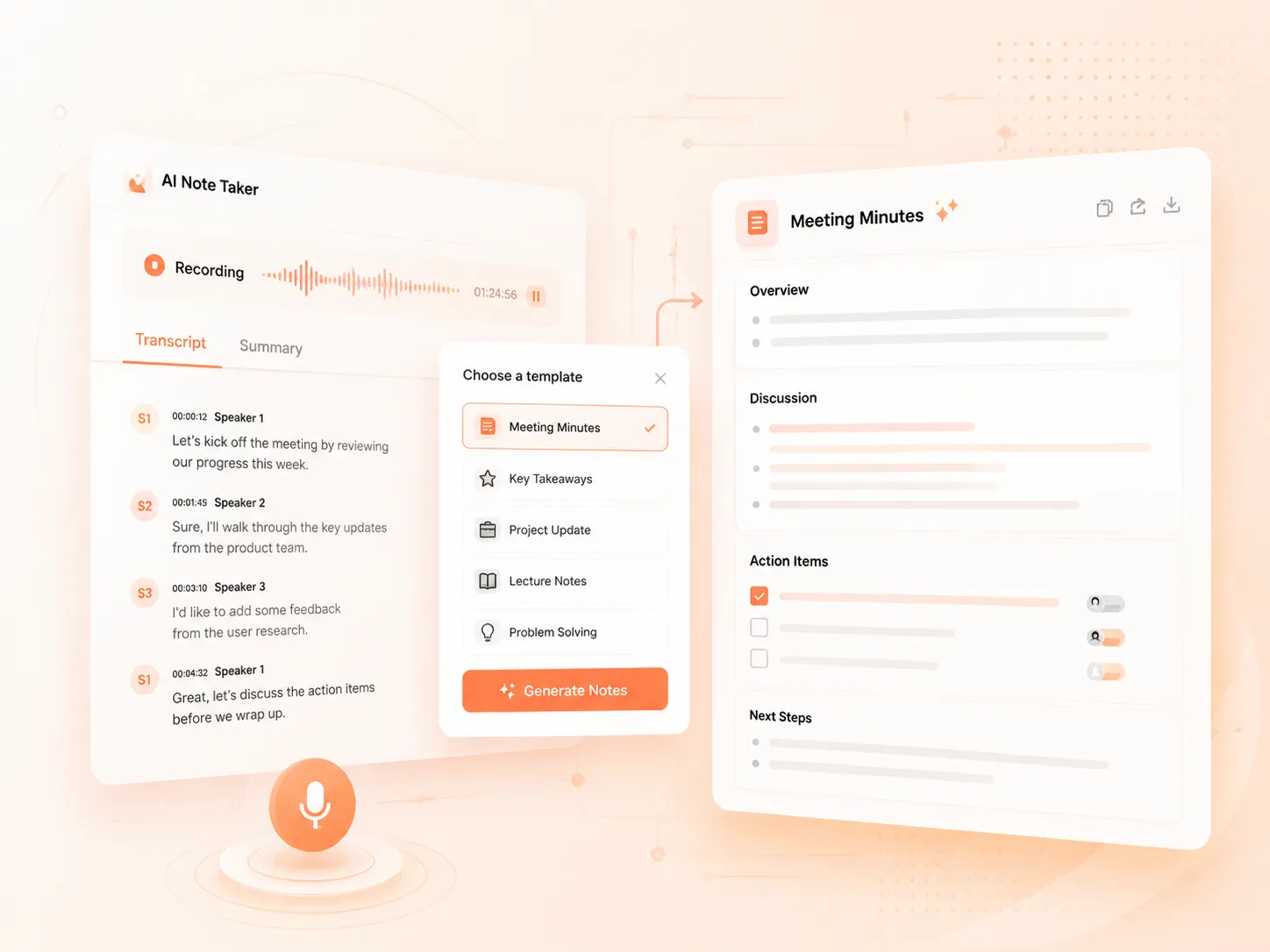
After recording a meeting or class, you can choose a summary template that fits your needs. AI note taker organizes your transcript based on the selected format and turns it into structured notes. For example, you can use the Meeting Minutes template after a meeting to organize discussions and action items. Different templates are designed for different scenarios, so you can get the notes you need without manually sorting through the entire transcript.
How it works
How Does Our AI Note Taker Work?
01
Record Audio & Choose a Mode
Start recording your content, select the language and the transcription mode that fits your needs. Note taker AI will process your recording in real time.
02
Get and Edit Your Transcript
Get the generated transcript after recording. You can search through the content, translate it into other languages, and edit the text online for further organization.
03
Generate Notes with AI Summaries
Choose a suitable summary template and turn your transcript into meeting minutes, smart notes, or study notes based on your content.
Hear from Our AI Note Taker Users
See how AI Note Taker helps users record conversations, create organized notes, and keep track of important information in their daily work and studies.
I've tried several note taker AI tools before, but most of them only gave me a basic transcript. What surprised me about it is that the notes are already well-organized after the meeting. The Meeting Minutes template makes it much easier to review decisions and follow up on tasks without going through the entire recording again.

Help Center
Free AI Note Taker FAQs
If you have any questions or suggestions about our note taker AI, please feel free to share your feedback with us.
What is AI note taker?
AI note taker is used to turn recordings from meetings, interviews, classes, and other scenarios into organized notes. It transcribes audio and helps you quickly find important information and create structured summaries.
Does AI note taker support multiple languages?
Yes, our note taker AI supports multiple languages and includes a Multilingual Mode for recordings where different languages are used in the same conversation.
Is my recorded audio safe with AI lecture note taker?
Your recordings and generated notes are handled securely during processing. We take privacy seriously and only use your content to provide the transcription and note-taking features you request.
Does Zoom note taker work with background noise?
Yes. AI note taker provides different modes to handle various recording situations. For recordings with background noise, you can choose Enhanced Mode to get clearer and more accurate results
Does AI note taker work with long recordings?
Yes. It supports recordings up to 30 minutes each, with no usage limit. You can use it as many times as you need.
Is AI meeting note taker free to use?
Yes. Our AI note taker is completely free to use for now. You can record, transcribe, and create notes without any usage limits.