Free YouTube to Transcript Online

From YouTube video to words in seconds. Get the full transcript, subtitles, chapters, and AI summary with timestamp. Read, search, take notes, or download.

Free YouTube to Transcript Online

Turn YouTube Video into Transcript Instantly

Extract clear, accurate text from any YouTube video. Boost your productivity for free.

0 %

Transcription Accuracy

0 M+

Videos Processed

< 0 s

Avg Processing Time

0

Real User Rating

0 M+

Users Worldwide

Copy the YouTube URL & Paste

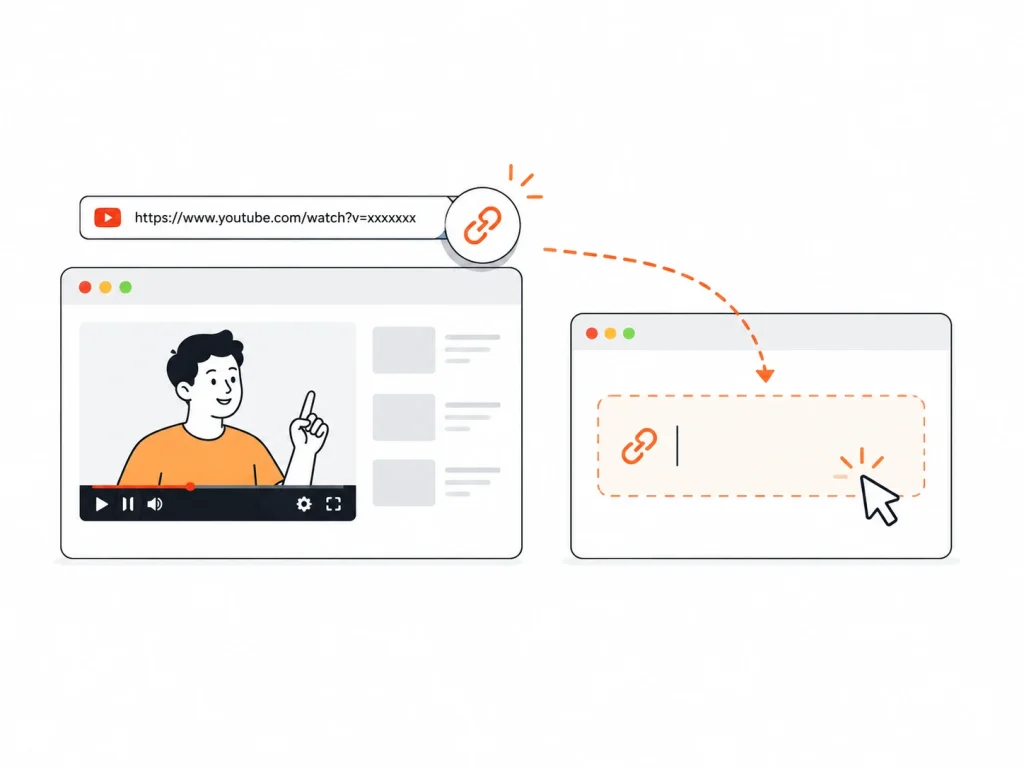
1. Copy the YouTube URL & Paste

Find the video you want and copy its URL. Go to our online YouTube to transcript website and paste the link.

Generate Your Transcript

2. Generate Your Transcript

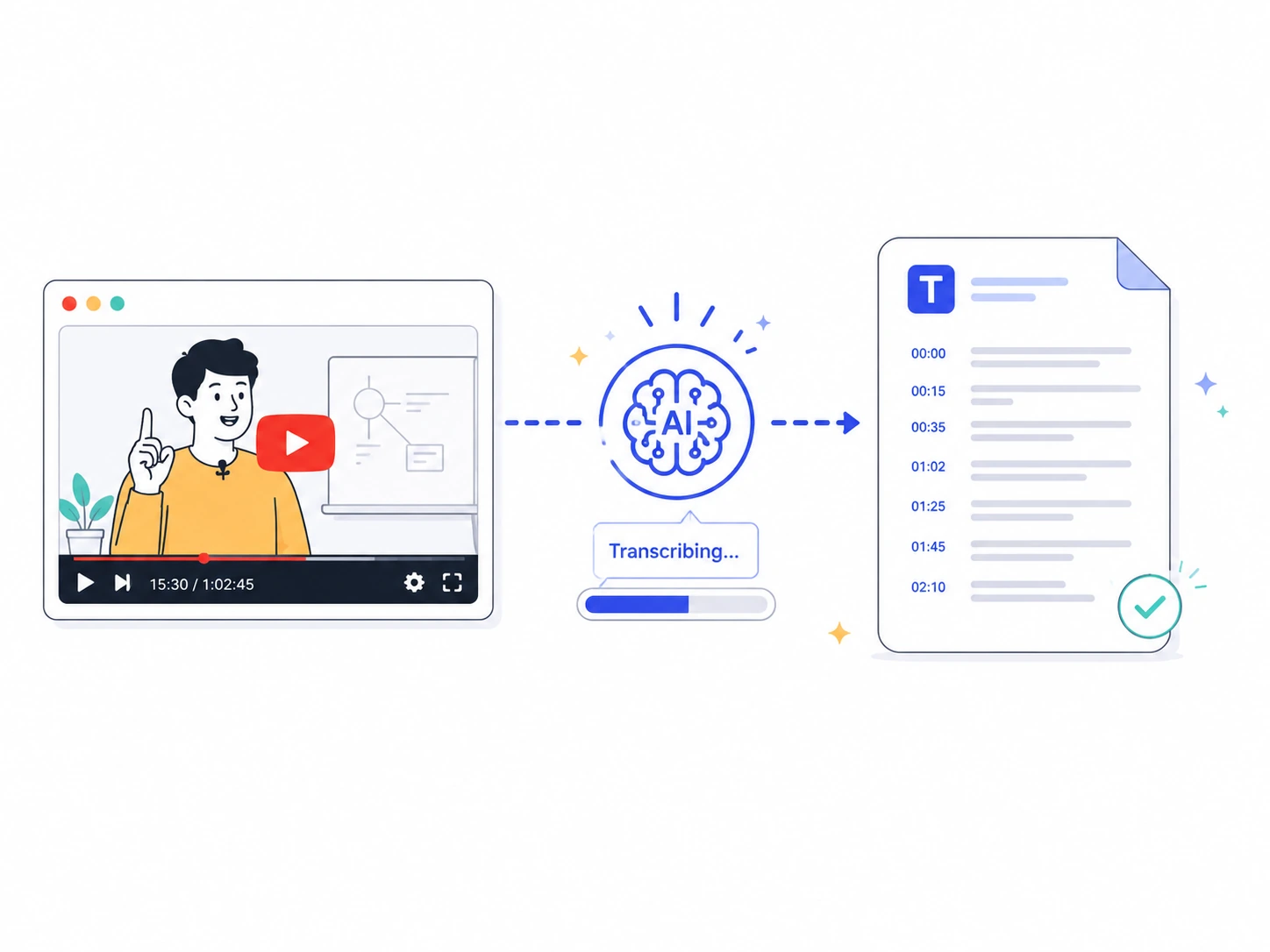
Our AI will transcribe YouTube video to text automatically, with timestamps and speaker labels.

Review & Download

3. Review & Download

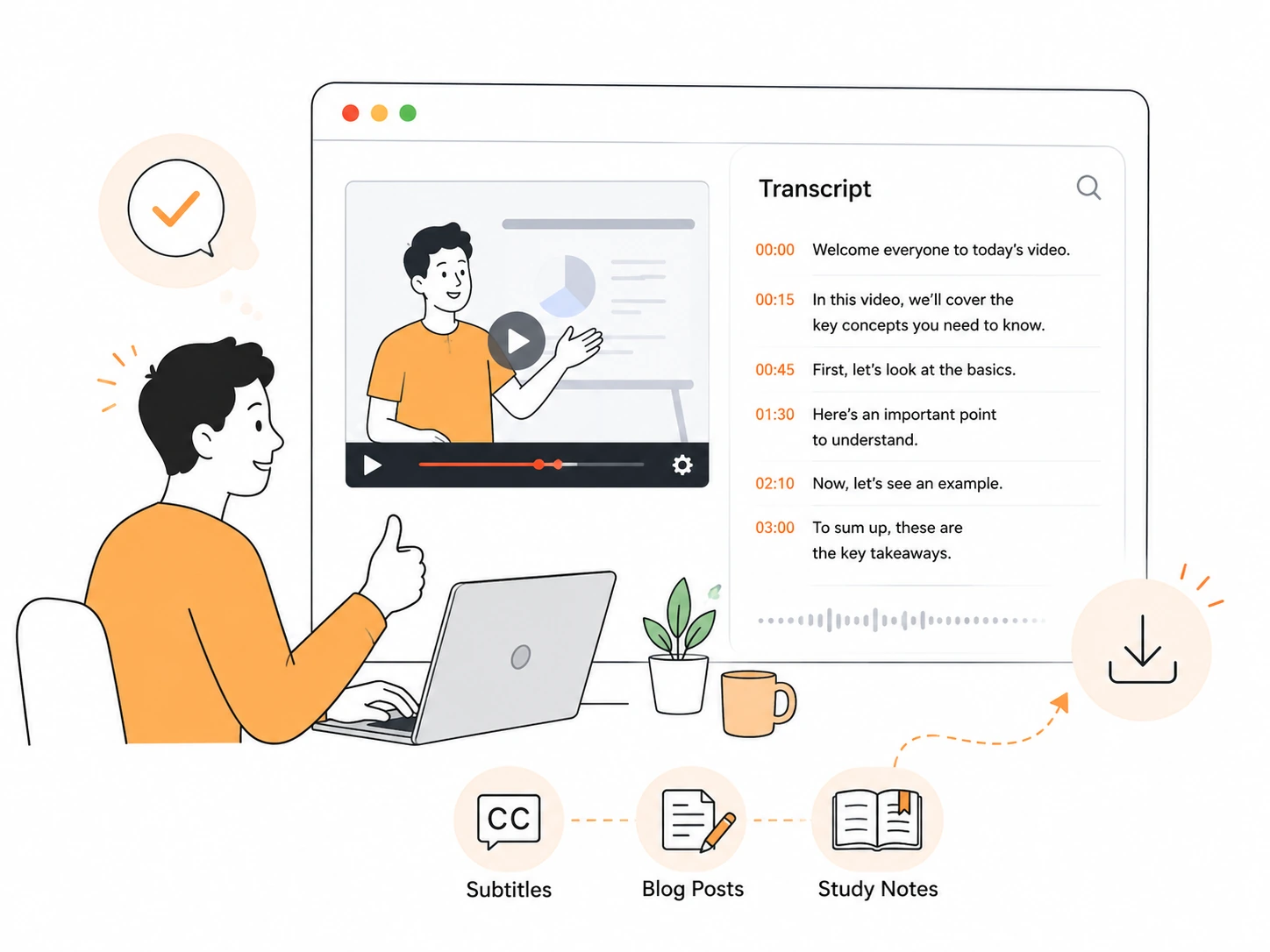
Review your transcript, and use it for subtitles, blog posts or study notes.

How to Get a Transcript of a YouTube Video

Learn to get a YouTube transcript for free in just a few clicks. It's very easy.

Free YouTube to Transcript with Powerful Features

Versatility

Get YouTube Transcripts, Subtitles, Chapters & Summary, All in One Place

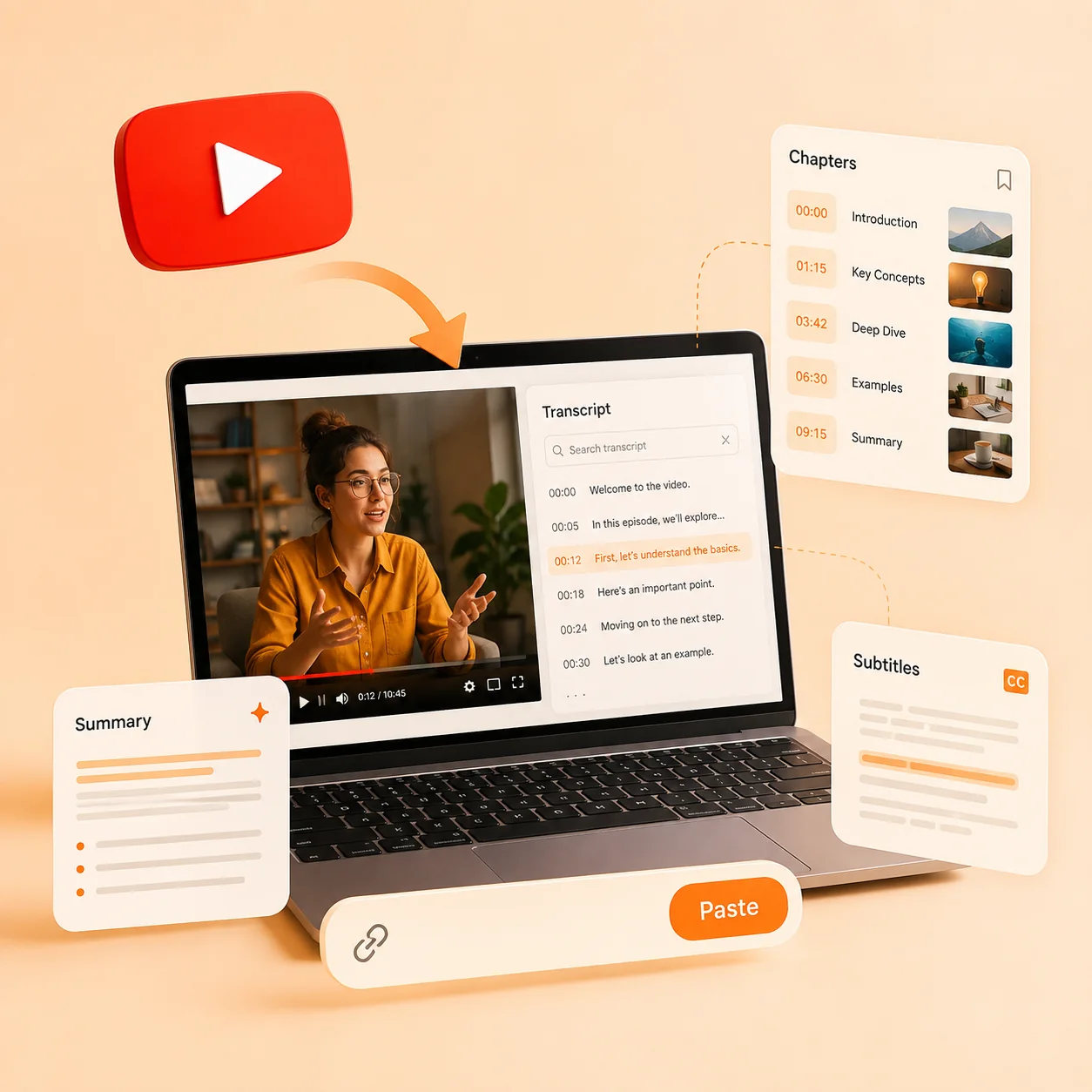
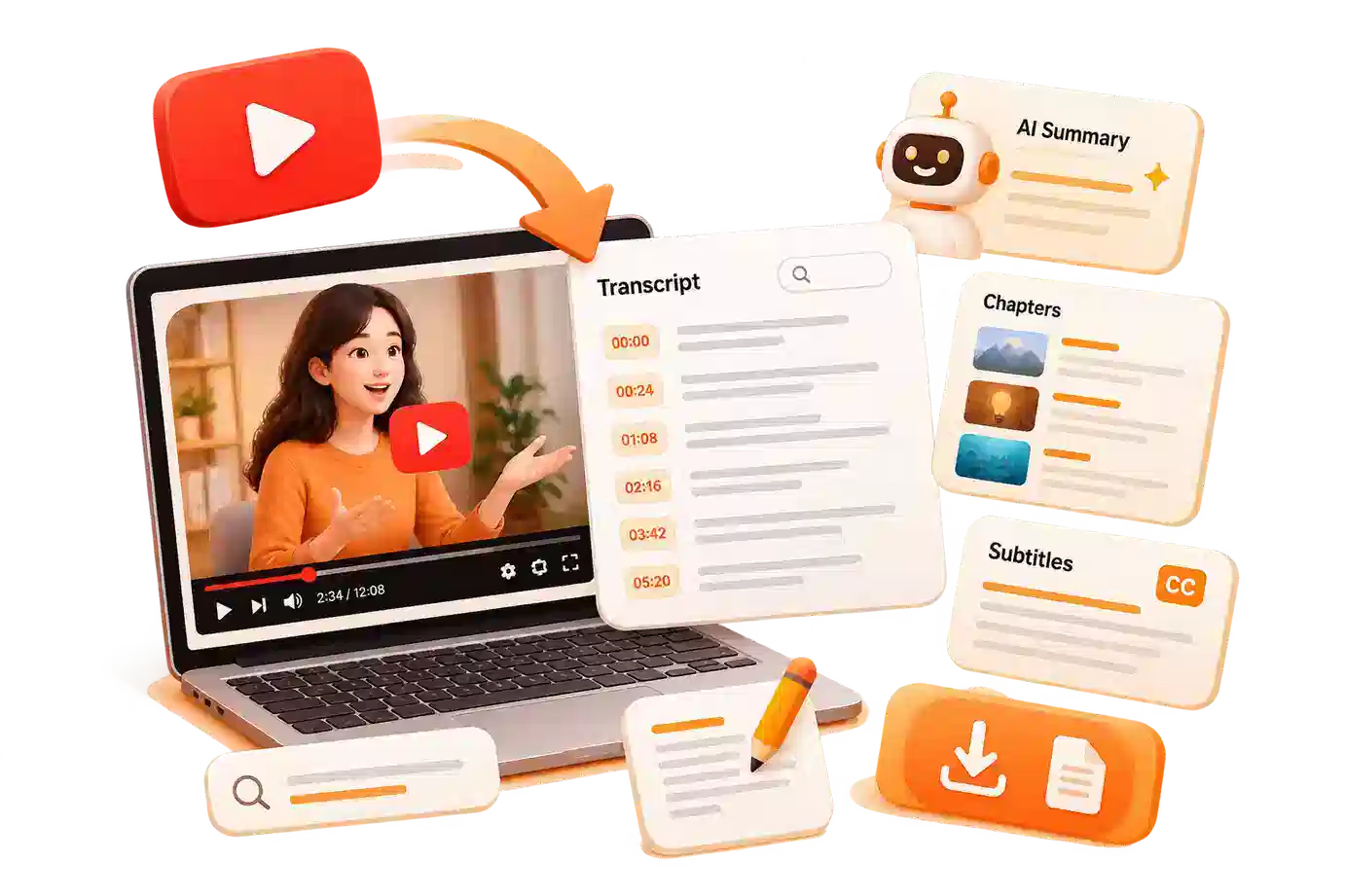
Stop switching between multiple tools to get everything you need from a single video. With our free YouTube to transcript, one paste of the YouTube link to transcript box gives you the complete text, subtitles, chapter markers, and a concise AI summary. All elements are time-aligned, so you can easily jump to key moments, create show notes, or build a personal library for knowledge storage.

Efficiency

Transcform Long YouTube Videos into Transcript in Seconds

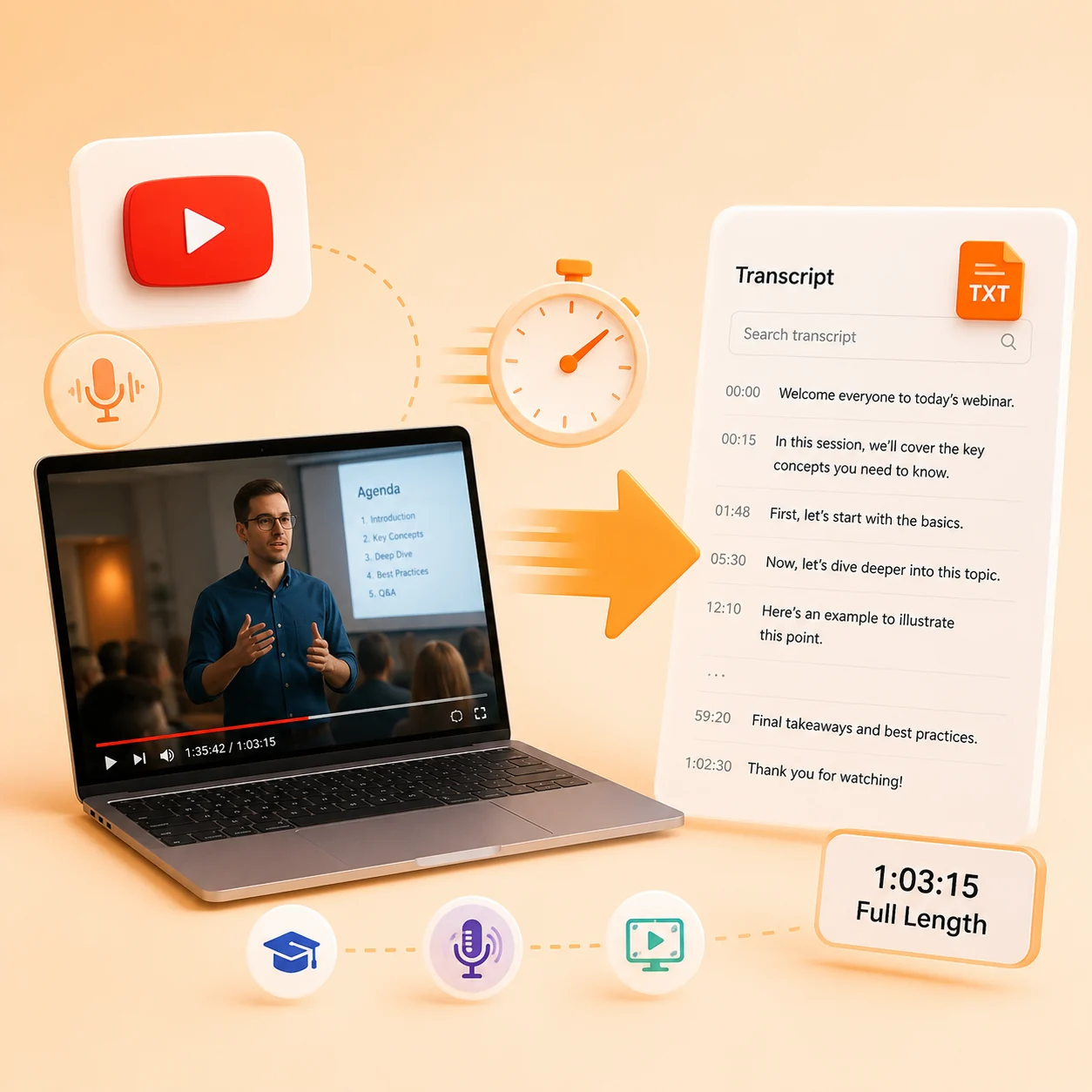
Lectures, webinars, podcasts, and hour-long tutorials are no problem for this YouTube video to text engine built for long-form content. You can convert YouTube video to text at high speed and download. Whether you need a detailed yt video transcript for research notes or blog posts, this YouTube video to text feature lets you transcribe long YouTube videos efficiently and without limits.

Convenience

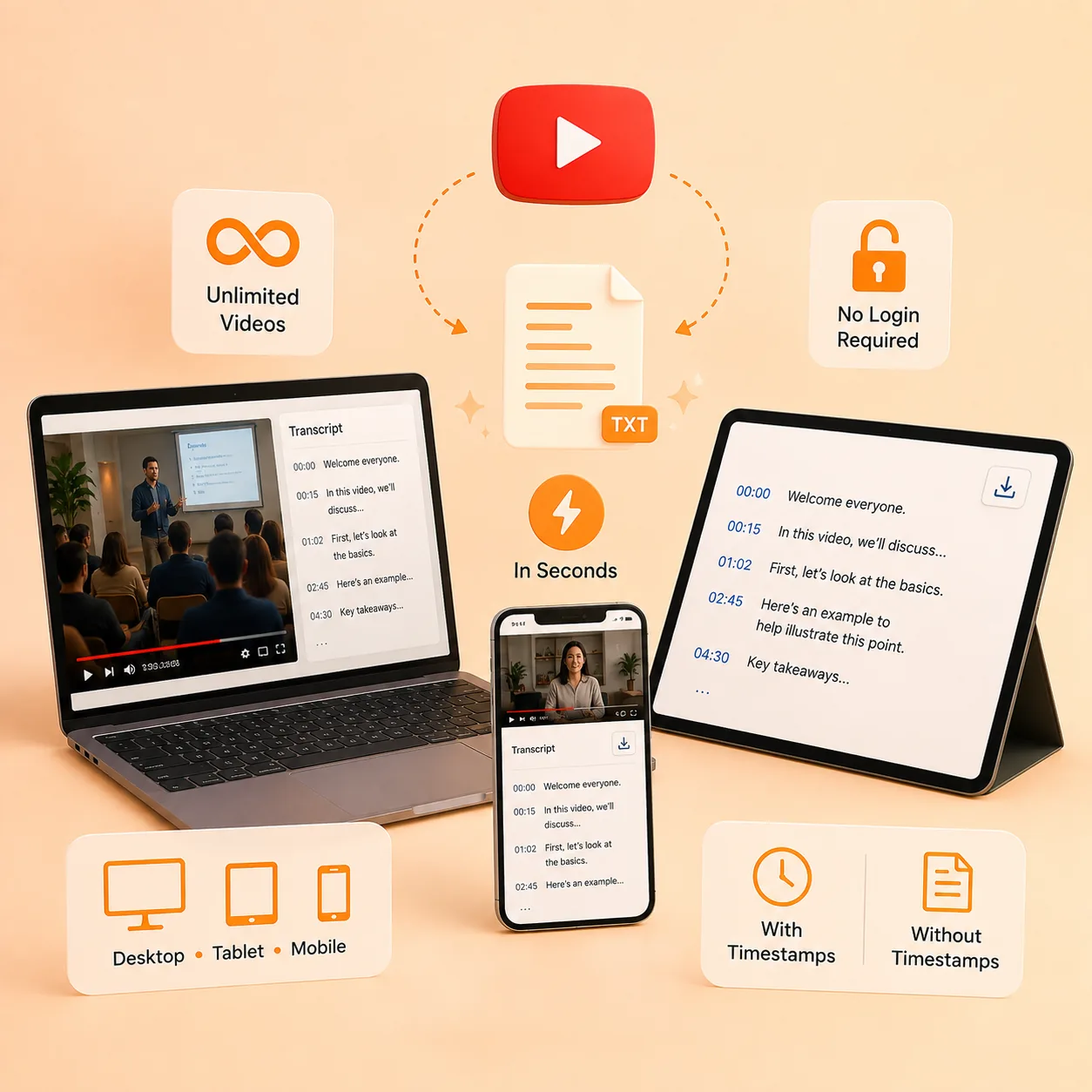
Free YouTube to Text with Unlimited YouTube Videos, on Any Device

There are no daily limits, no login requirements, and no restrictions on video length, so you can freely turn YouTube link to transcript for content batching, course creation, or deep research. Whether you work on desktop, tablet, or mobile, your YouTube video transcript is ready in seconds and can be downloaded with or without timestamps to fit your workflow.

Trusted by Millions of YouTube Users

Every day, thousands of people convert YouTube videos to text with Saveto AI. Here's what they say.

Daniel Kim
Daniel Kim Graduate Student

After every lecture I paste the YouTube link into the converter and get a timestamped transcript in seconds. The AI summary alone saves me hours a week, and the flashcards turn each video into material I actually remember.

Sofia Marques Podcast Producer

I transcribe every interview we publish. The speaker labels and timestamps make editing fast, and exporting the transcript for YouTube videos as SRT gives us accurate captions without paying for a third tool.

Marcus Lee
Marcus Lee Content Marketer

We repurpose one webinar into blog posts, LinkedIn threads, and captions. Converting a YouTube video to text used to be the slowest part of our workflow, but now it's the fastest. Unlimited videos and no account wall won me over immediately.

Help Center

FAQs about Online YouTube to Transcript

Everything about getting a transcript for YouTube videos, answered.

What is YouTube to transcript?

YouTube to transcript refers to the process of converting a YouTube video into a written text version. It takes the audio from a YouTube video and generates a full transcript for YouTube videos, often with timestamps, subtitles, chapters, and summaries.
How many YouTube video to transcript extractions can I do for free?

Unlimited. There are no daily usage limits, so you can transcribe as many YouTube videos as you need.

Can I transcribe long YouTube videos to text?

Yes. Our free tool supports long videos, including lectures, webinars, and podcasts.

Can I download the transcript without timestamps?

Yes. You can download the YouTube video transcript with timestamps for precise reference, or as clean text without timestamps.

How long do I have to wait for the YouTube to transcript result?

Very fast. In most cases, a 10-minute video can be transcribed in about 1 minute. Our transcriber is optimized to convert YouTube video to text quickly.

What languages are supported?

All languages that YouTube provides captions for (150+ languages and accents). The tool detects available tracks automatically.

Does this YouTube to transcript tool store or share my videos or text?

No. The YouTube to transcript process runs securely on our servers, and your text is not used to train models or shared with third parties.

Creating a transcript for YouTube videos for personal use, study, research, or accessibility may be permitted depending on your location and how you use the transcript. Always check local laws and the video owner’s terms before publishing or monetizing a yt transcript.