
100% Free AI Transcription Tool Online (Unlimited)
All-in-one AI transcription tool for audio, video, and your YouTube channel, making your daily work easier, faster, and far more efficient.
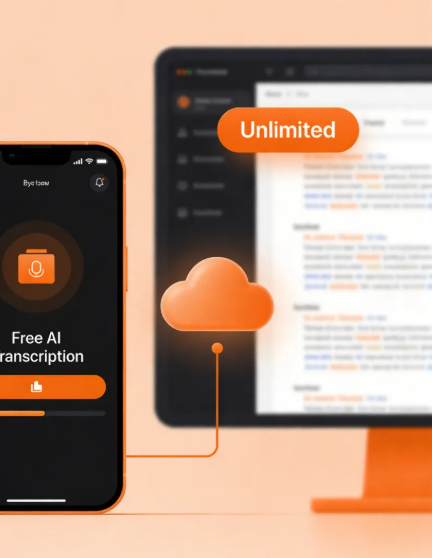
Convert Your Audio & Video to Text Online
3 Easy Steps to Use Our AI Transcription Tool
Upload your file, whether it's video or audio, and choose the speaker's language. Our AI transcription tool will complete the process in 3–5 seconds with up to 99.9% accuracy.
Step 1: Upload Your File
Step 2: Select the Language
Step3: Start Transcribing
AI Transcription Tool Makes Your Life Easier
Free
Transcription Accuracy
Languages Supported
Fast Results
Convert Audio & Video to Text in Seconds
If you need to process large amounts of audio and video content, using a 100% free AI transcription tool is essential. You can get accurate results without spending a lot of money. Try Saveto, it's completely free, requires no login, and has no limits or restrictions.
Who Can Benefit from Our AI Transcription Tool?
From sales to education, various industries have trusted our AI transcription tool. Join them, boost your efficiency, and let it become your best assistant.
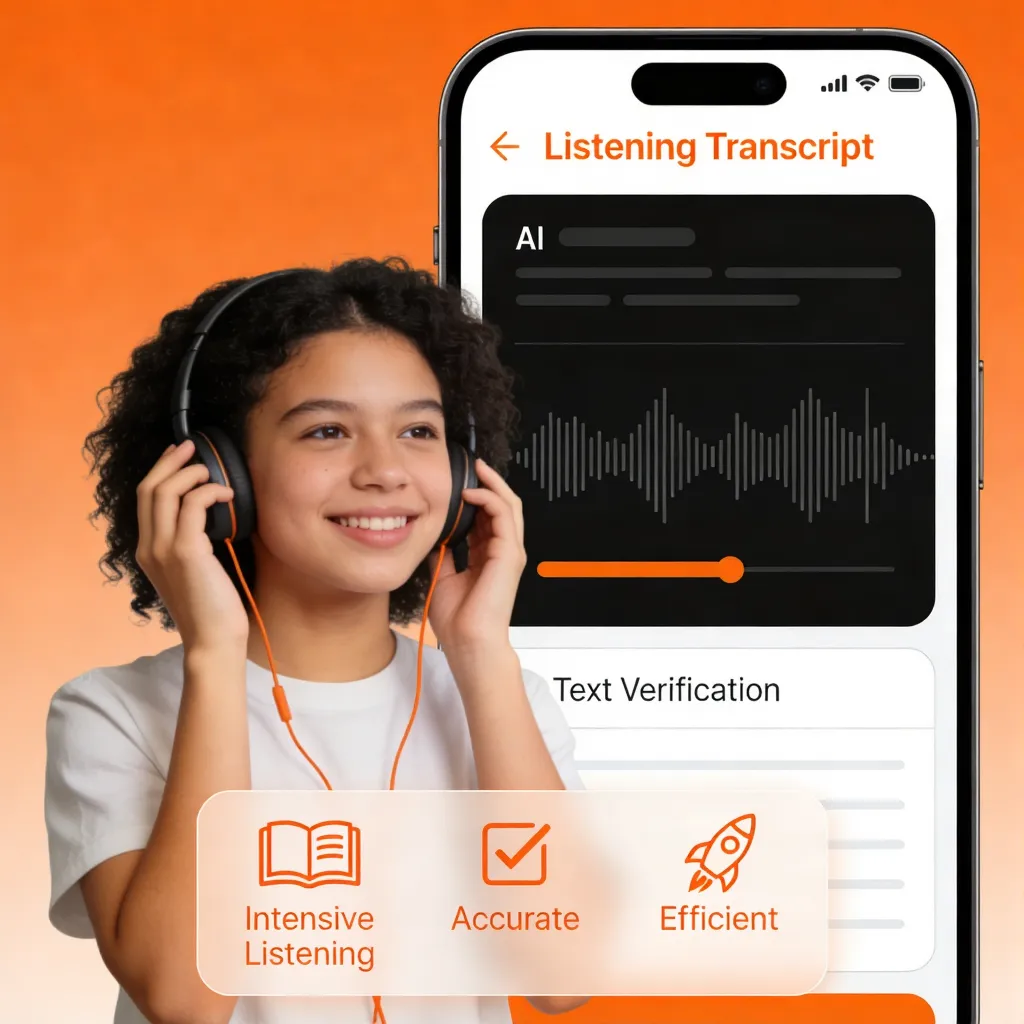
Education
For students, quickly convert challenging listening materials into text for verification, achieving intensive listening practice and making learning more convenient.
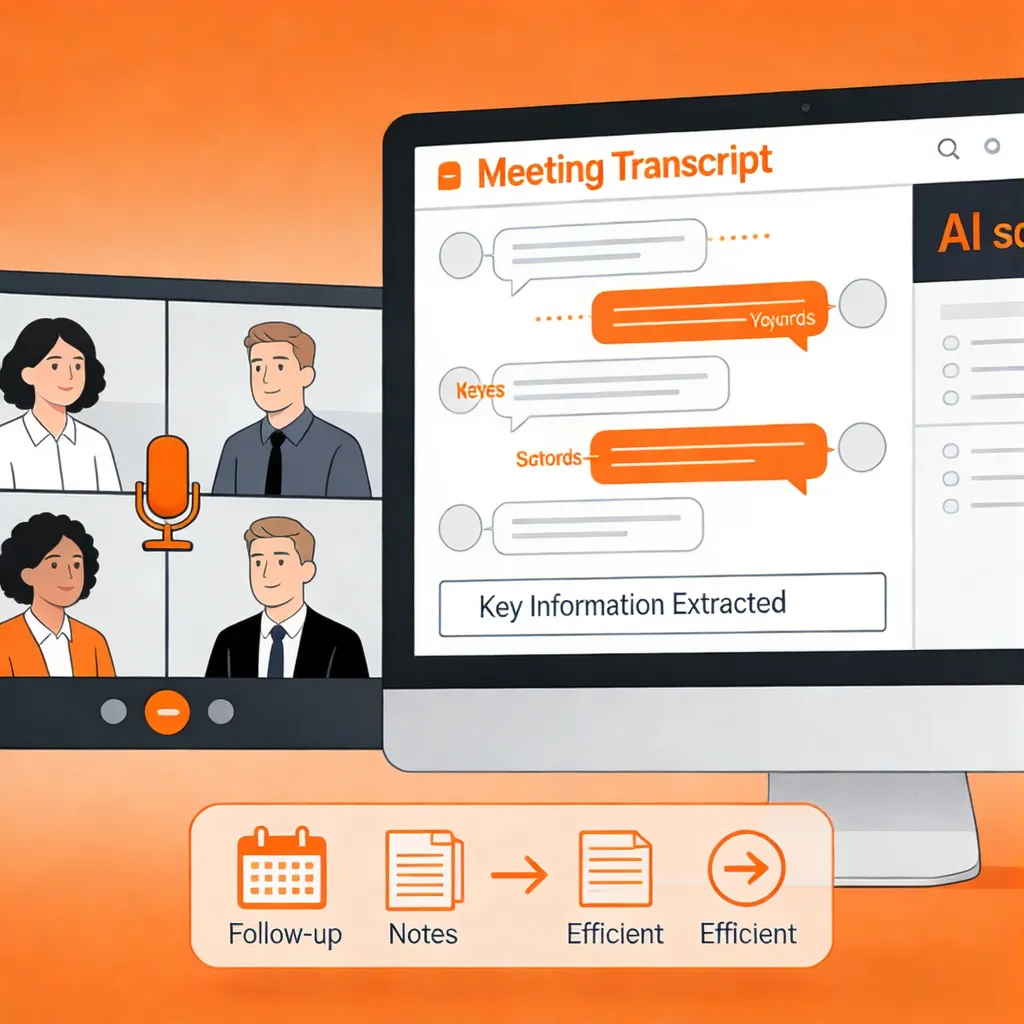
Sales
For overseas sales teams, transcribe online meetings or calls to extract key information points, making follow-ups more efficient.
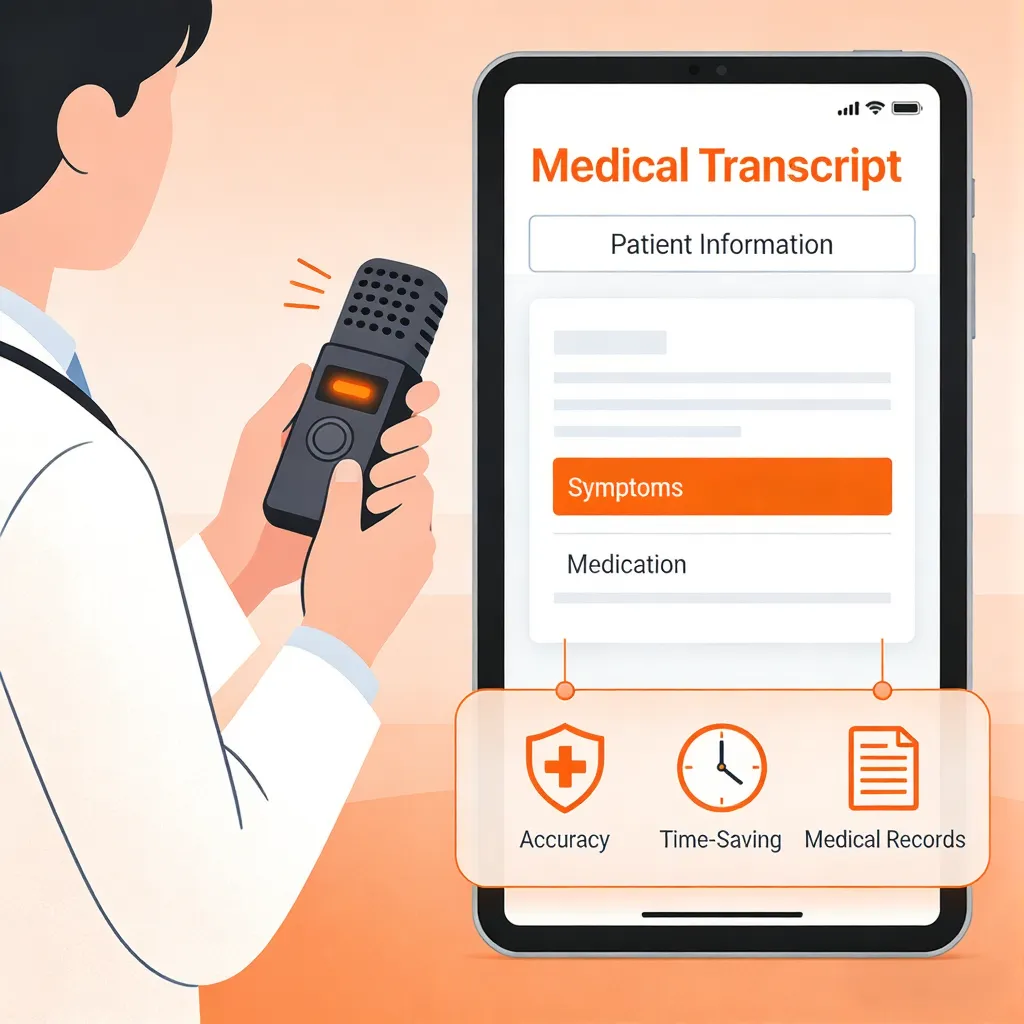
Medical
Record patient interviews on-site and transcribe them into medical records, ensuring highly accurate patient information while saving considerable time.
Explore All-in-One AI Transcription Tool Features
Saveto provides the most comprehensive and versatile transcription tools. Whether it's audio, video, or even your YouTube Shorts, our AI transcription tool delivers highly accurate results at no cost.
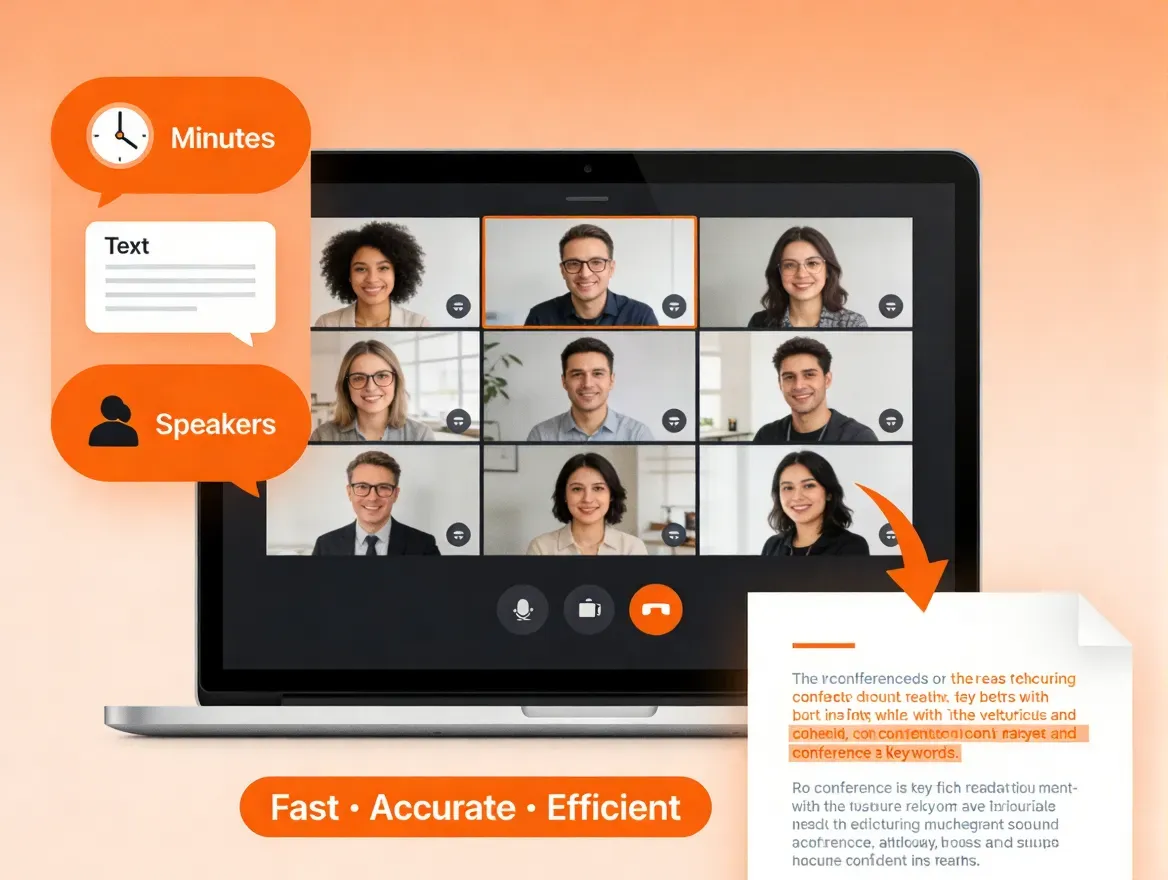
Video to Text
Too many points missed during your online meetings? For busy professionals, our AI transcription tool can quickly convert your video to text. In just a few minutes, you can get complete meeting minutes without recording every word. It accurately captures each team member's speech, making meeting minute creation fast, efficient, and precise.
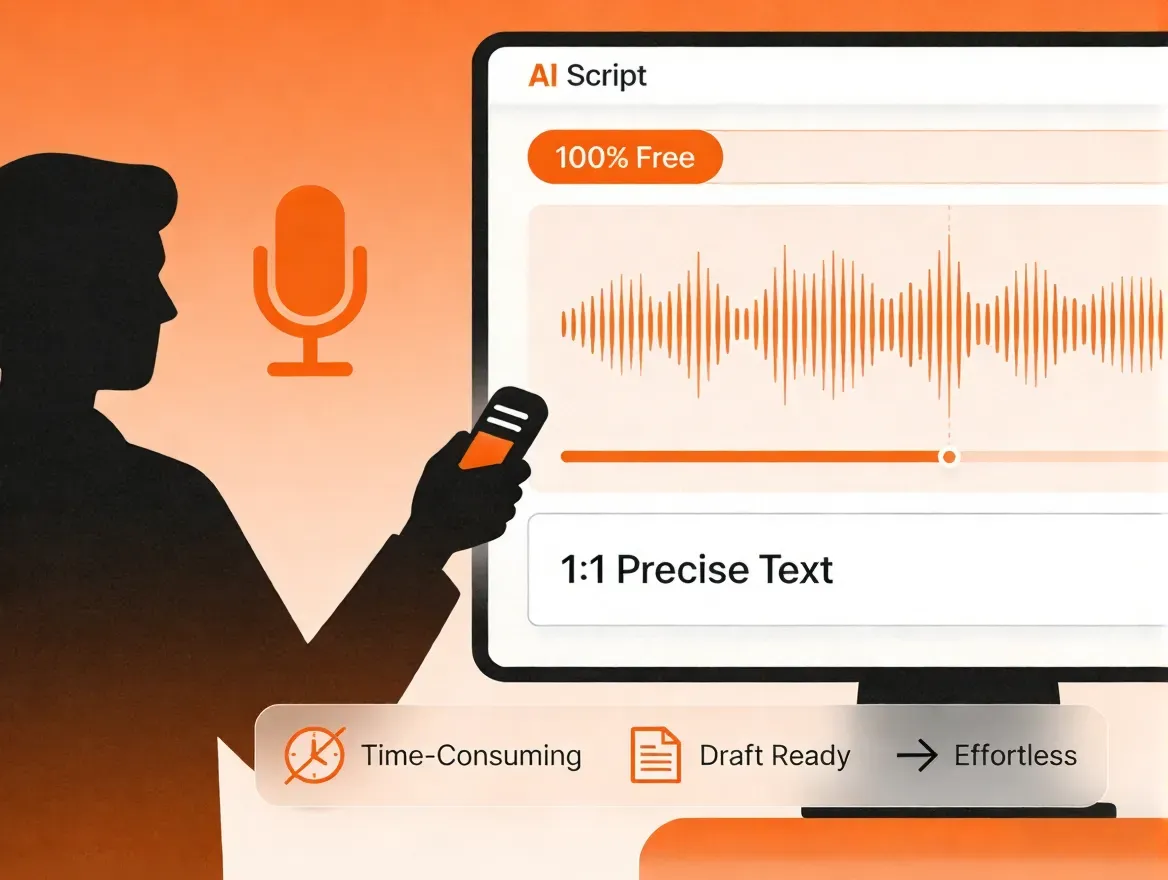
Audio to Text
For journalists, transcribing interview recordings can be extremely time-consuming. With our 100% free AI transcription tool, you can get accurate transcriptions without spending any money or effort. It delivers 1:1 precise text, eliminating the need to rewind and replay, allowing you to quickly convert audio content into ready-to-use written drafts.
YouTube Transcript Generator
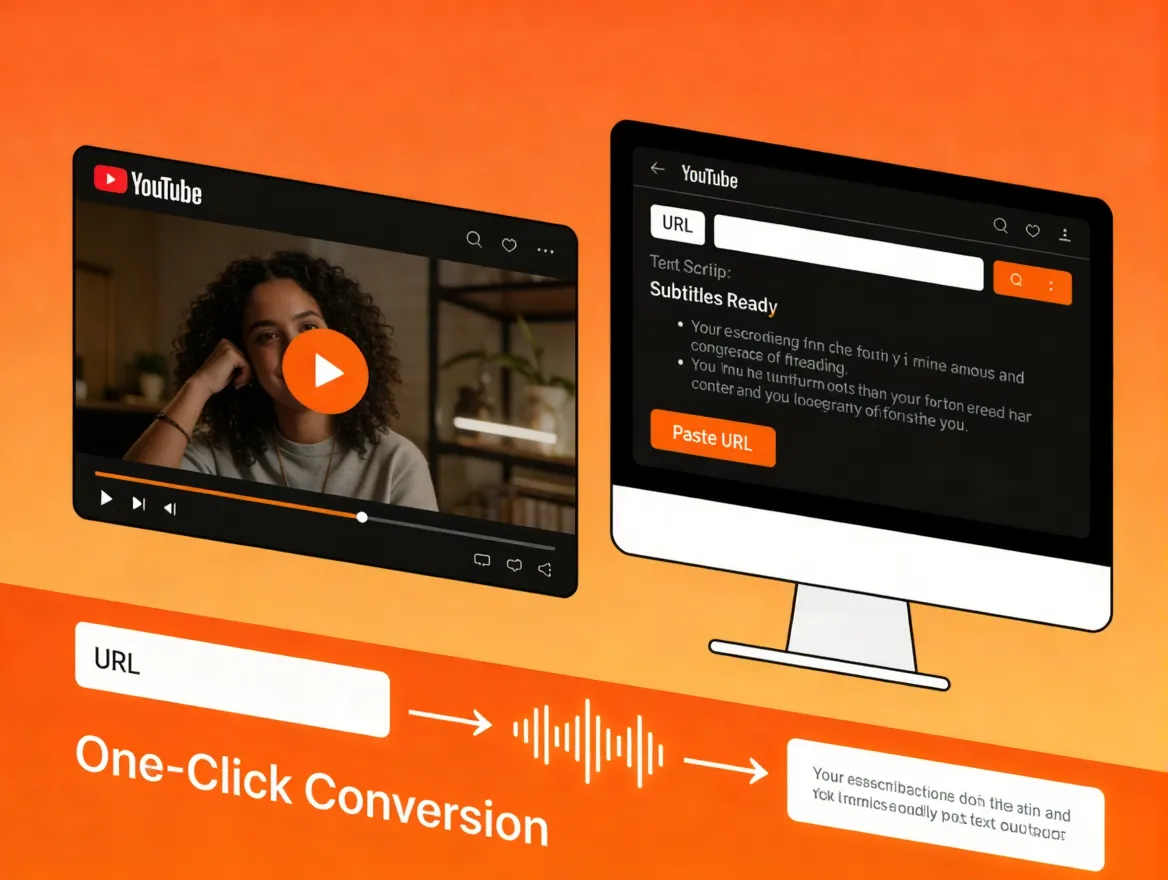
Whether it's a YouTube video or a YouTube Short, just paste the URL and our AI transcription tool will handle the conversion in one click. With support for 200+ languages, creators worldwide can easily turn their YouTube content into text for subtitles, no manual typing needed.
Transcribe in 200+ Languages with Saveto
It's not limited to English audio or video, you can transcribe files in almost any language. Our AI transcription tool offers a comprehensive and robust language support system.

English

Portuguese

Spanish

Korean

French

Japanese
Try More Transcription Tools for Free
Help Center
AI Transcription Tool Q&A
If you have any questions or suggestions about our transcription tool, please feel free to share your feedback with us.
1. What is AI transcription tool?
Our AI transcription tool instantly converts your audio or video into text, making it a reliable helper for boosting both work and study efficiency. You can use it for meeting notes, learning materials, YouTube videos, and many other tasks.
2. Is your transcription tool completely free?
Yes, it’s 100% free with no daily limits and no restrictions on use.
3. Do I need to log in before I can start transcribing?
No, you don’t need to log in. You can start using it immediately, completely hassle-free and no account required.
4. Is there a file size limit for the audio or video I upload for transcription?
Yes, we currently support files up to 100MB. Larger files may slow down the transcription process, so the 100MB limit helps ensure faster, smoother.
5. What languages does the transcription tool support?
Our transcription tool supports all common languages, plus over 200 additional languages, covering nearly every language spoken around the world.