
Instantly Convert MP3 to Text with AI
Simply upload your MP3 file and get an accurate, editable transcript in seconds. Our free AI mp3 to text converter supports 120+ languages — completely free.
✅ No file size limit | ✅ No sign-up | ✅ 99% accuracy
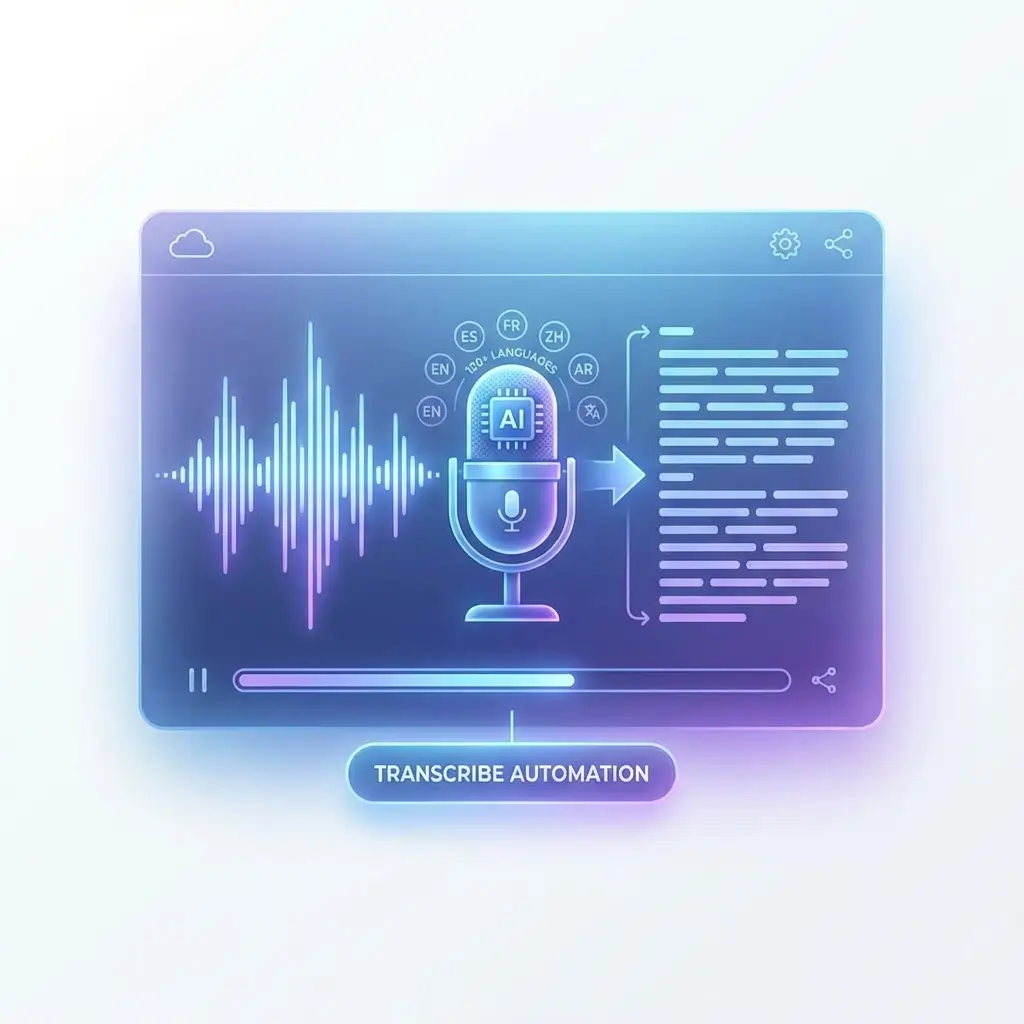
Transcribe MP3 to Text No Limit with AI
Only upload your audio file, and it will convert MP3 to TXT file.
⚡ Results in under 60 seconds | 🌍 120+ languages supported
How to do
How to Convert MP3 Audio File to Text in 3 Easy Steps
Using MP3 to text conversion software, you can quickly obtain accurate text transcripts.
Upload Your MP3 Audio File
Drag and drop your MP3 audio file into the uploader, or click to browse from your local device, Google Drive, or Dropbox. We support MP3 and all major audio formats including WAV, M4A, and OGG.
AI Transcribe MP3 to Text Automatically
our AI instantly converts your mp3 to text with up to 99% accuracy. it detects language automatically and handles accents, background noise, multiple speakers.
Edit, Download & Use it
Review and edit your transcript in our interactive editor. Export as TXT, DOCX, SRT, PDF, or VTT. Share directly or copy to your clipboard in one click. Use the transcribed text wherever you need to use it.
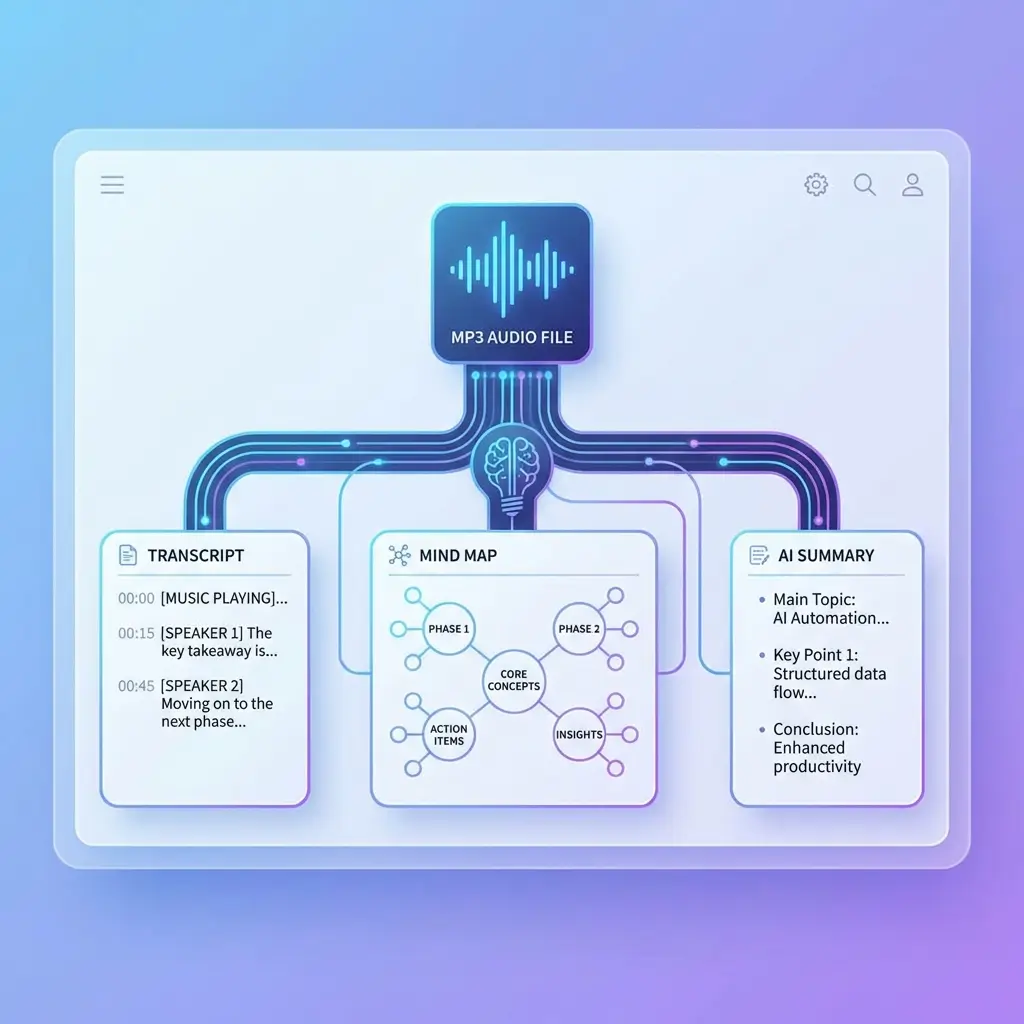
Transcribing MP3 to Structured Text Enhances Understanding
Using our free MP3 to text converter, you can generate structured text, including timestamped transcripts and organized mind maps, making it easy to understand the content quickly. You can also use AI to summarize the key points and generate an outline with one click—so you can grasp the content without even listening to the audio.
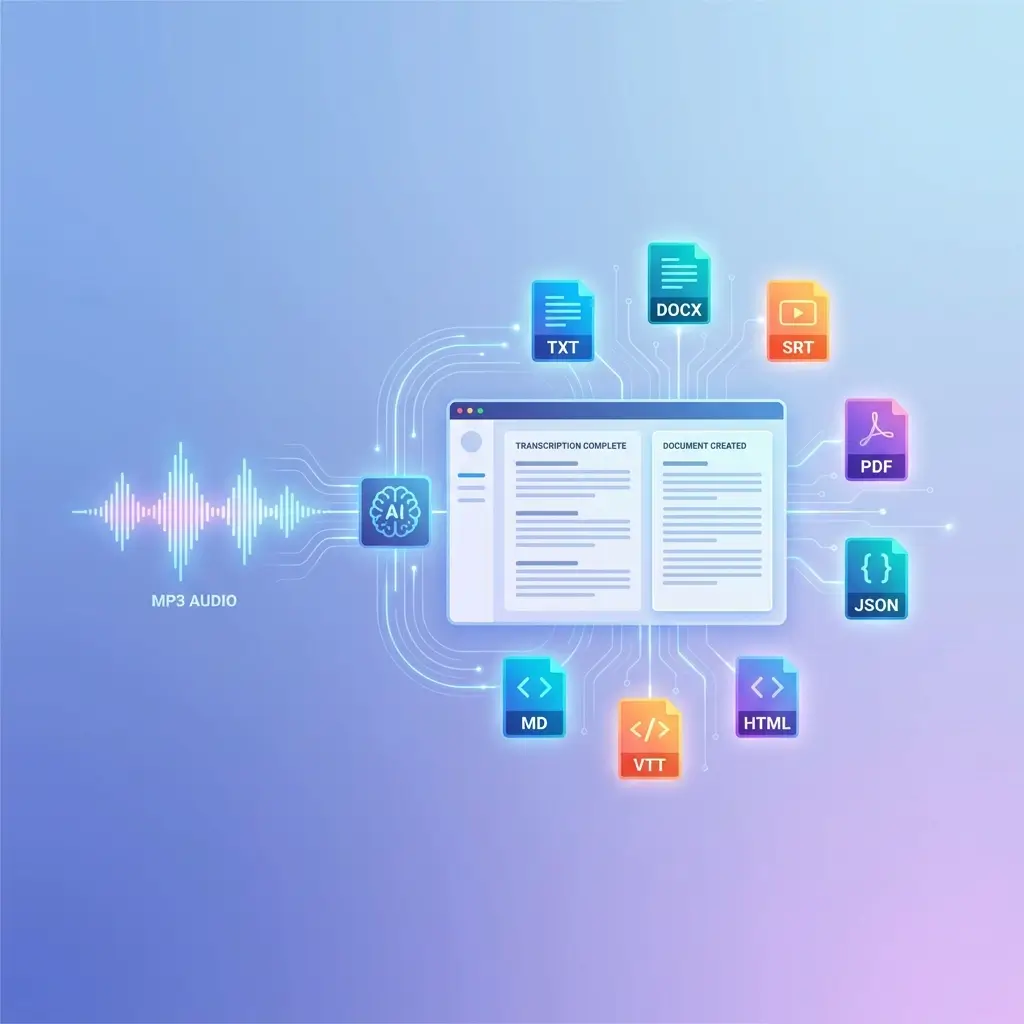
Multiple Export Formats for Different Application Scenarios
To make it easy for you to directly use the text transcript from MP3, our AI transcriber supports common text document formats, including but not limited to txt, DOCX, SRT, PDF, Json, HTML, VTT, and Markdown documents.
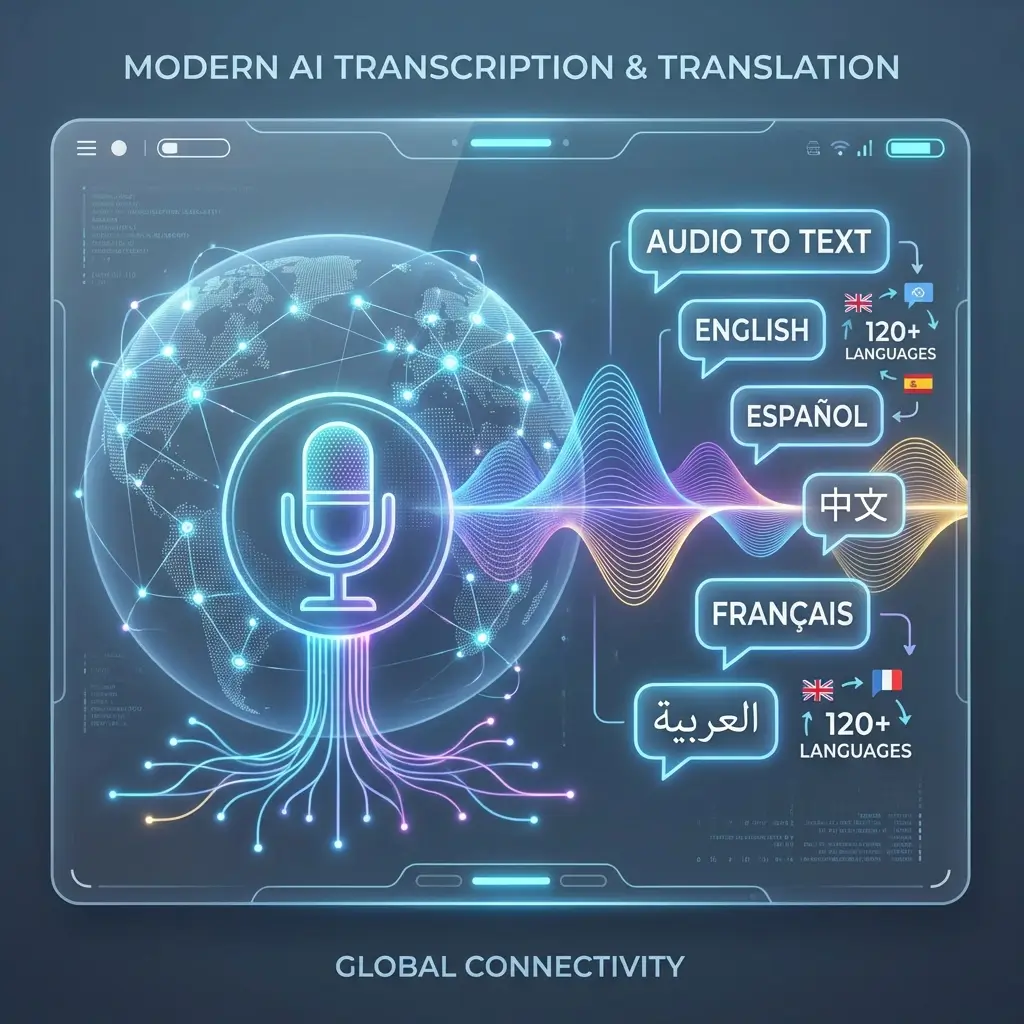
Translate MP3 to Text in 120+ Languages
Convert MP3 files to text in 120+ languages with a single click, overcoming language and cultural barriers. Learn from excellent audio content from around the world with this free AI transcription tool, making culture no longer an obstacle to learning.
99% Accuracy and 100% Secure & Private
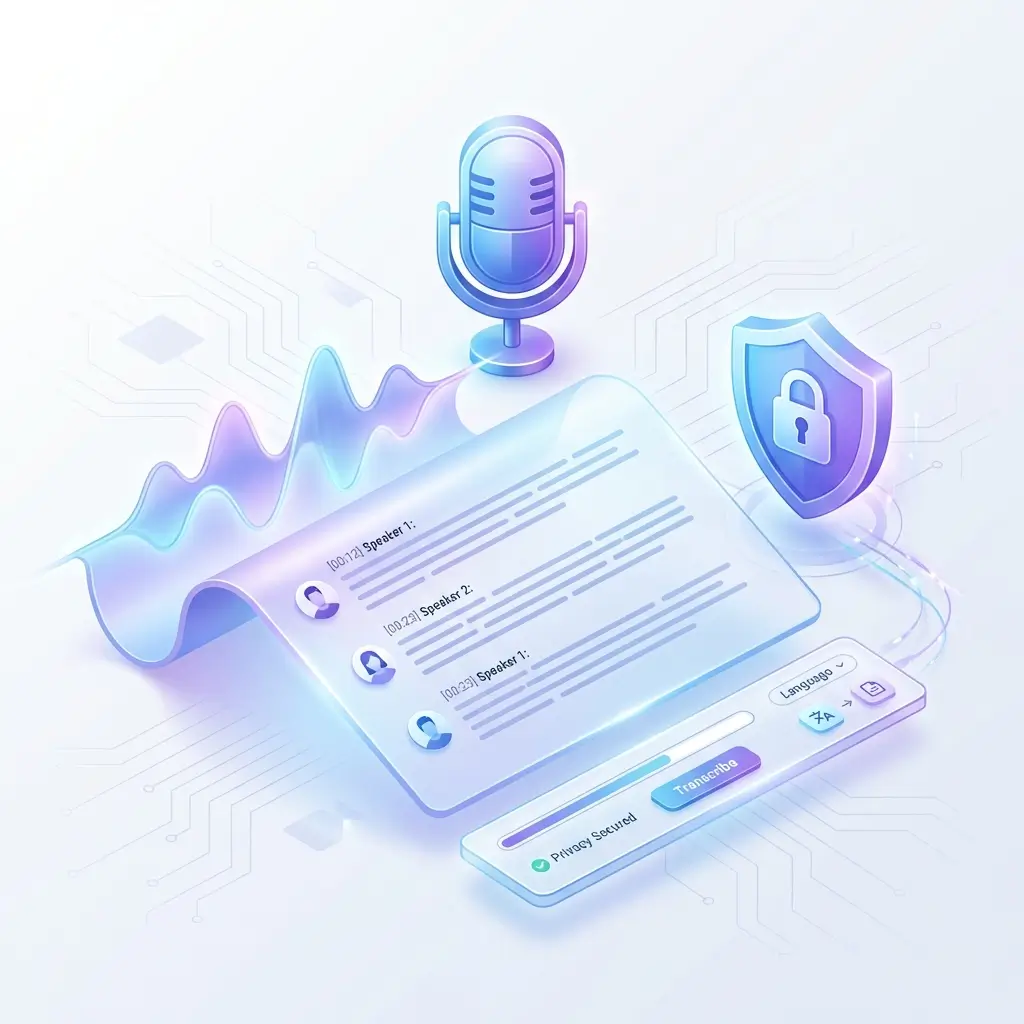
Powered by advanced audio recognition models, the system can automatically filter out background noise and identify multiple speakers in the audio. The entire process is handled automatically by the AI MP3-to-text converter—no login required and completely free. All uploaded records are permanently deleted after 24 hours.
Why Do Users Choose Our MP3 to Text Converter?
After using our MP3 audio file to text converter, many users shared feedback that has been extremely valuable to us.
“I run an independent podcast, and turning audio into text used to take a huge amount of time. This mp3 to text transcription tool has been a lifesaver. It quickly converts recordings into full transcripts, so I can make a few edits and publish them as blog posts or show notes. My workflow is much smoother now.”
“Our team usually records internal meetings and client calls for reference. After running the recordings through this tool, we can easily turn them into clear meeting notes. The best part is that the transcript is searchable—when we need to find a specific decision or detail later, we can locate it instantly.”
“As a journalist, interviews are part of everyday work. I used to spend hours manually transcribing recordings. Now I upload the audio and get a draft transcript in minutes. After a quick edit, it’s ready to use, which lets me focus more on writing and shaping the story.”
“For research projects, our in-depth interviews can last one or two hours. This tool handles long recordings well and converts them into text reliably. Starting with a transcript draft makes proofreading and editing much easier than transcribing everything from scratch.”
Help Center
MP3 to Text Converter Q&A
If you have any questions or suggestions about our transcription tool, we’d love to hear from you.
1. What is an MP3 to Text Converter?
2. Is this MP3 to Text tool really free?
Yes. It is completely free to use and requires no registration.
3. Are there any file size limits?
4. How accurate is the transcription?
5. Which languages does it support?
6. Can I convert MP3 audio files with multiple speakers to text?
7.What formats can I export?
8.Is my MP3 file safe after uploading?
Start Converting MP3 to Text Right Now — It's Free
Join over 2 million users who rely on our mp3 to text tool every month. No credit card. No downloads. No sign-up.