
Free Google Drive Video Transcript Generator
Just paste a Google Drive link into our google drive video transcript generator, generate accurate, readable transcripts, and download transcript without saving file first.
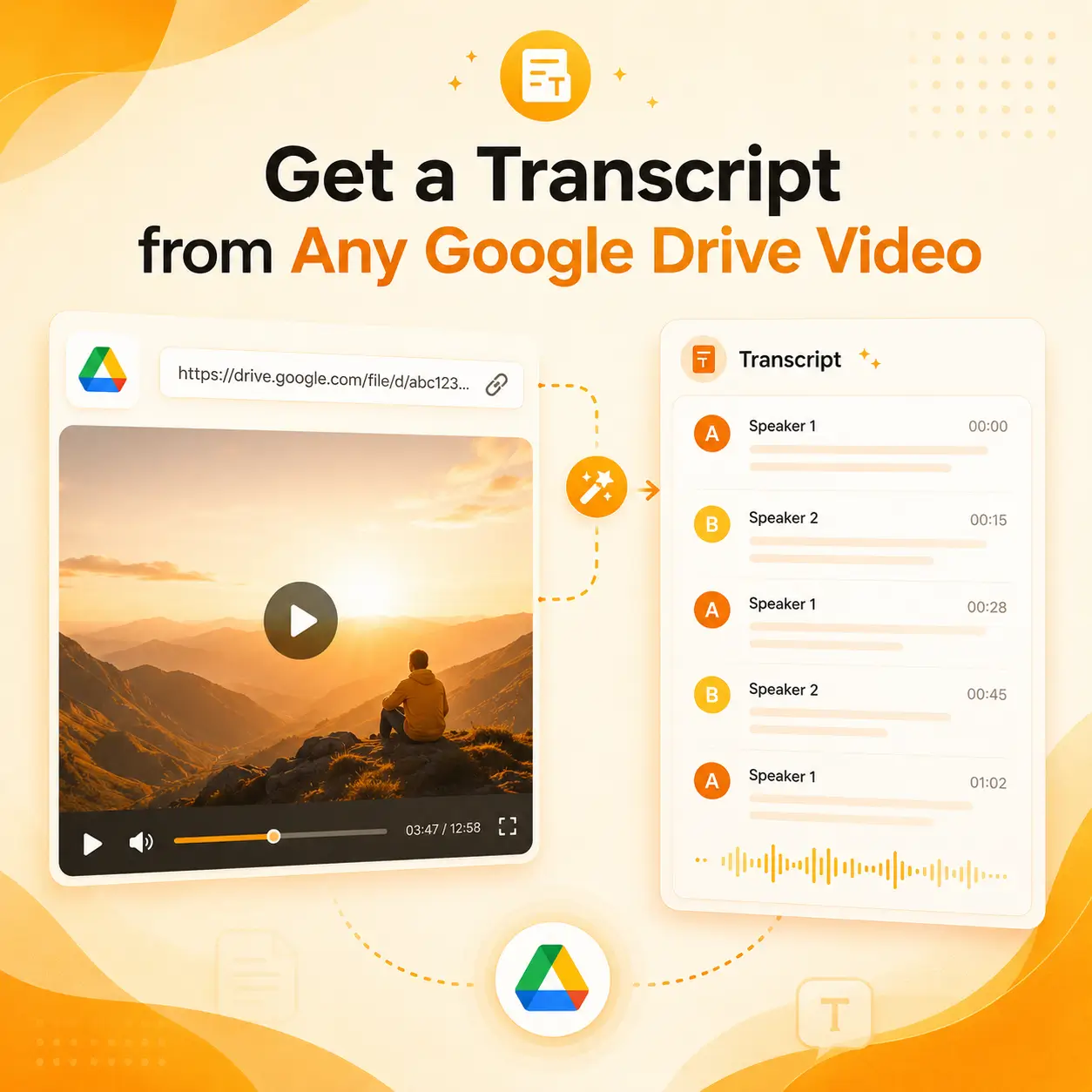
Get a Transcript from Any Google Drive Video
Videos stored in Google Drive often contain a wealth of valuable information buried within lengthy meetings, interviews, lectures, webinars, and training sessions. Finding a specific quote or key detail usually requires re-watching the entire recording. with our free Google Drive video transcript generator transforms your videos into accurate, searchable text complete with speaker labels and timestamps—all you need to do is provide an accessible Drive link.
What Problem Does the Google Drive Transcription Tool Solve?
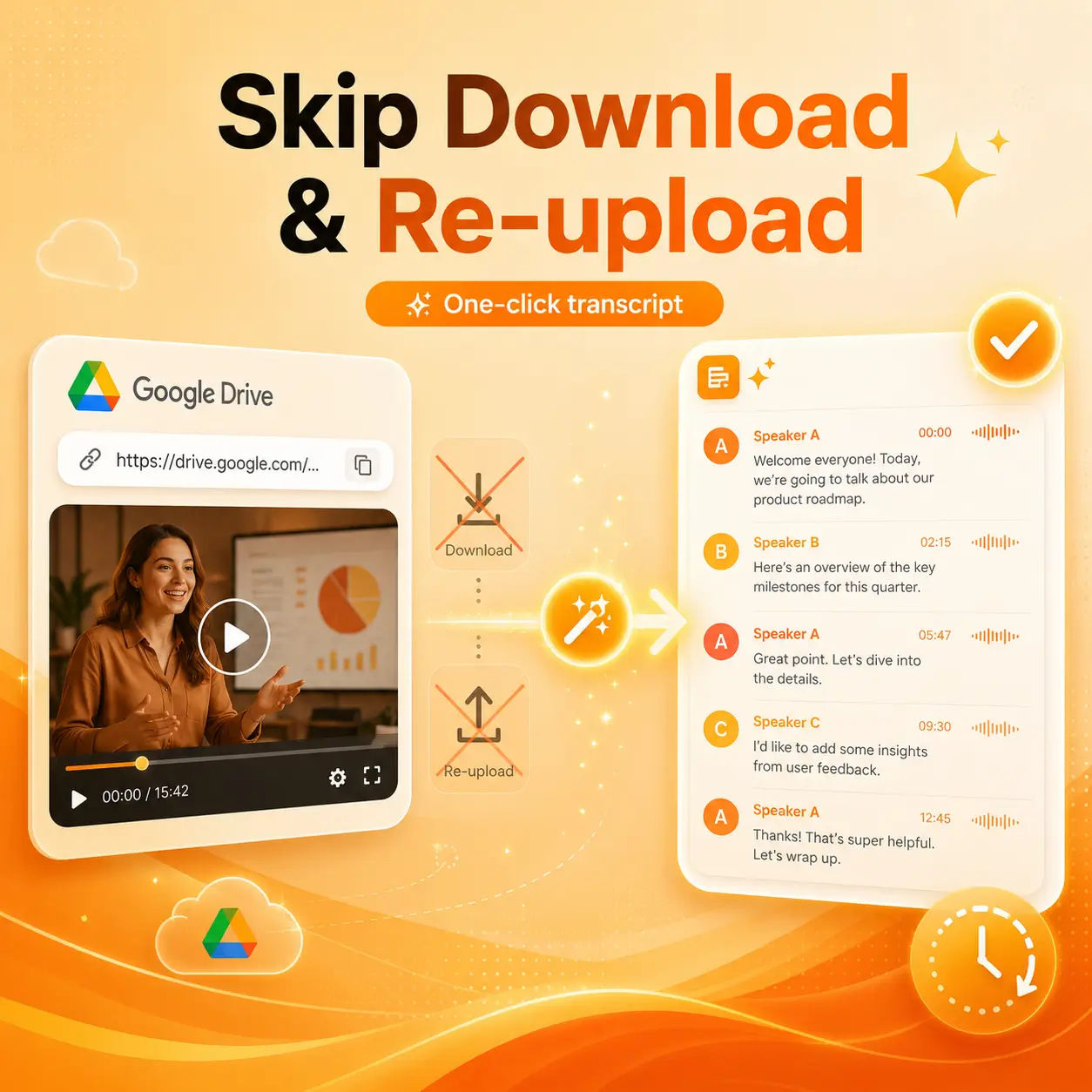
Skip the hassle of "download then re-upload." Downloading long videos from Google Drive can take hours or even longer. On top of that, many transcription platforms require you to re-upload the same file before processing even begins. This wastes a tremendous amount of time, consumes local storage space, and makes handling large recording files a frustrating experience. With our free Google Drive Video Transcript Generator, you can get an accurate transcript in just one click, eliminating all those unnecessary steps. Simply copy the share link and submit it to the transcription tool.
How to Download Transcript from Google Drive Video?
You can complete the process in just three steps using the Google Drive video transcript generator.
Copy the Google Drive Video Link
Open the video in Google Drive, select Share, and copy its link. Make sure the link has the access permissions required for the transcription tool to retrieve the file.
Generate the Transcript
Paste the Drive link into the Google Drive video to transcript tool. The video’s audio will be processed and converted into text.
Review and Download
Check the transcript, review the speaker labels and use timestamps to locate important moments. Download the result in your preferred available format.
What Makes Our Google Drive Video Transcript Generator Stand Out?
A high-quality Google Drive video transcript makes it easy to understand the content and locate exactly where it appears in the video.
Help Center
Frequently Asked Questions
If you have any questions or suggestions about our transcription tool, please feel free to share your feedback with us.
What is Google Drive transcription?
How do I transcribe a video from Google Drive?
Can I convert a Google Drive video to text without downloading it first?
Can a transcript be generated from a Google Drive video link?
What is a Google Drive link to text tool?
What is the difference between a transcript and subtitles for a Google video?
How do I download the transcript of a Google Drive video?
Can I download the Google Drive transcript as a subtitle file?
Can I transcribe private videos stored in Google Drive?
What types of Google Drive videos can I transcribe?
Are my transcribed files private and secure?
Turn Google Drive Video into a Transcript
Stop downloading large recordings just to convert them into text. Paste your Google Drive video link, generate a searchable transcript.