
Free YouTube to MP4 Converter Online
The fastest YouTube to MP4 converter, get video in 3 seconds, free for life. No ads and No login required, Supports 8K resolution and Works on all devices.
Notice:
- Ensure you hold the proper rights before downloading. Processing copyrighted material, such as commercial music, is strictly unsupported.
- Fair Use & Copyright Policy: By utilizing this service, you agree that all generated transcripts and downloaded media are for personal, non-commercial, or educational purposes. We strictly forbid the processing of copyrighted audio and video. Users are solely responsible for any legal repercussions arising from misuse.
- Content Creators: If you prefer your work not to be accessed by our AI, simply include #nodownload in your video description or tags. Our system will immediately bypass your content.
How To Get YouTube Video as MP4?
Copy the YouTube Video Link
Open the YouTube video, select and copy the video link with your mouse.
Open YouTube to MP4 Converter
Select the input box, paste the copied YouTube video link into the input box, and click "Parse URL".
Save Video
Select the appropriate resolution, then save it to your device.

Watch YouTube Videos Offline
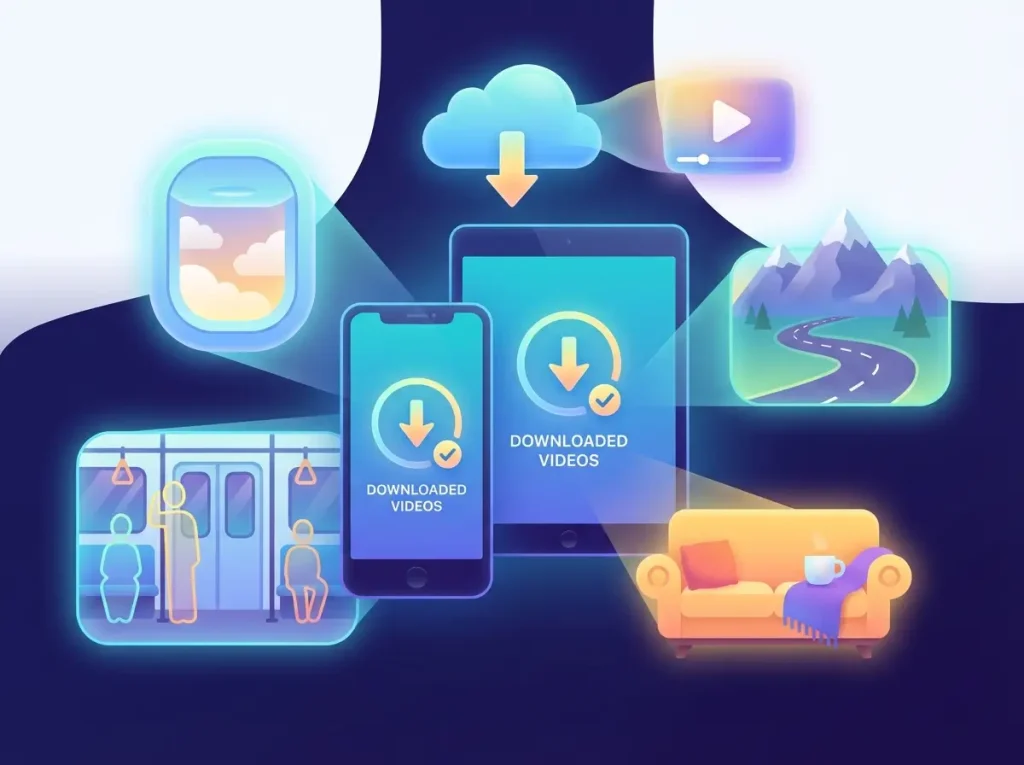
Our YouTube to MP4 converter helps users quickly convert and get YouTube videos to MP4 format, making it easy to save them to your local device for offline viewing anytime, anywhere. It's simple and fast to use, and suitable for various situations such as commuting, traveling, studying, or saving important video content.
YouTube to MP4 Converter Preserves Original Viewing Experience
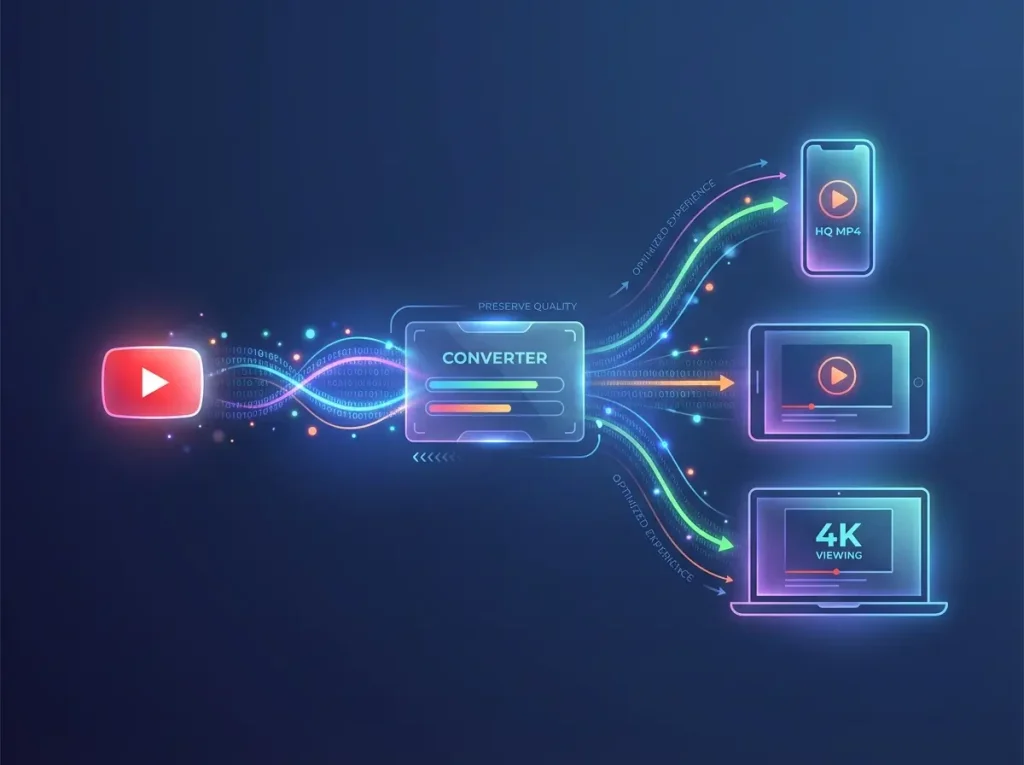
This YouTube to MP4 converter allows you to quickly and freely convert YouTube videos to MP4 format. It's easy to use, requires no registration, and is suitable for all users. It maintains the original video quality and is compatible with various systems and devices, making it convenient for users to get it and watch videos anytime, anywhere.
Get YT Videos with 100% Safety and Privacy
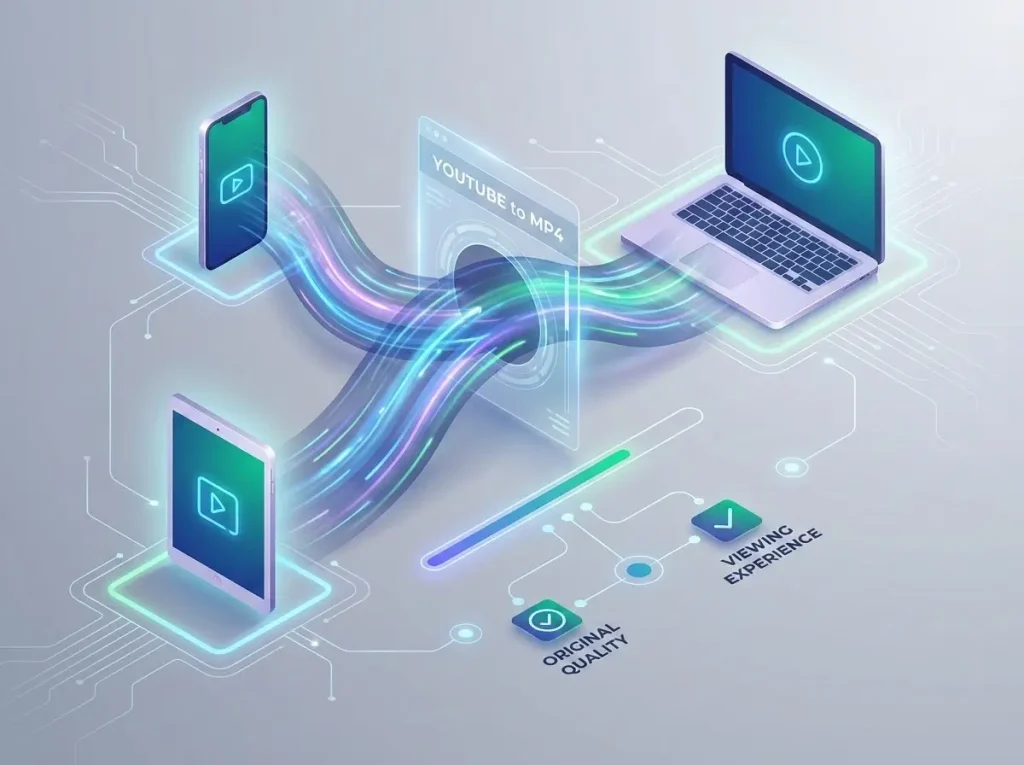
Based on advanced AI technology, our YouTube to MP4 converter ensures secure downloads, requires no registration or login, and does not collect your personal data. Enjoy worry-free downloads anytime.
What Are The Benefits of Using YouTube to MP4 Converter?
1. Saves mobile data and reduces consumption costs.
2. Supports offline viewing, avoiding buffering issues caused by unstable network connections.
3. Facilitates archiving videos for long-term storage and later viewing.
4. MP4 format is more convenient for direct sharing through social media applications.
5. Allows for smooth viewing with others anytime, anywhere, enhancing the sharing experience.
6. Don’t worry about not being able to watch YouTube videos while flying; you can still learn and be entertained without any problems.
Why Choose Saveto AI's YouTube to MP4 Converter?
1. Completely free and unlimited downloads; users do not need to pay, subscribe, or worry about download limits.
2. Extremely simple to use; anyone can use it. Simply paste the video link, select the format, and click download to complete the conversion.
3. Supports high-definition and even 4K video quality, allowing users to flexibly choose based on their storage space.
4. Supports direct use on multiple devices and systems; no software installation is required, and it can be used directly in a web browser.
5. Allows for offline viewing, increasing user freedom and eliminating dependence on an internet connection.
Help Center
AI Transcription Tool Q&A
If you have any questions or suggestions about our transcription tool, please feel free to share your feedback with us.
What is a YouTube to MP4 converter?
It’s an online video download tool that specializes in downloading YouTube videos in MP4 format.
How do I convert YouTube videos to MP4?
Simply copy the YouTube video link, paste it into the download box, select your desired format and resolution, and click download to complete the conversion.
Do I need to install any software or plugins?
No software or browser extensions are required; the conversion and download can be done directly in your browser.
Do I need to register an account to download?
No. This tool supports direct use without registration.
What is the quality of the downloaded videos?
The downloaded videos will maintain the original quality as much as possible and usually support multiple resolutions (such as 720p, 1080p, and even 4K).
Can I choose different video formats?
It usually supports mainstream formats such as MP4, and some tools also support converting YouTube to MP3.
Which devices does this tool support?
It supports devices such as mobile phones, tablets, and computers.
Is this tool safe to use?
Yes, it’s safe. No software installation is required, and it doesn’t ask for personal information. The overall usage process is safe and reliable.
Will my personal data be saved or tracked when downloading videos?
It does not store user download content or personal data, and prioritizes privacy protection.
Are there any limitations on video downloads?
Unlimited downloads are supported.
Why would I need to download YouTube videos?
Downloading allows for offline viewing, saves data, facilitates sharing, and allows for long-term preservation of important content.
Why did my download fail for a music video
Downloads of copyrighted content are not supported on our platform. To maintain compliance with international copyright laws, our system automatically filters out commercial music tracks and movies. Additionally, we respect creator preferences; if a channel uses the #nodownload tag, we block access. This tool is optimized for parsing podcasts, lectures, and instructional videos for personal use.
Discover More Other Free Tools
YouTube Transcript Generator
Directly transcribe YouTube videos online into any language you need.
Video to Text
Transcribing videos into text content makes them convenient for research and learning.
Audio to text
Convert audio to text online, suitable for transcribing meeting recordings into text.