
Free Dropbox Transcription Tool Online for Audio & Video
No need to download video or audio files from Dropbox. Simply paste a public Dropbox link to instantly transcribe audio or video to an accurate transcript with timestamps and speaker labels by free Dropbox transcription tool.
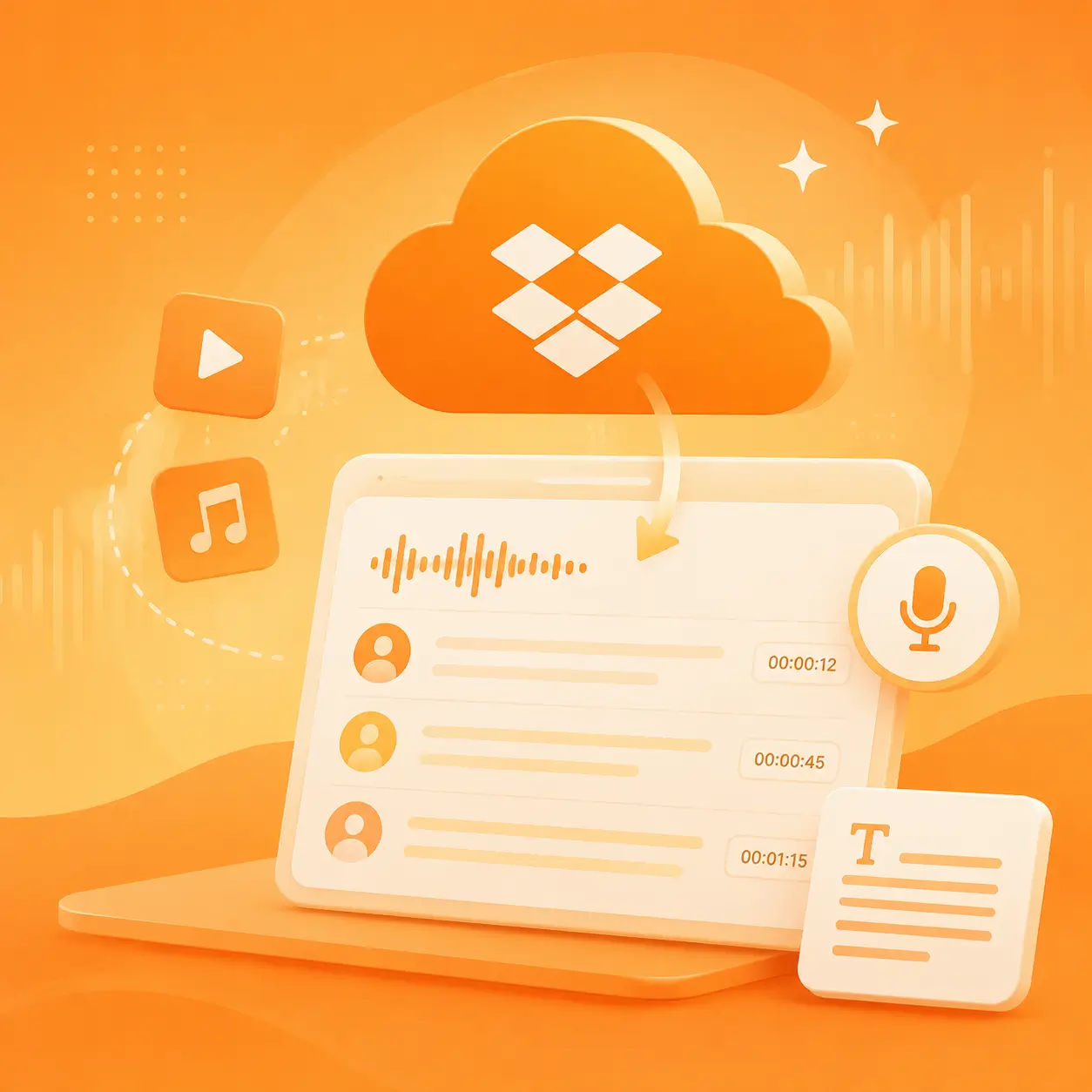
Transcribe Dropbox File to Accurate Transcripts Online
Simply copy the link into the Dropbox transcription tool to get a transcript with timestamps and speaker labels.
Note:
When transcribing Dropbox files, please ensure that you have granted authorization and made the link public.
- Only transcribe files you own or have permission to use.
- Do not upload or transcribe copyrighted audio, videos, music, films, courses, or meeting recordings without authorization.
- Make sure you have consent before transcribing interviews, customer calls, or private conversations.
- Review copyright, privacy, and compliance requirements before sharing, publishing, or using transcripts commercially.
- Unauthorized transcription or distribution may lead to copyright, privacy, or legal risks.
How it works
How Do I Use The Free AI Dropbox Transcription Tool?
Transcribe entire Dropbox files into accurate text via a link with just a few clicks.
Step 1: Paste the public Dropbox file link
Open the Dropbox transcription tool. Paste the link to the audio or video file, whether it’s from a meeting, interview, class, or content production session.
Step 2: Generate a timestamped transcript
The AI converts speech to text, adds timestamps, and identifies speakers. You can review the transcript alongside the original audio or video.
Step 3: Edit, summarize, and export to use
You can correct speaker labels, remove filler words, generate summaries, translate the transcript, or export it in TXT, DOCX, PDF, SRT, VTT, or JSON formats.
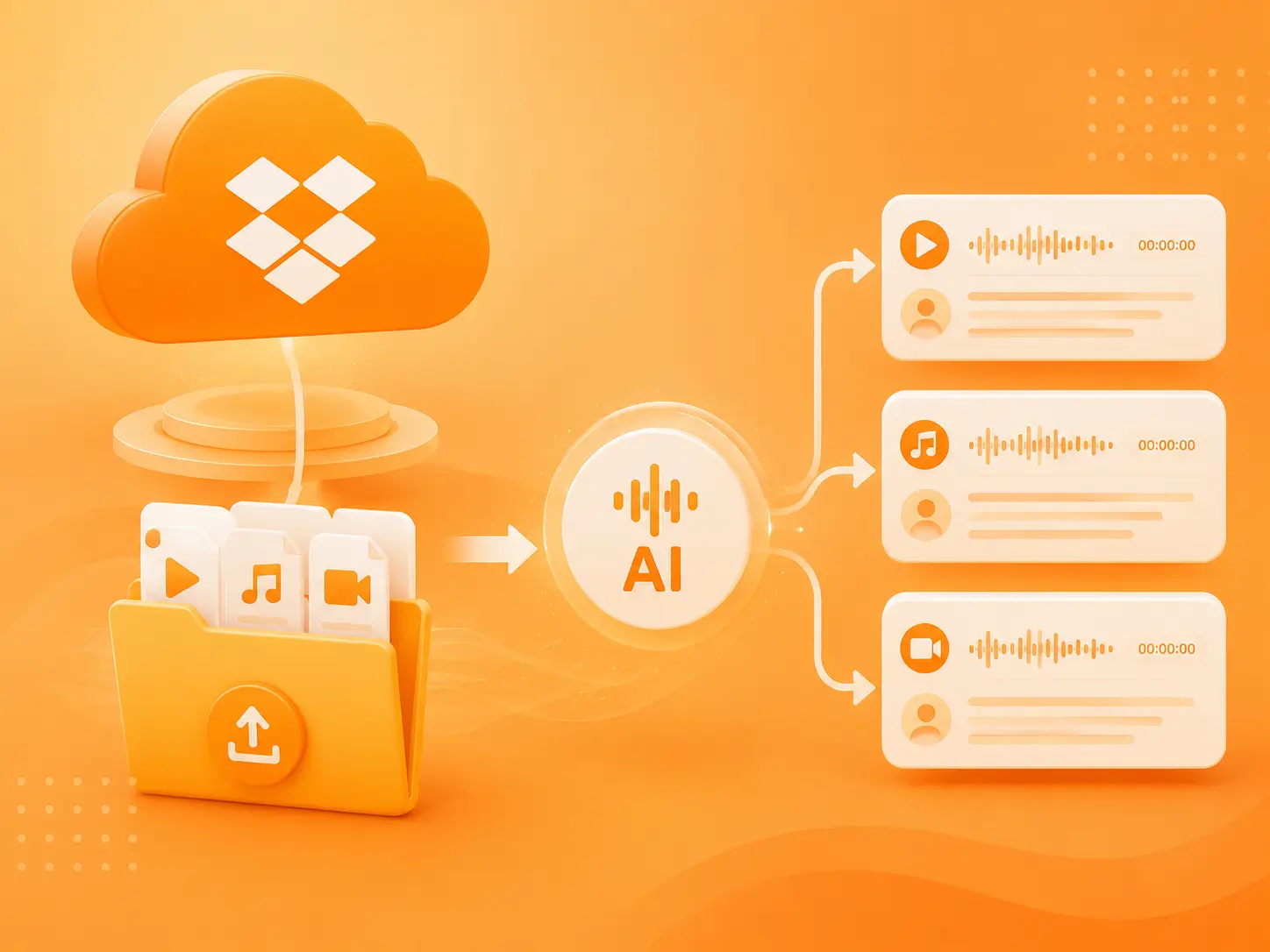
Batch Transcribe Dropbox Files with AI Online
Eliminate repetitive manual tasks and batch-process your Dropbox files using our free transcription tool. Whether you are an agency, researcher, legal team, educator, or content creator managing large volumes of audio and video recordings, you can boost your efficiency by 10x.
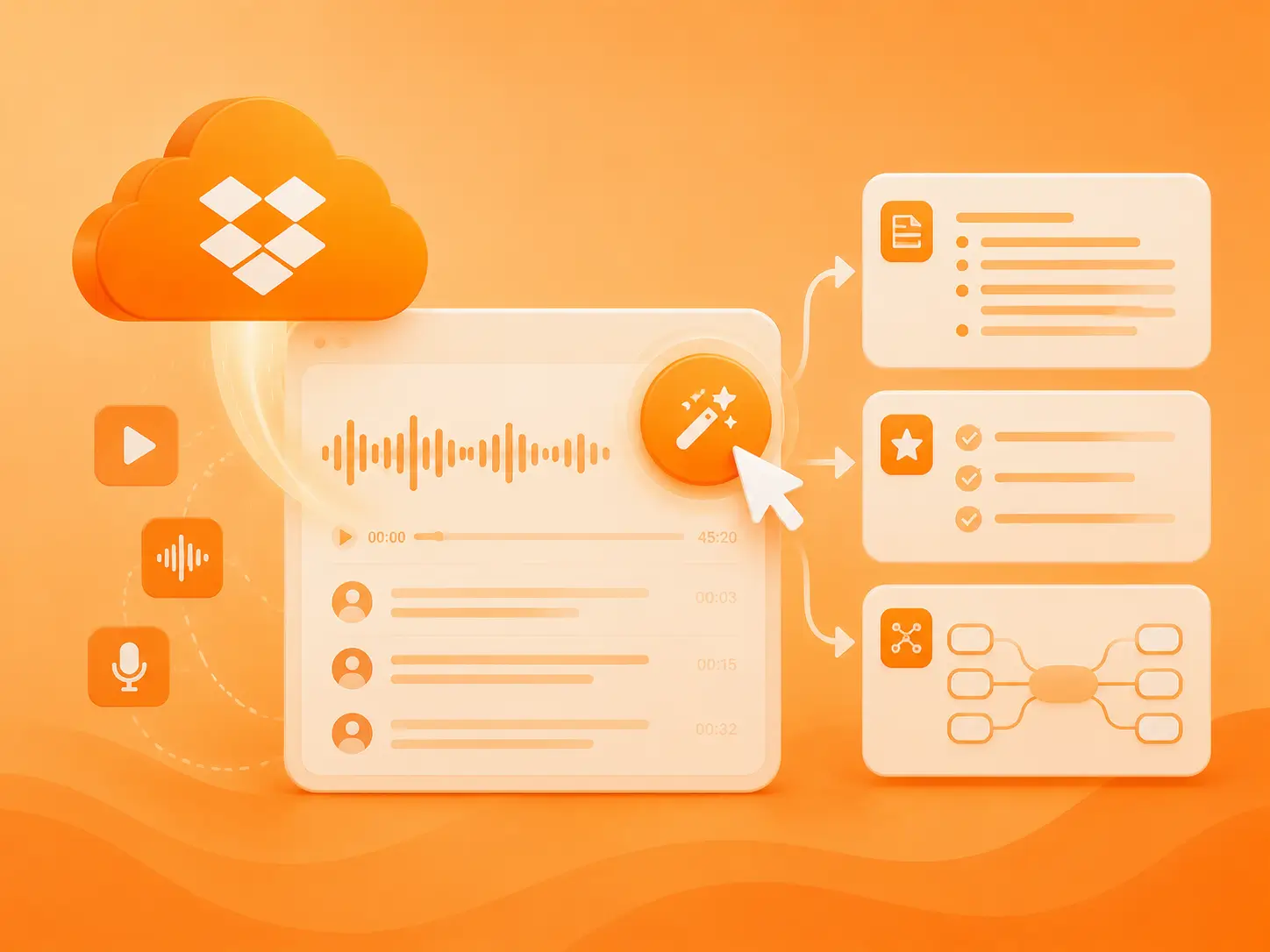
One-Click AI Summary & Mind Map with the Dropbox Transcription Tool
Need a deeper understanding of your content? With just one click, the Dropbox Transcription Tool can turn your recordings into concise summaries, key takeaways, and mind maps, helping you quickly capture the most important insights from meetings or interviews and move your work forward more efficiently.
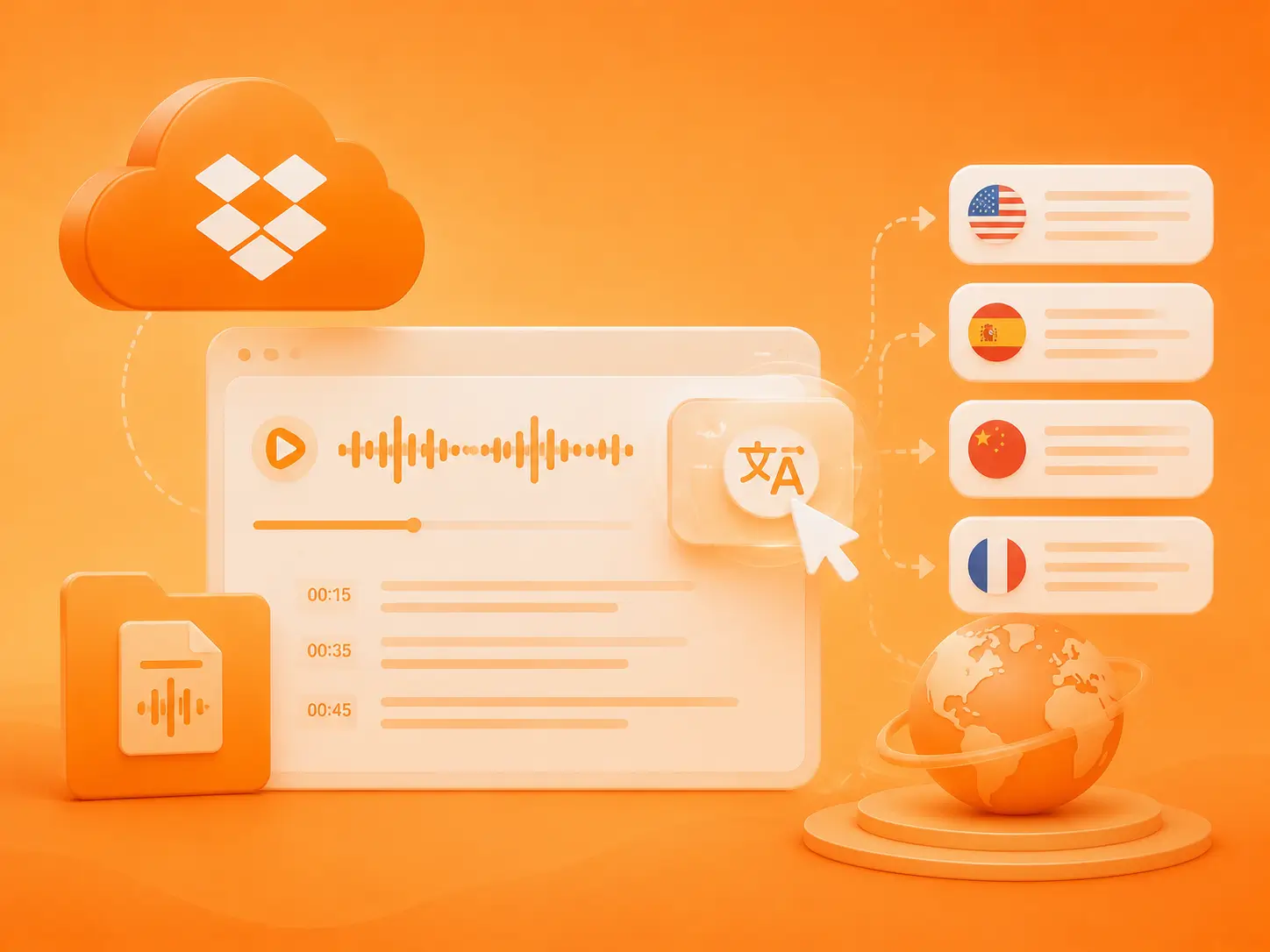
Translate Transcripts into Over 99+ Languages with A Single Click
Translate your Dropbox transcripts into multiple languages with the Dropbox Transcription Tool. Whether you're learning from the content or localizing it for a global audience, you can do it all in one click, no separate translation tool required.
Customer Testimonials
what People Say About Dropbox Transcription Tool?
Over 2 million users rely on our Dropbox transcription tool, see what they have to say.
“Most of our interview materials are stored in Dropbox. This Dropbox transcription tool has made the process of turning those materials into reviewed transcripts and research notes much more efficient.”
Emily Carter
Head of UX Research

“We needed features like speaker labeling, timestamps, and subtitle exports. Standard Dropbox preview capabilities simply couldn't meet the needs of our video workflow.”
Daniel Kim
Content Operations Manager

“Our team uses it to process customer call recordings from Dropbox and provide clear, organized summaries to the account managers.”
Maya Johnson
Director of Customer Success

Help Center
AI Dropbox Transcription Tool Q&A
If you have any questions or suggestions about our Dropbox transcription tool, please feel free to share your feedback with us.