
Free AI PPT Summarizer Online
Summarize 100+ Slides or PowerPoint into Key Insights with free AI PPT Summarizer in Seconds. Just need upload any PowerPoint file to get an instant AI summary and action items. 100% Free, no signup required.
Rated 4.9/5 by 1,000,000+ professionals, students, and teams worldwide.
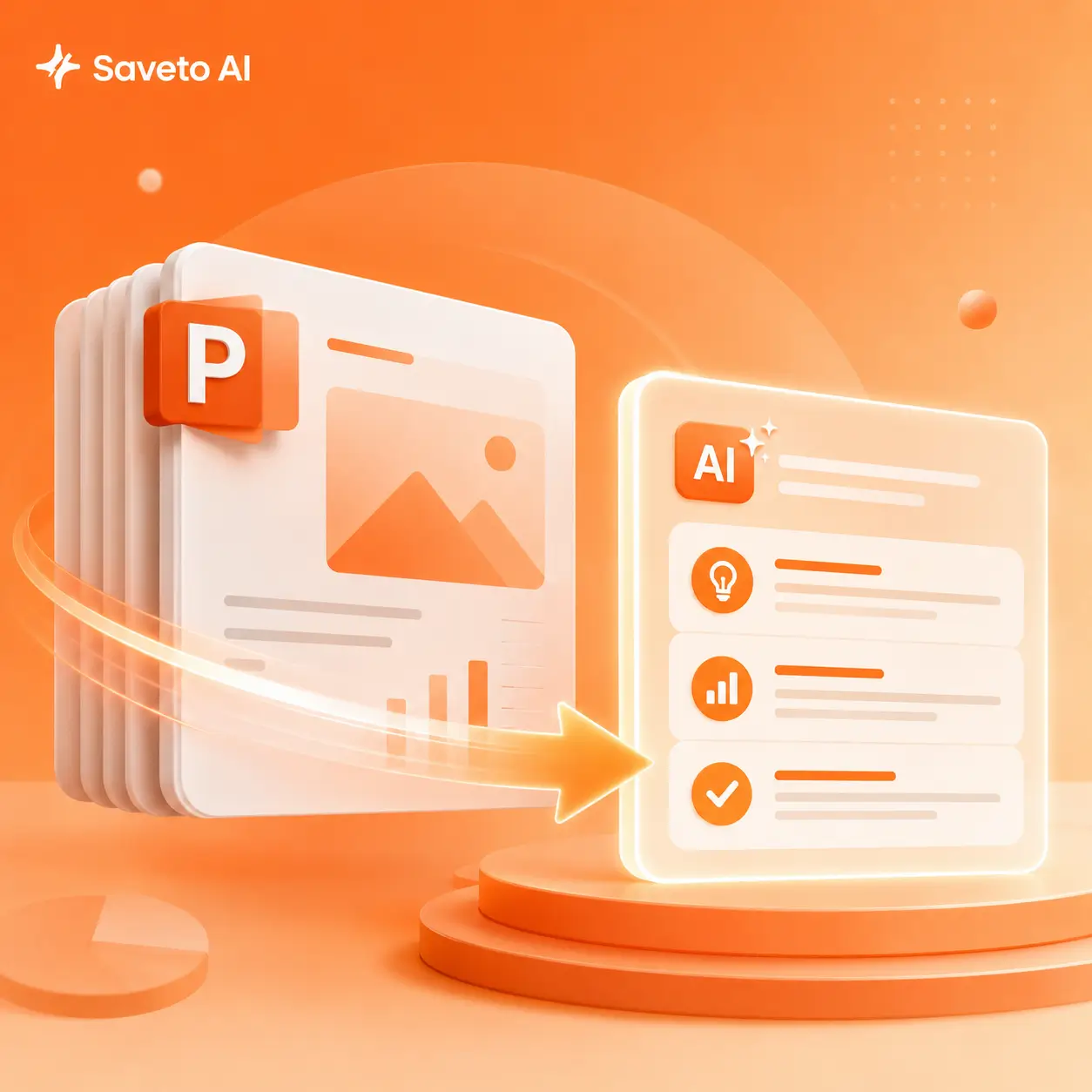
Instantly Get PPT Summary with AI Free Online
Upload your PowerPoint file to our free AI PPT summarizer, and wait just a few seconds to receive key insights.
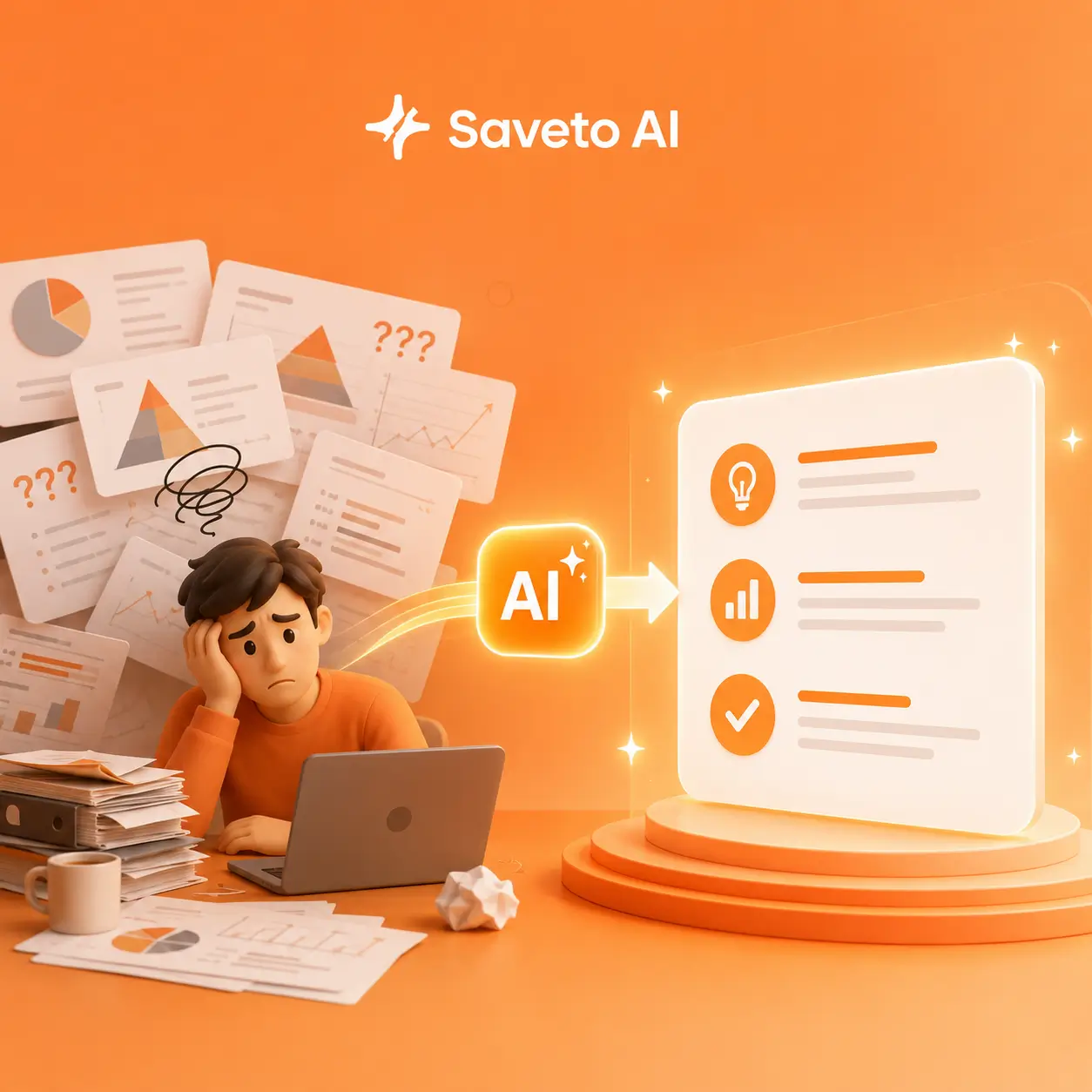
Still Struggling to Understand Complex PPTs?
Stop struggling with obscure jargon, complex charts, and endless corporate buzzwords. With our advanced and free AI PPT Summarizer, simply upload any presentation and our AI PowerPoint summarizer will instantly turn complicated slides into clear, actionable insights. Say goodbye to guesswork and information overload, enjoy fast, effortless understanding.
A Truly Powerful AI PPT Summarizer
Generic AI tools are often limited to processing plain text. Our advanced AI slides summarizer, however, performs a deep contextual analysis of entire presentations to deliver structured, in-depth insights.
Use AI PowerPoint Summarizer in 3 Simple Steps
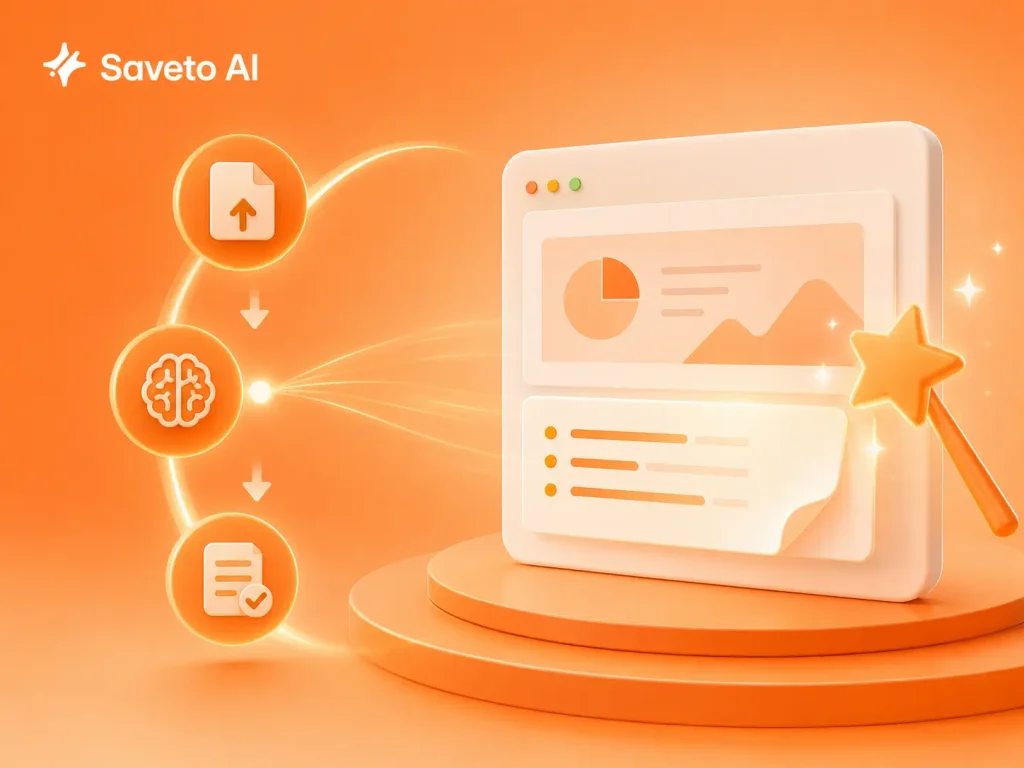
Step 1: Upload Presentation/PPTs/PowerPoint
Drop your .ppt or .pptx file into our free online AI PPT Summarizer.
Step 2: Let AI Process and Analyze
Wait the slides to notes AI scan every slide, graph, and hidden note and output summary.
Step 3: Read and Use it for work
Get your structured notes, download the interactive mind map, or chat with the PPT to ask specific questions.
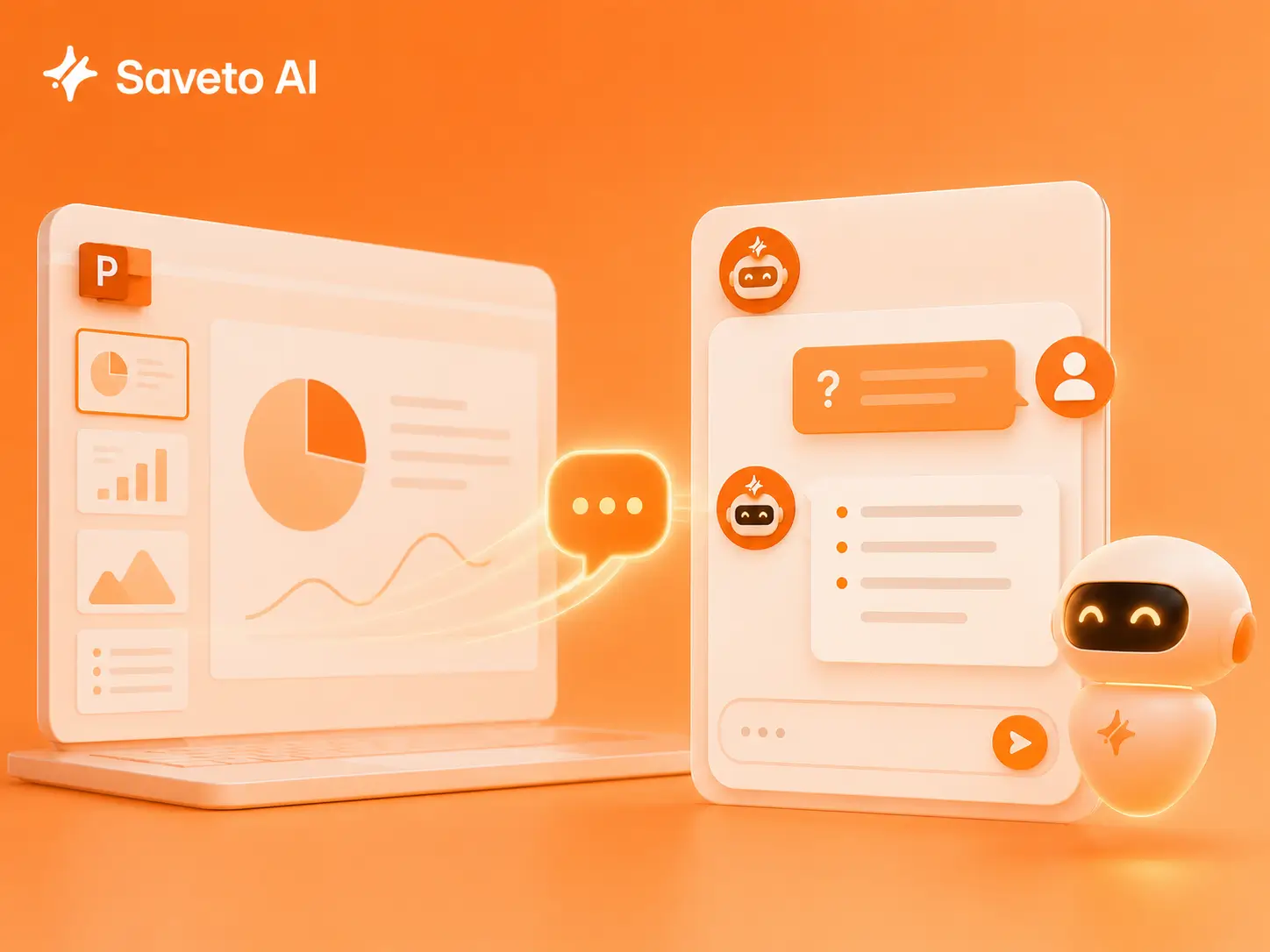
Chat with PPT with AI PPT Summarizer
When you use our AI PowerPoint Summarizer to generate a summary of your PPT, if you have questions about any part of the summary, you can chat directly with the presentation inside our AI PPT Summarizer. It will answer your questions instantly and help you understand the content more quickly.
Generate Flashcards from a Summary with One Click
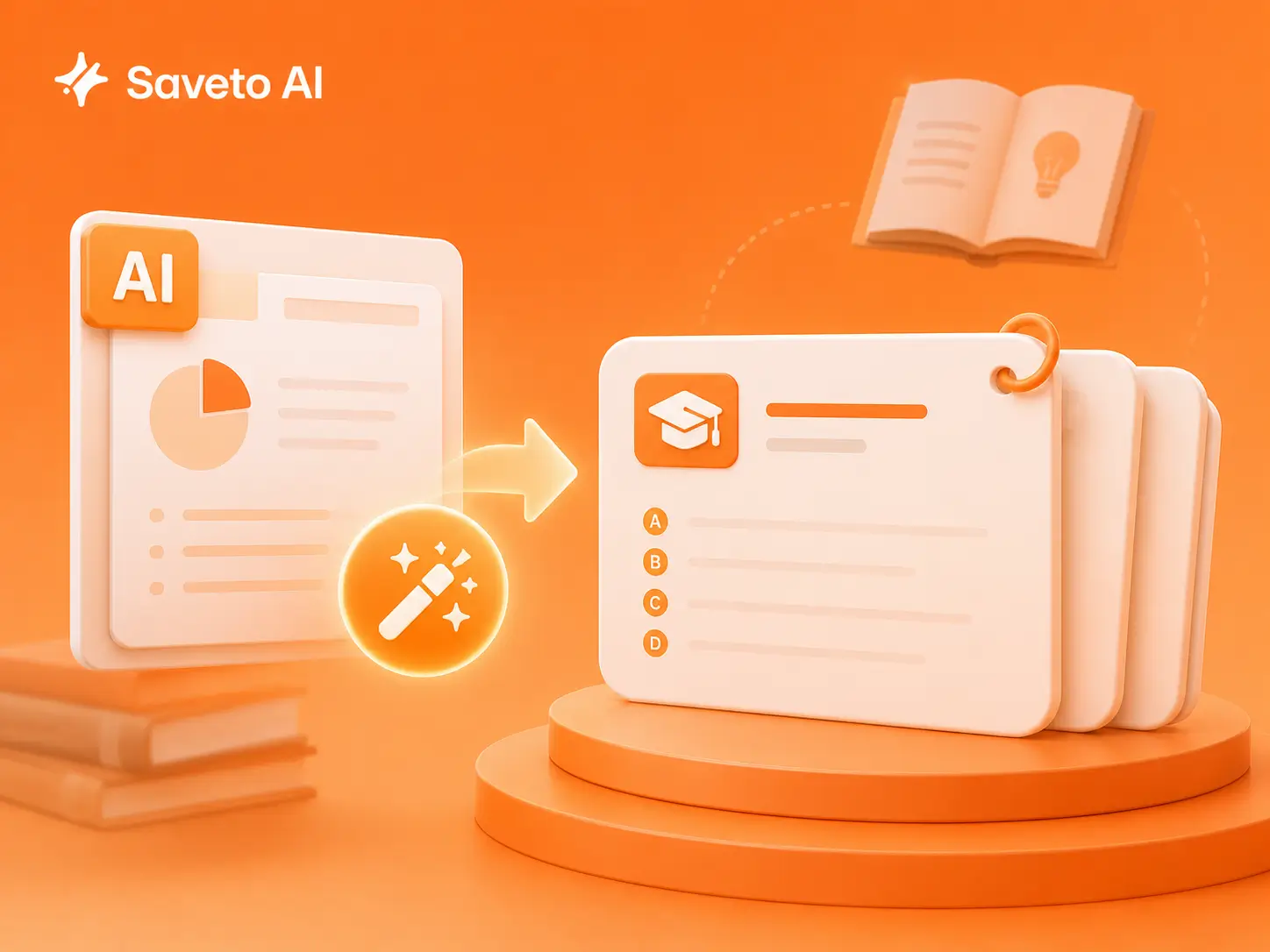
While attending lectures or courses, you can instantly turn hundreds of PPT slides into organized notes with one click. Based on the key points, the AI PPT Summarizer can also generate smart flashcards to help you study more efficiently with clear goals and a structured learning plan.
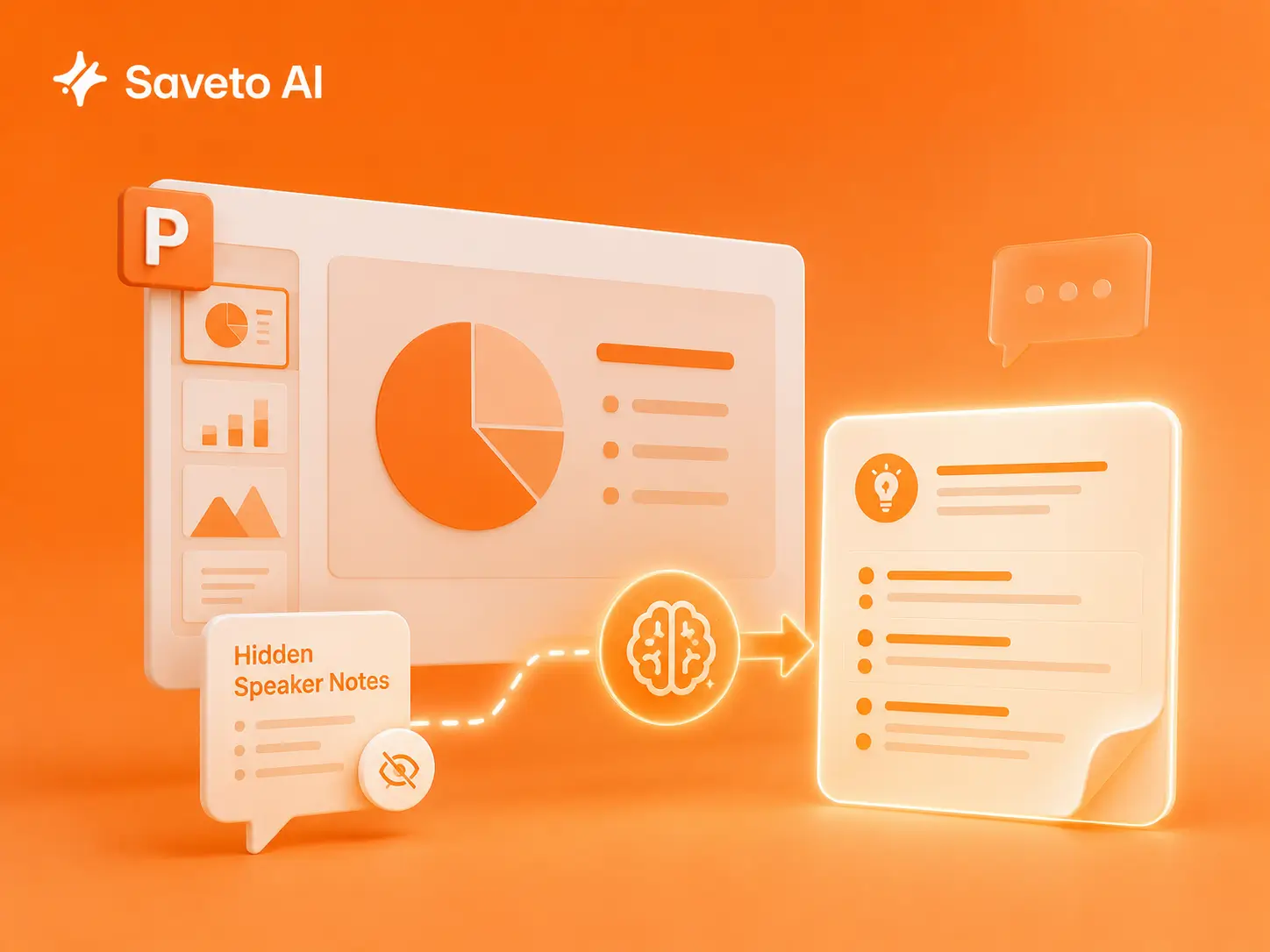
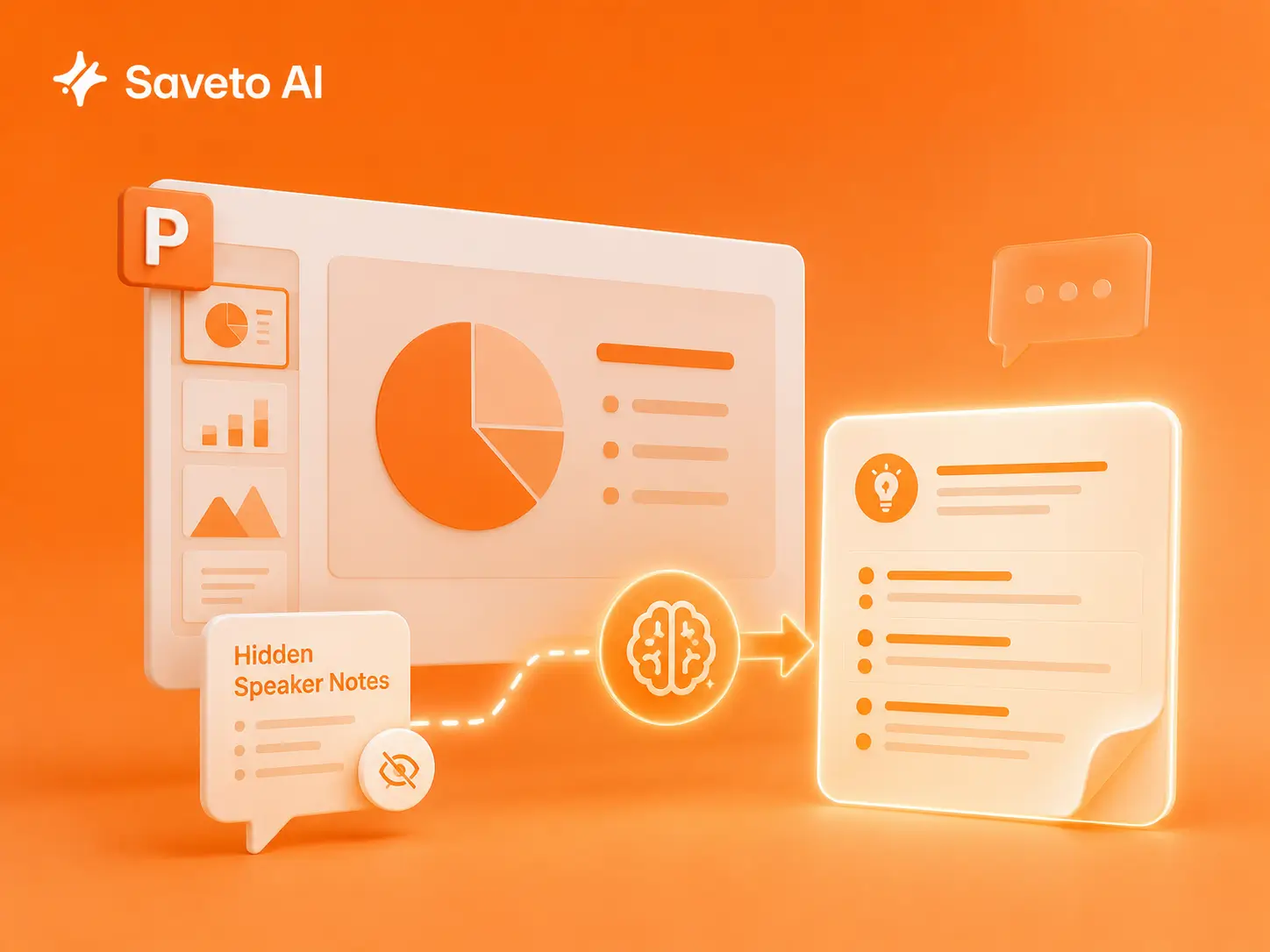
Includes Hidden Speaker Notes in Every Summary
Our AI PPT Summarizer doesn’t just analyze the slides you see — it also captures hidden speaker notes and presenter comments, ensuring no important context or explanations are missed in the final summary.
Bulk Summarize Multiple PowerPoint Files with AI
Whether it’s a series of lecture slides, monthly report presentations, or multiple study materials, you can upload PPT files in bulk to the AI PPT Summarizer with one click and instantly get a summary for each presentation.
Who Uses AI PPT Summarizers?
User Success Stories
The Top-Rated AI PPT Summarizer for Users
See how students, professors, and managers use our PowerPoint to notes converter to extract key insights and save hours of manual reading.
"Attending academic conferences means dealing with tons of long presentations. This AI PPT Summarizer is a lifesaver for turning those slides to notes ai style, picking out key frameworks and conclusions instantly. It’s an excellent ppt summarizer for literature review, though it occasionally misses data tucked inside complex charts."
Sarah Jenkins
Associate Professor of Environmental Science

"Finals week is brutal with endless lecture slides. I just batch-upload everything into this ai powerpoint summarizer to get a solid study guide. It works great as a powerpoint to notes converter, transforming heavy powerpoint to notes format in seconds. Sometimes it includes too much background fluff, but it still saves me hours of manual reading."
Austin Miller
Junior, Computer Science

"Our technical training decks are packed with hardcore metrics. To brief my clients, I need a quick powerpoint summarizer to translate jargon into plain English. This tool is the ultimate powerpoint to notes ai free solution I use to map out key selling points fast. I just avoid uploading highly confidential client pitches due to corporate data compliance."
Michael Chang
Key Account Manager at a SaaS Company

"Reviewing cross-functional business decks every evening used to be overwhelming. Now, I use this AI PPT Summarizer to extract action items first. It’s a brilliant ppt to notes tool, and the side-panel chat lets you ask about specific slide data directly. It completely changes how I prepare for meetings."
Emily Ross
Operations Management Trainee

"When a project is urgent, I don't have time to flip through a 100-page market report. This slides summarizer compresses massive decks into a text outline, acting as a reliable slide summarizer to help me judge a report's value in 5 minutes. The only downside is it sometimes struggles with the latest industry buzzwords."
David Vance
Junior Analyst at a Consulting Firm

"I had hundreds of webinar decks hoarding digital dust in my cloud drive. This smart powerpoint to notes ai application helped me index them all into Notion effortlessly. As an efficient AI PPT Summarizer, it gives you a perfect knowledge map, though you still need to review the original slides for deep learning."
Alfie Brooks
Personal Growth Content Creator

Stop Clicking Through Slides. Start Free AI PPT Summarizer.
Join millions who work smarter. 100% Free, secure, and fast.