Best AI PPT Maker: Instantly Generate Beautiful Presentations

Stop formatting slides manually. This AI PPT maker transforms any idea, document, or video into professional slides in seconds.

  • 100% Free
  • Supports Files & YouTube
  • Fully Editable Outlines

Try the Free AI PPT Generator Now

Type your ideas or paste your content in the box below. Select a professional template, and watch this text to ppt ai automatically generate beautiful, ready-to-present slides for you in seconds.

Feature / Advantage

Why Choose This AI PPT Creator for Your Workflow?

Creating presentations shouldn't slow down your train of thought and ideas. This full-featured, free AI PPT generator can easily integrate into your daily work and life.

Drop in Almost Any Content

Have a lengthy PDF report, Word ,audio meeting, or a YouTube video link? Simply drop it into the workspace. Acting as a highly efficient text to ppt AI, this AI ppt maker reads the content, grasps the context, and extracts the key takeaways for you.

Smart Outlines You Control

Total control stays firmly in your hands. Before designing the actual slides, This ai to create ppt extracts the core information and builds a smart outline. . You can review and edit, or tweak the flow until the narrative matches your exact goal.

Best PPT AI Generator with Graphics

Visual appeal matters. Recognized as the best ppt ai generator with graphics, the AI ppt maker automatically matches outline with templates. it handles the layout, typography, and imagery.

Manual Formatting vs. AI PPT Maker

Building presentations the old way drains energy. Here is how using the best ai to make ppt changes your workflow.

Features The AI PPT Maker Traditional Methods
Processing speed
✔ Ready in under 5 minutes
Takes hours or days
Content handling
✔ Auto-reads PDFs, Audio, and YouTube
Manual reading and copy-pasting
Design process
✔ Auto-applied templates and layouts
Endless tweaking of text boxes
Structure control
✔ Auto-generates an editable outline
Guessing the narrative flow
Cost
✔ Free to start
Expensive software or high time cost
Use Cases

Who Benefits From This AI For PPT?

You don't need to be a designer to build a great presentation.

Marketers & Sales

For Marketers & Sales

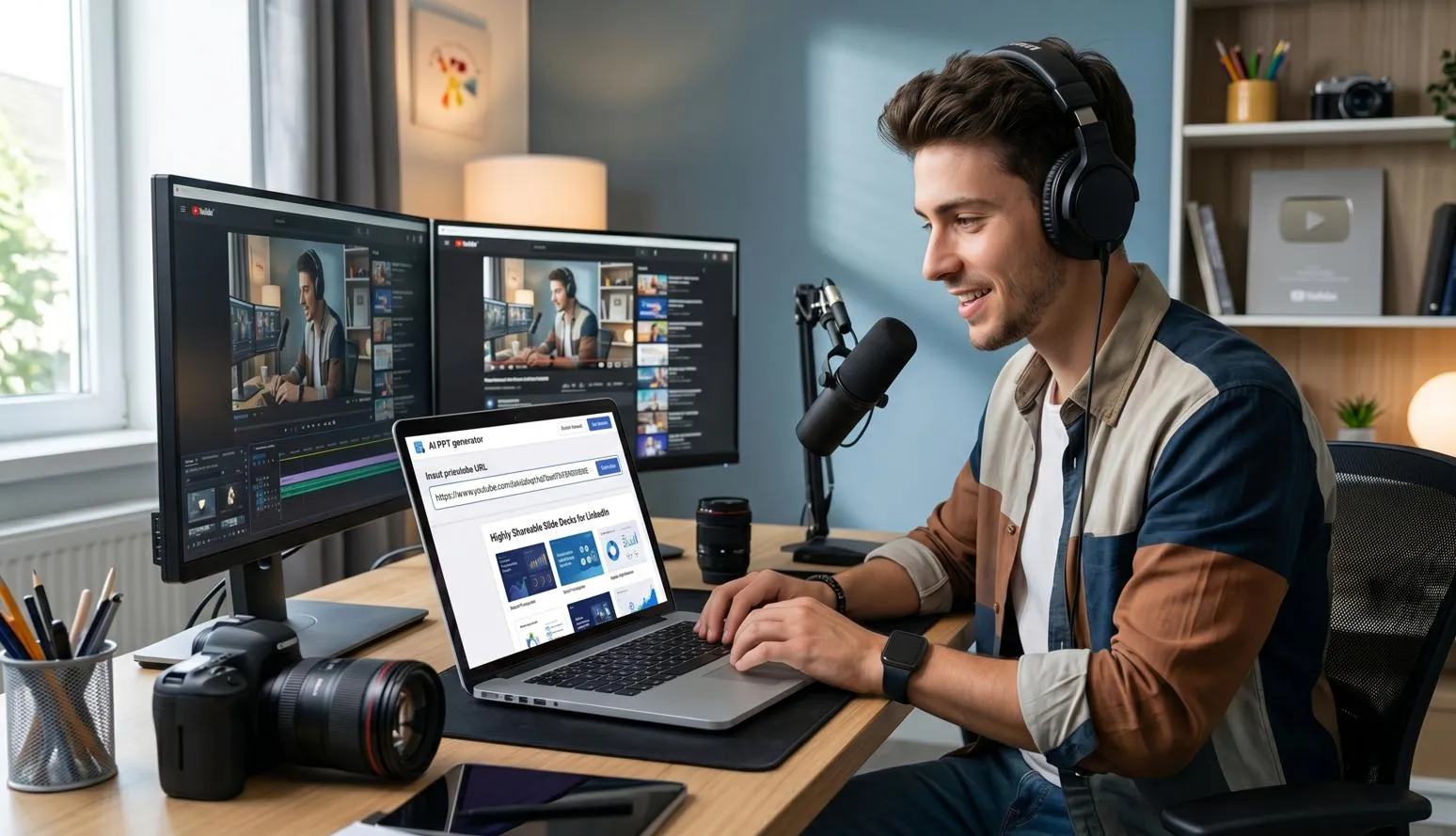
Turn monthly performance reports, competitor analysis PDFs, or podcast audio directly into polished pitch decks. An AI ppt maker helps you focus on the data and the pitch, not the slide margins.

Content Creators

For Content Creators

Convert lecture notes, recorded classes, or study guides into structured study decks. This AI ppt maker lets you spend more time learning and sharing ideas, rather than manually formatting boxes.

Educators & Students

For Educators & Students

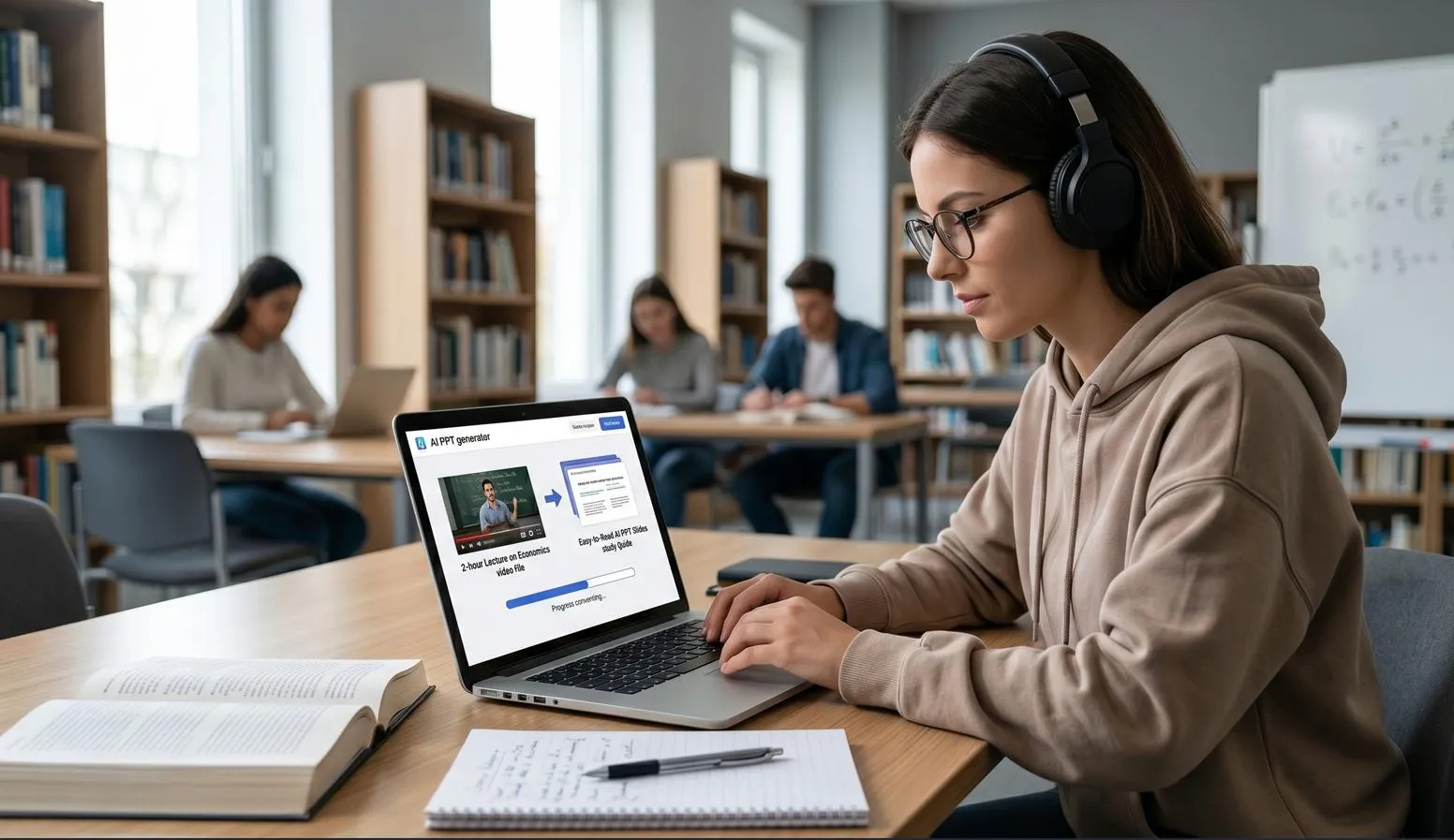
Convert 2-hour lecture recordings or long educational videos into easy-to-read AI ppt slides. Perfect for quick study guides or next-day classroom presentations.

How it works

How to Use AI to Create PPT in 4 Steps

Go from raw files to a finished presentation without leaving the page.

01

Upload Your Content

Drag and drop your Word, , PDF or Video file directly into the workspace. You can also type directly into the text box or paste a YouTube URL.

02

Review the Outline

Instantly, a structured slide outline appears based on the input. Read through it and make any quick text edits to ensure the narrative fits perfectly.

03

Pick a Template & Generate

Select a preferred design style, choose the output language, Hit generate and let the ai ppt maker create your ai ppt slides.

04

Export and Share

Preview the completed deck right on the screen. If everything is ok, download the file. Need a change? Just jump back to the outline, adjust and regenerate.

Real Stories from Daily Users

See how professionals are saving hours every week using this ai ppt maker.

I used to spend my Friday afternoons formatting weekly reports. Now, I just upload the PDF, and this ai ppt maker does it all in minutes. The outlines are surprisingly accurate, and the templates look incredibly sharp.
Budi Santoso

Budi Santoso Independent Consultant

Finding a reliable free ppt maker ai has been a lifesaver. I simply paste YouTube links to some online teaching videos, and it generates perfectly structured slides for my classes. It lets me focus on teaching, not tweaking formatting.

Aisha Rahman
Aisha Rahman Marketing Manager

The ability to just drop in a massive text file and get a polished deck is amazing. It's hands down the best ai ppt maker I've tried. I review the text, click generate, and the file is ready for clients. It saves me a tremendous amount of time.

Chloe Dubois
Brendan Buck Park ranger
Help Center

AI PPT Maker FAQs

Got questions about how a free ai ppt generator works? Here are the simple answers you need.

1. What is an AI PPT maker?

It is a web platform that reads your raw content—like PDFs, videos, or plain text—and automatically turns it into structured, designed slides. It handles the reading, summarizing, and formatting for you, making it the best ai to make ppt for anyone short on time.

2. Are free AI PPT maker tools reliable?

Yes, you can experience this ai ppt maker free of charge. Free credits are available to all new users, making it easy to test file uploads, review outlines, and generate high-quality slides before committing to a paid plan.

3. Can I use a YouTube video to create slides?

Absolutely. Just paste the YouTube URL into the input field. The ai ppt maker will transcribe the audio, summarize the core concepts, and build your ai ppt slides automatically.

4. What files can I upload to the AI PPT creator?

You can upload Audio, Video, Word, PDF, and TXT files up to 100MB. If you don’t have a file ready, simply type or paste your content directly into the text box. The text to ppt ai will seamlessly convert any of these inputs into a presentation.

5. Can I edit the slides after using the free ai ppt generator?

Yes, flexibility is a core part of the experience. You can edit the text outline before the slides are rendered. If you notice something to change after the ai ppt maker is done rendering, simply return to the outline stage to make corrections.

6. Does the AI automatically add graphics and layouts?

Yes. Instead of simply pasting text onto blank slides, a high-quality ppt ai generator with graphics matches your outline to professional templates. It automatically inserts relevant images, sets up the typography, and creates a clean visual hierarchy instantly.

Ready to Let the AI PPT Maker Build Your Next Presentation?

Turn your documents, videos, and ideas into beautiful presentations today.