
Free AI Quiz Generator Online
Create quizzes in seconds with free AI Quiz Generator that transforms any text or document into structured, customizable multiple choice tests, helping educators and professionals save time while delivering reliable, ready-to-use learning content.
Create Tests & Quizzes with Free AI Quiz Generator Online
Instantly transform any content into an online quiz to receive immediate feedback, helping you track your performance, continuously improve, and enhance your skills.
Still Struggling with Creating Time-consuming Quizzes Manually?
Want to test learning outcomes? For teachers in particular, this usually takes hours to prepare. Now you can do it in just seconds with our latest free AI Quiz Generator. Whether you upload files (such as PDFs, PPTs, or Word documents), enter a topic directly, or simply paste a YouTube link, it can generate a customized quiz for you—helping you say goodbye to inefficient workflows.

How it works
How To Use Free Online AI Test & Quiz Maker?
Using a free AI quiz generator is simple, you can create a quiz in just three easy steps.
Free AI Quiz Generator from Multiple Inputs
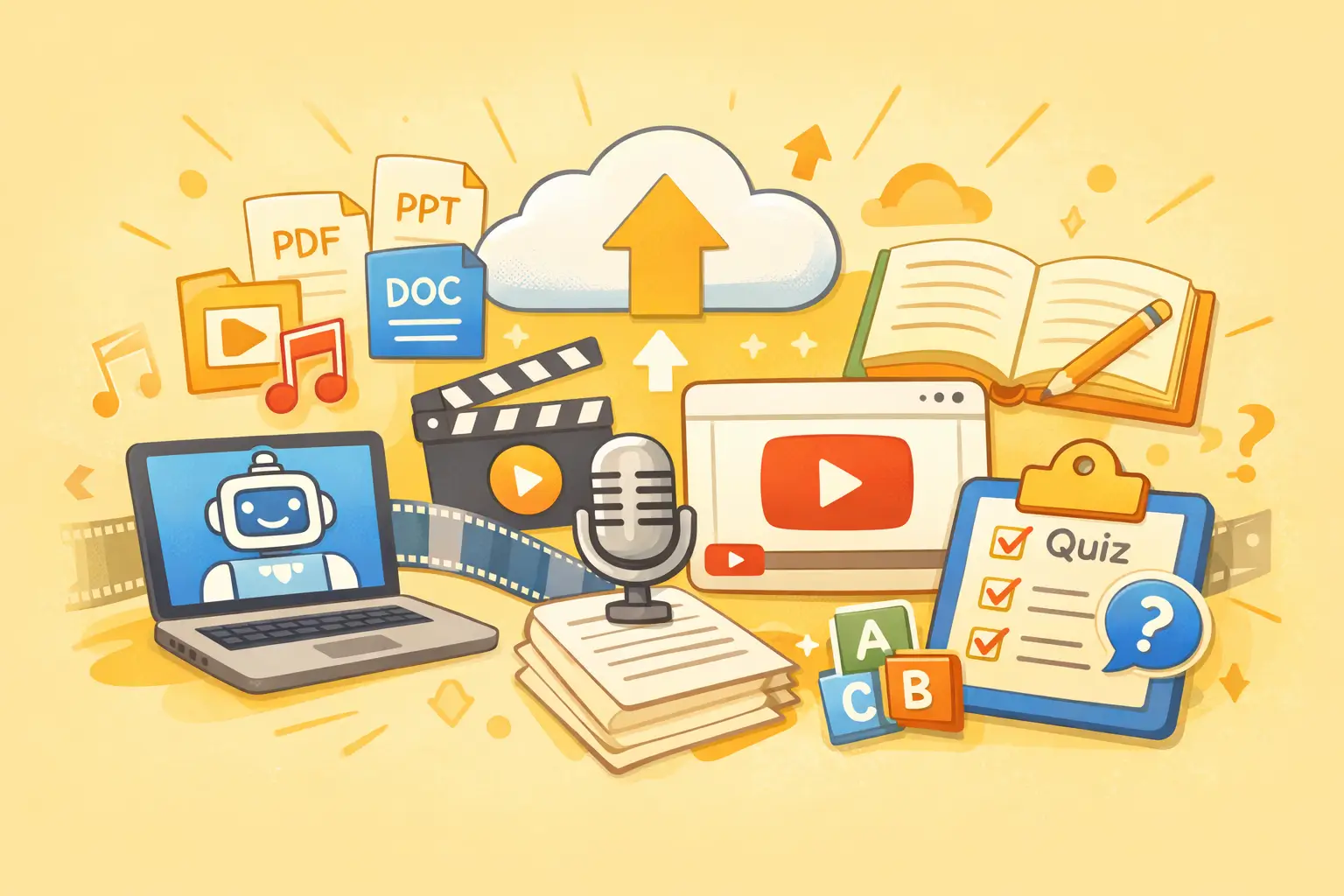
You can upload files directly to the AI Quiz Maker, including PDFs, PPTs, and Word documents, and more. You can also upload videos, audio files, or enter text descriptions. You can even generate quizzes directly from a YouTube link.
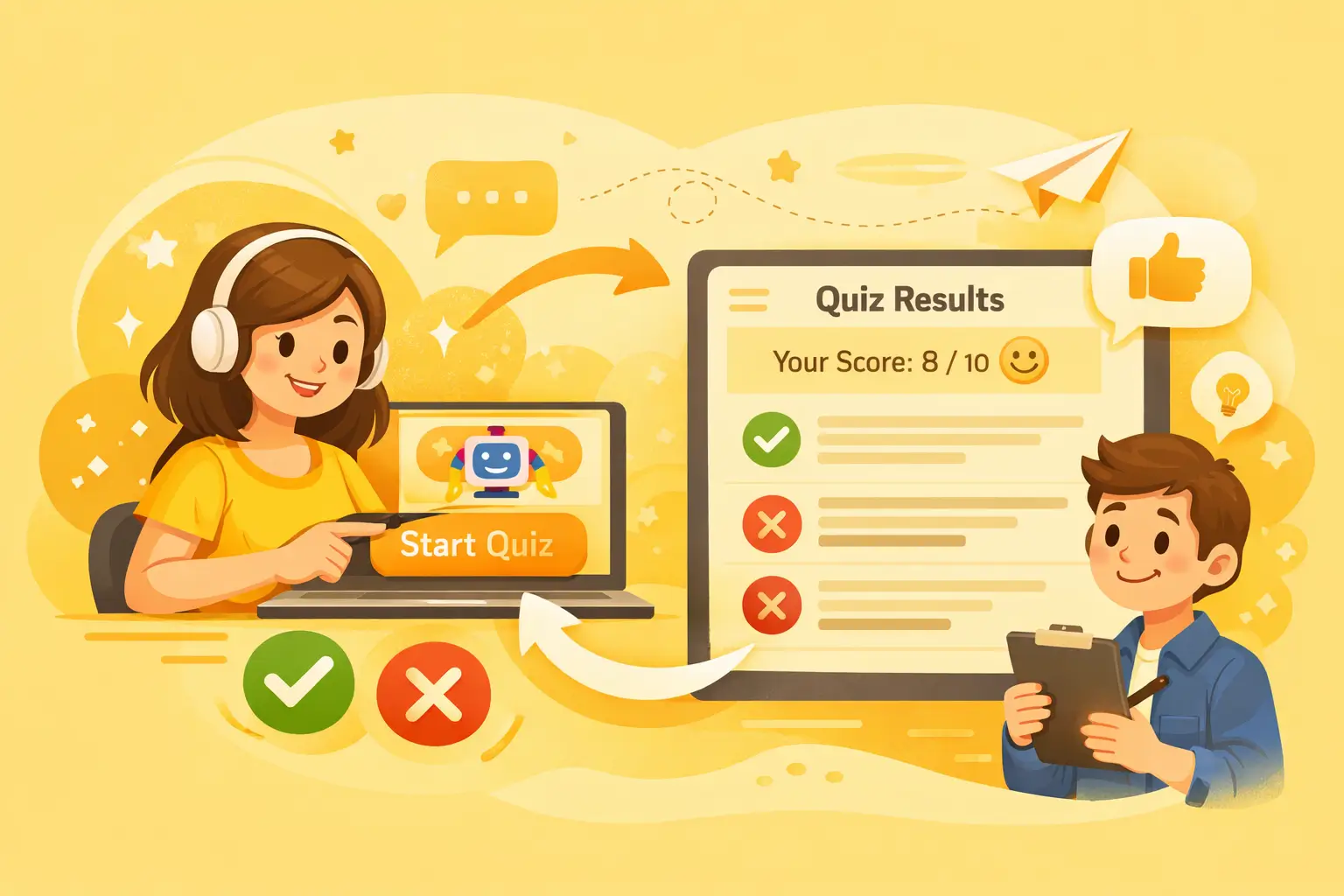
Take Online Quizzes and Get Instant Feedback with AI
With just one click, use the AI Quiz Generator to create a quiz. After completing it, you’ll receive instant feedback on your results. You can easily see which answers are correct and which are incorrect, making learning outcomes clear, visible, and easy to measure.
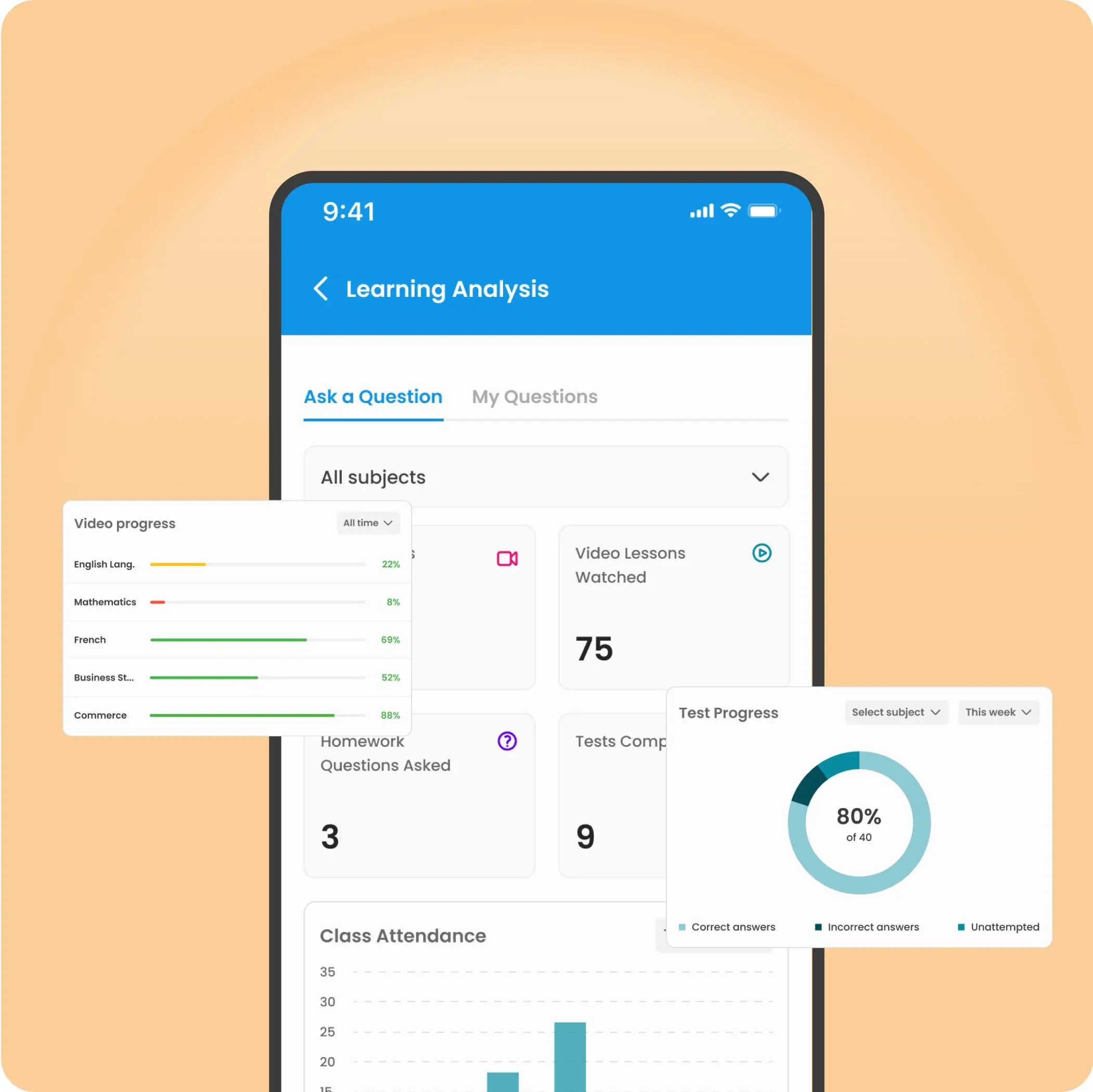
Get Learning Insights and Progress Tracking
Gain clear, actionable insights from every quiz to understand performance, identify strengths, and focus on weak areas. Helping you improve faster and learn more effectively over time.
Help Center
AI Quiz Generator FAQs
If you have any questions or suggestions about our transcription tool, please feel free to share your feedback with us.
What is an AI Quiz Generator and how does it work?
An AI Quiz Generator is a tool that uses AI to automatically extract key information from text, documents, or topics and generate questions, options, and answers. By simply inputting text or a document, it can complete the task of manually generating questions that would traditionally take hours in just seconds.
Can I directly upload a PDF or a web link to generate questions?
Yes. AI Quiz Generator supports the direct upload of PDF, Word, and PPT documents; you can even paste YouTube video links or web URLs directly, and the AI will automatically summarize the content and convert it into a quiz.