
Clipto AI VS Saveto AI: Who Is the Best AI Transcription Tool?
Author: Tung
Date: 04 14, 2026
Summary: Whether it’s recording meeting notes in real time at work or extracting text for language learning, the demand for transcription tools continues to grow. This article compares Clipto AI and Saveto AI, focusing on pricing and features to help you find a more practical transcription tool.
Clipto AI vs Saveto AI: Quick Comparison
| Feature | Clipto AI | Saveto AI |
|---|---|---|
| Pricing | Monthly/Yearly subscription (<$10) | 100% Free |
| No Login Required | ✗ | ✔ |
| Max Video Length | Up to 6 hours (paid) | Up to 100GB |
| Transcription Speed | Slower (partial content in 3–5s) | Fast (full content in 3–5s) |
| Transcription Accuracy | ~97.6% | ~98.3% |
| Extended Outputs | ✗ |
✔ Subtitles ✔ Chapter ✔ Summary |
| Output Format | Word (requires account to open) | TXT (direct download) |
| Ease of Use | Medium | Very Easy |
What Is Clipto AI?
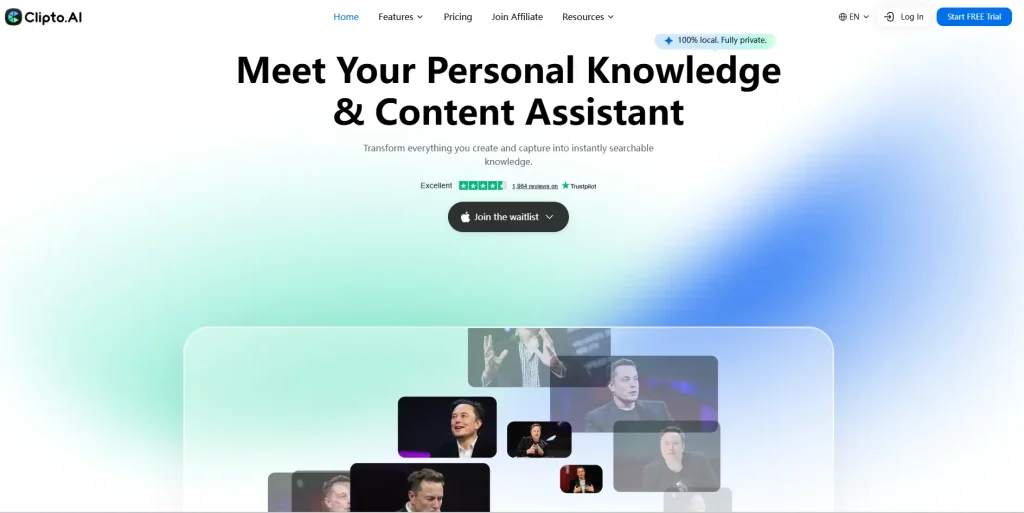
Key Use Cases of Clipto AI
👩💻Convert online meetings into text for easy meeting minutes
👨💼Turn interview content into text for better candidate evaluation
👩🏫Transcribe video courses to capture key points without missing important details
What Is Saveto AI?
Saveto AI is an all-in-one transcription platform. Compared to Clipto AI, it not only offers more complete transcription features but also focuses on organizing and refining the transcribed text, making it a powerful knowledge management assistant. You can use it to create mind maps, summarize text, or generate outlines.
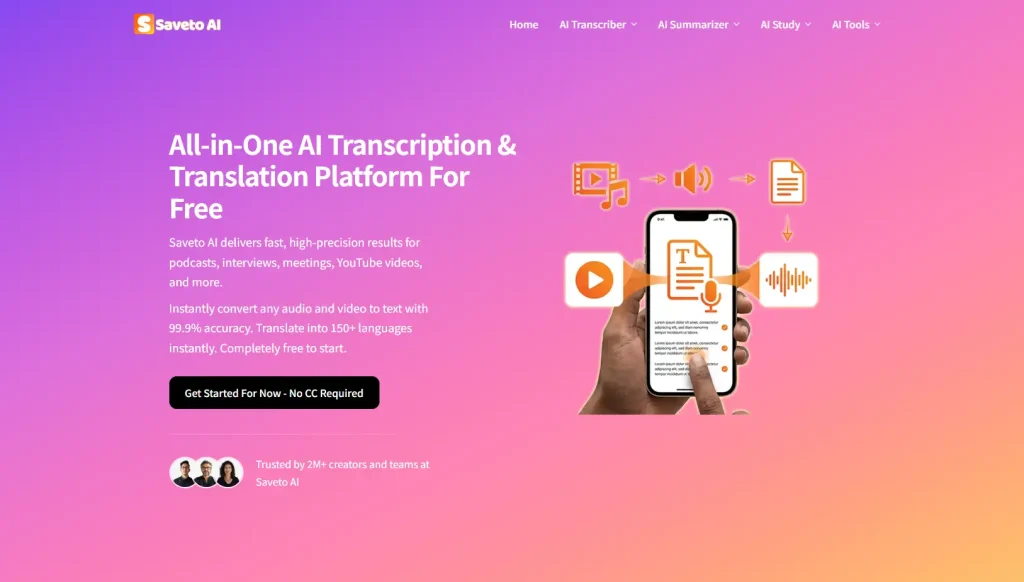
Do More Than Transcription with Saveto AI
💡Create Summaries and Outlines
💡Generate Knowledge Maps
💡Draft Actionable Notes
Clipto AI vs Saveto AI: Key Features Comparison
For transcription, the core features mainly focus on converting video and audio into text. Features like YouTube transcript generator are extensions built on this foundation. Next, we will focus on comparing the transcription capabilities of Clipto AI and Saveto AI.
The audio and video transcription features are exactly the same on both platforms, so we uploaded a YouTube video over ten minutes long to both Clipto AI and Saveto AI. The content is mostly the same, but there are some differences in the finer features, as follows.
1️⃣Transcription time
2️⃣Timestamps
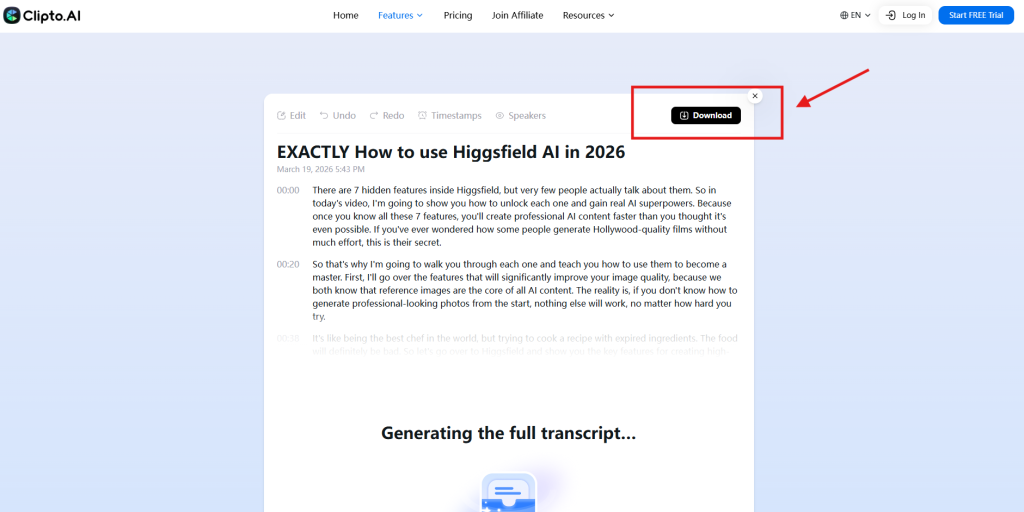
Clipto AI only lets you download a version without timestamps if you’re not logged in. On Saveto AI, no login is needed, and you can choose to download either with or without timestamps.
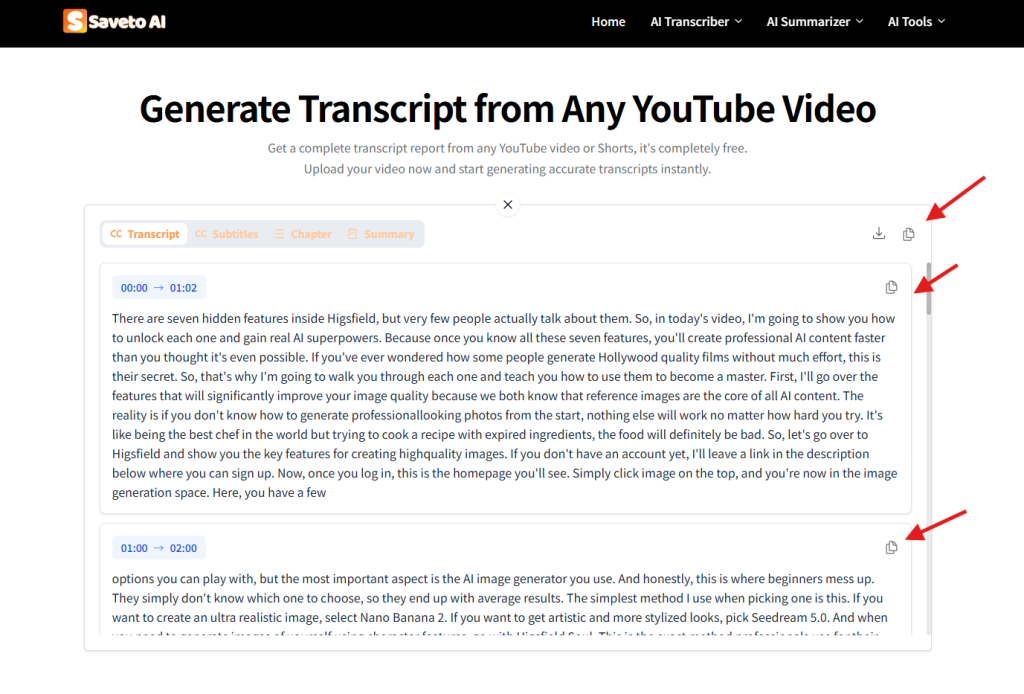
3️⃣Text Copying
Clipto AI
Saveto AI
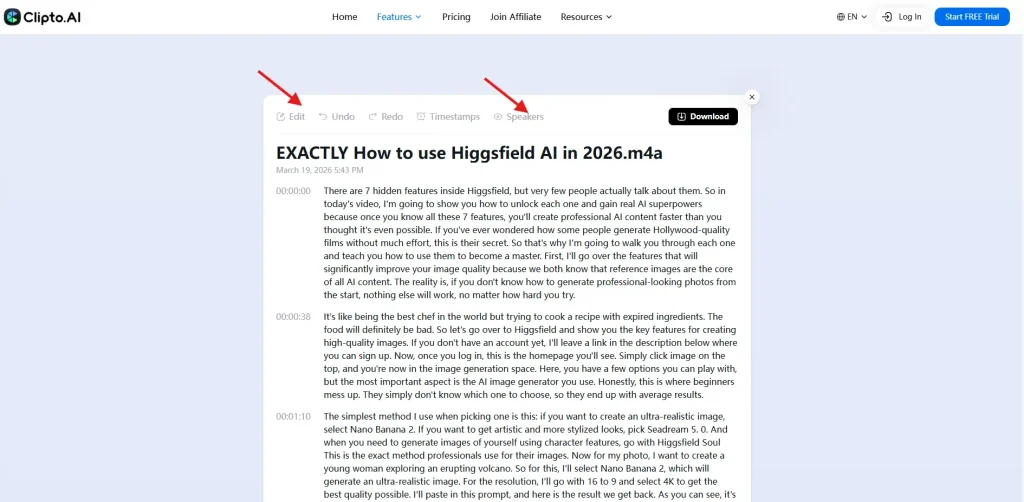
4️⃣Editing & Speaker Recognition
5️⃣Export Format
6️⃣Accent Recognition
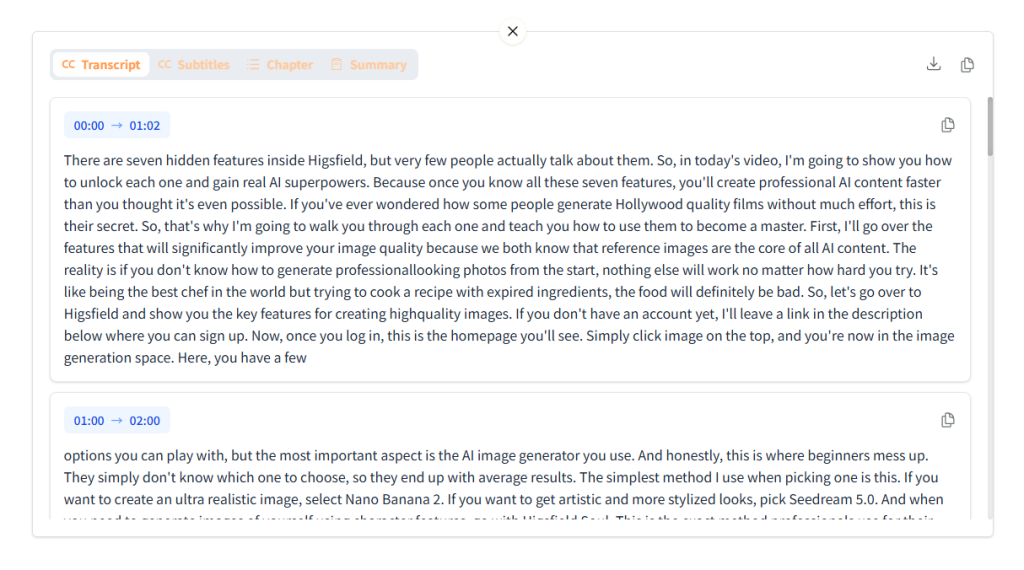
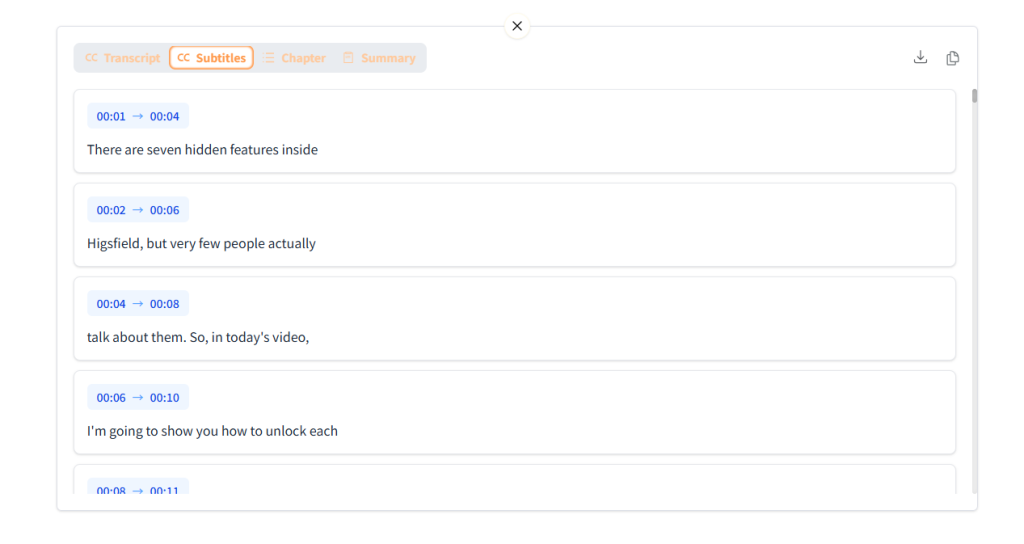
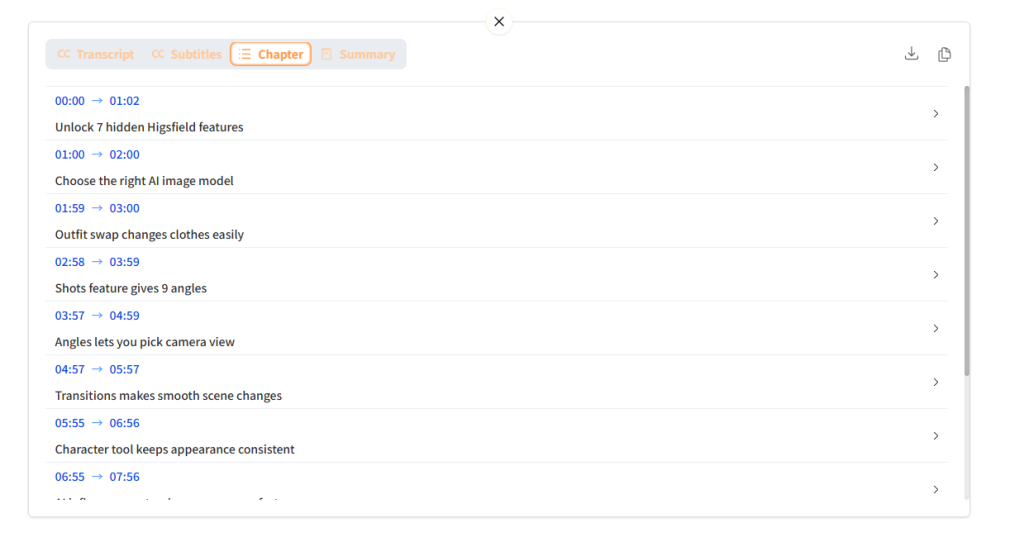
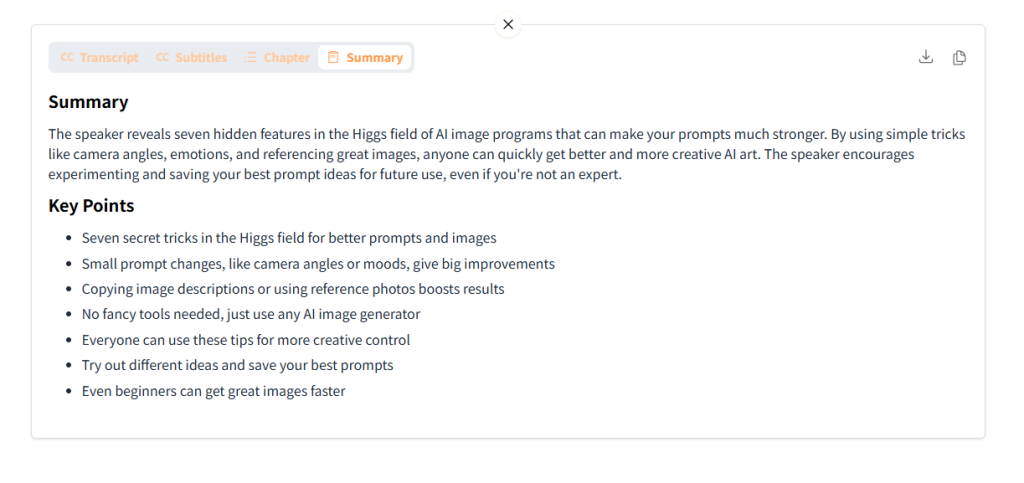
7️⃣Extended Transcription Features
Transcript
Subtitles
Chapter
Summary
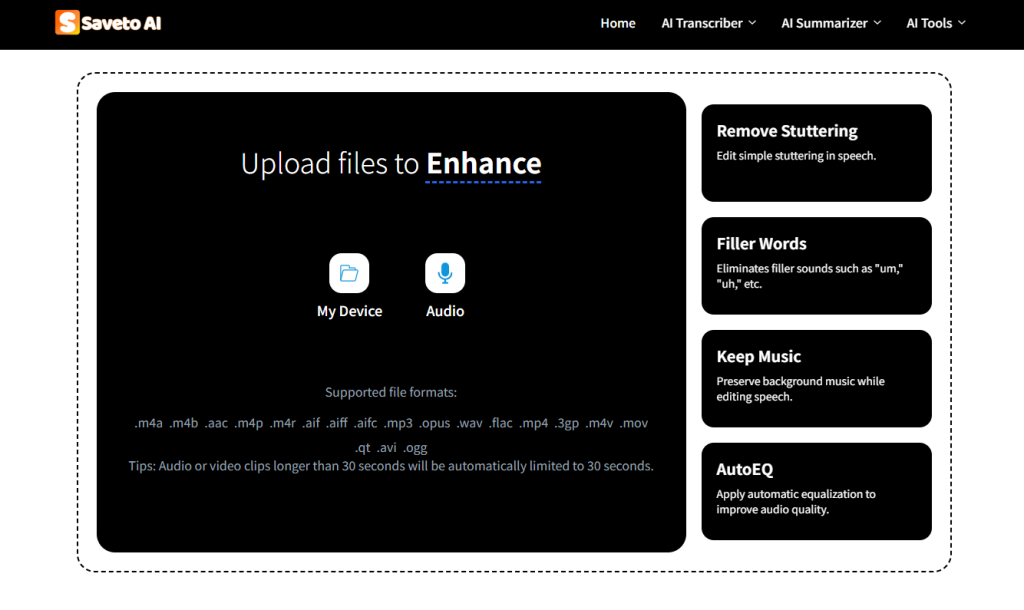
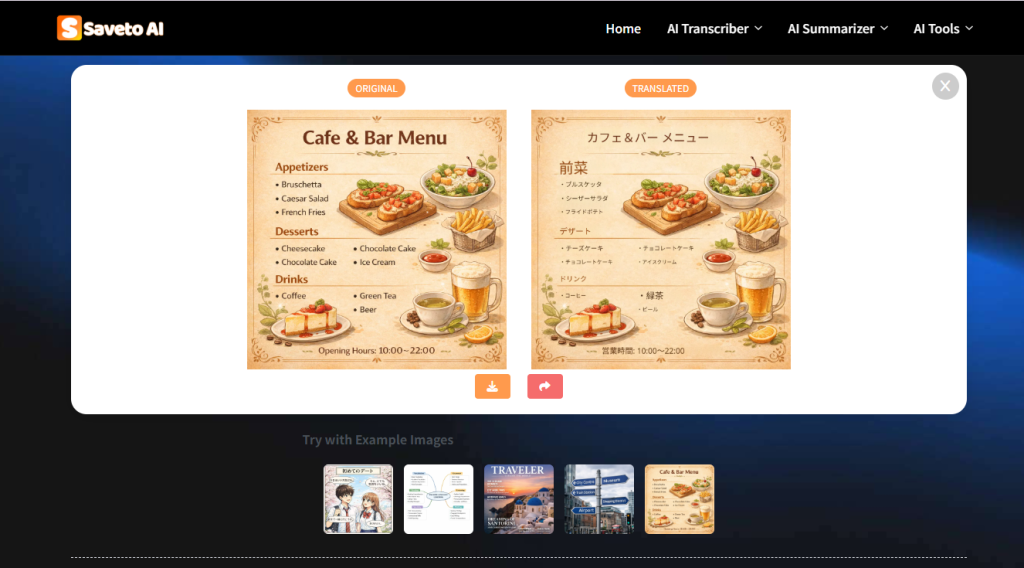
Extra Features Offered by Saveto AI
📌AI Voice Cleaner
📌AI Photo Translator
📌Video Downloader
📌Record and Transcribe Audio
Clipto AI vs Saveto AI: Pricing Comparison
Saveto AI is a new platform, so it’s currently 100% free and doesn’t require login.
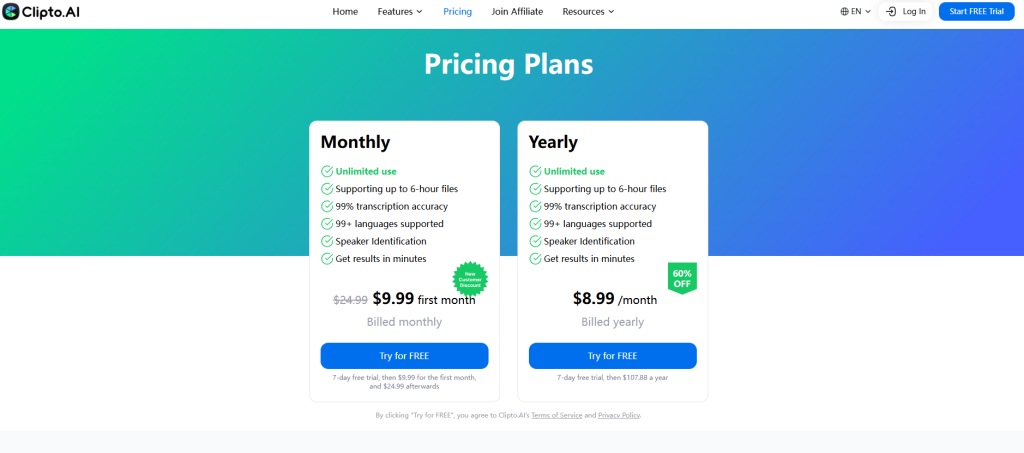
Clipto AI currently offers only Monthly and Yearly subscriptions, priced under $10. As a Clipto AI member, you can transcribe videos up to 6 hours long.
Clipto AI vs Saveto AI: Pros and Cons Compared
✅Pros
Clipto AI
● Flexible Editing: Allows users to edit, undo, and make adjustments easily for manual corrections.
● Accurate Speaker Identification: Effectively distinguishes between multiple speakers in conversations, improving clarity and readability of the transcription.
Saveto AI
● 100% Free to Use: Saveto AI is completely free and does not require any additional credits to access its features.
● No Sign-Up Required: No need to create an account or log in, start transcribing online immediately.
● Fast Transcription Speed: Typically takes only 3–5 seconds, more than twice as fast as Clipto AI.
● Extended Transcription Features: Not only can it generate transcripts, but it also extracts subtitles, chapters, summaries, and more.
● Detailed Feature Options: Saveto AI lets users choose whether to include timestamps and offers the ability to copy the entire transcript or copy it in segments,features not supported by Clipto AI.
● No Video Length Limit: Saveto AI supports video files up to 100GB in size.
❌Cons
Clipto AI
● Limited Free Usage: Only a few free attempts are available; full access requires payment.
● Limited Duration: Free users have a restricted video length, and even paid accounts are limited to 6 hours per video.
● Limited Features: Functions like subtitles and summaries are not supported by Clipto AI.
● Slower Speed: While it can generate a small portion of content in 3–5 seconds, producing the full transcription takes significantly more time.
Saveto AI
Clipto AI vs Saveto AI: Which Is Better?
Undoubtedly, both Clipto AI and Saveto AI are excellent transcription tools. Each has its own strengths and weaknesses, and the best choice will vary depending on the user’s needs. If you want a fast, free, and versatile transcription tool, go with Saveto AI.
If you need speaker identification and professional long-video support, then Clipto AI is the better choice.