
Extract Audio from Video Online for Free
No steep learning curve like FFmpeg, extracting audio from video is super easy, even for beginners. Try our audio extractor: upload your file and get high-quality audio in seconds.
Audio Extractor for Every Occasion in Your Daily Life
Extract and Trim YouTube Audio for Reuse
Easily extract highlight clips from popular YouTube videos, or trim key moments and save them for reuse on other platforms.
Extract TED audio and Listen Anytime, Anywhere
No need to worry about internet connection, extract audio from video to listen to the content you care about.
Extract Music from Video without Losing Quality
Extract your favorite MV audio in original quality, create a personal playlist, without downloading the full video.
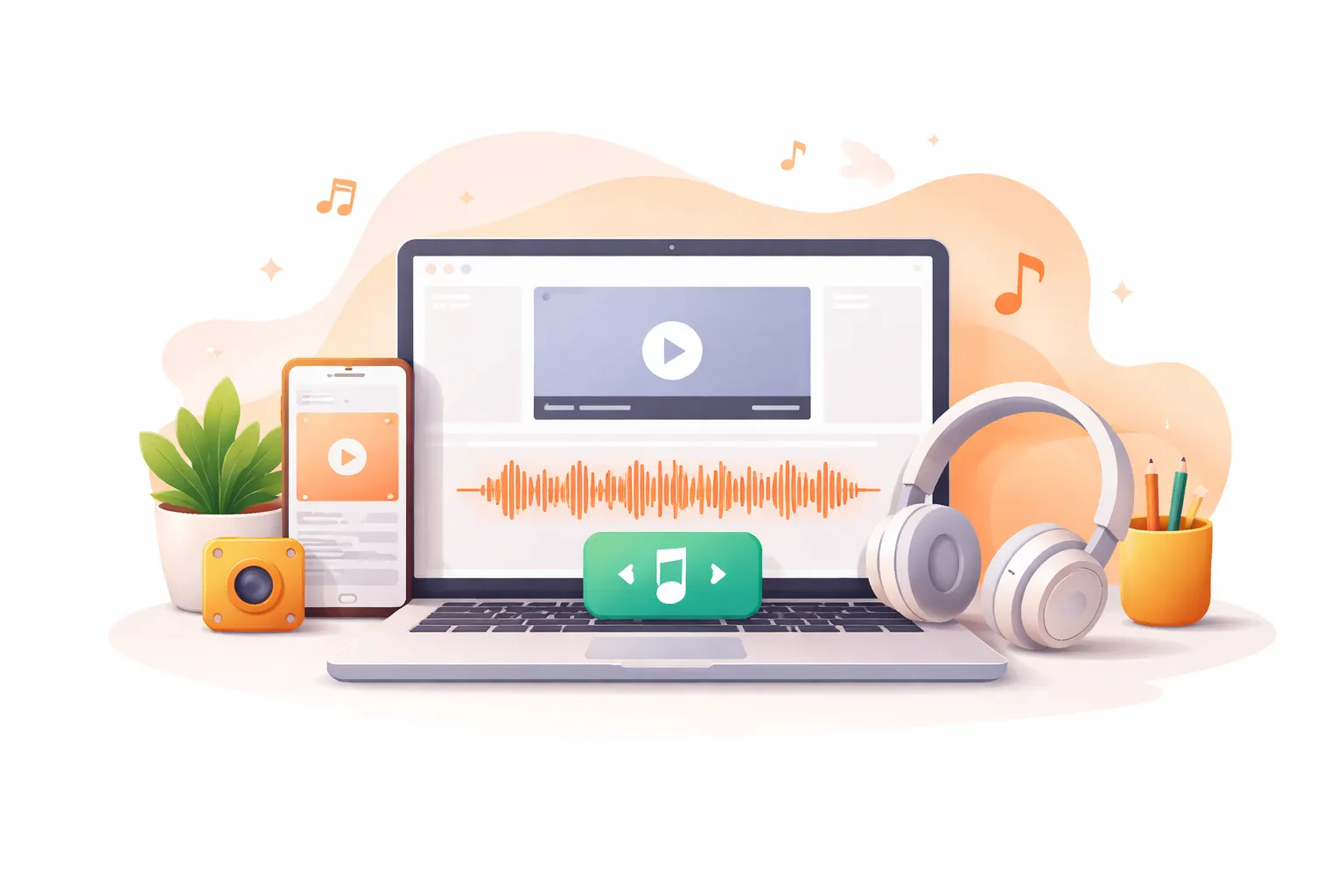
Extract Audio from Video Online, No Software Required
For beginners, professional tools like iMovie or FFmpeg work well but are hard to learn. Our audio extractor requires no software installation and works perfectly on iOS and Android. To extract audio from video, just upload your file and trim it as needed.
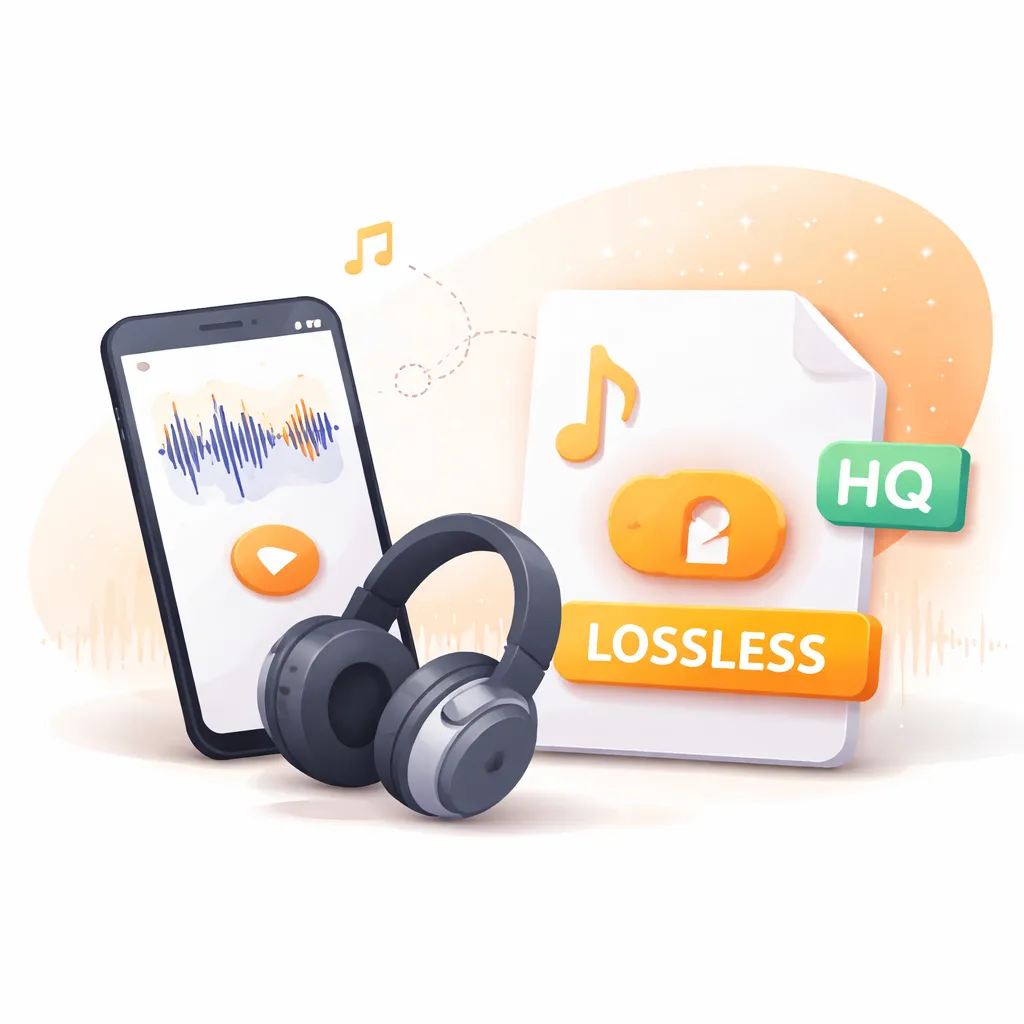
Get Lossless Audio from Video with Audio Extractor
Extract audio from video with sound quality as the top priority. Our audio extractor keeps the original audio intact, whether it's a music MV or a lecture video, giving you clear, natural sound. You can also use our AI voice cleaner to enhance the audio and remove noise.
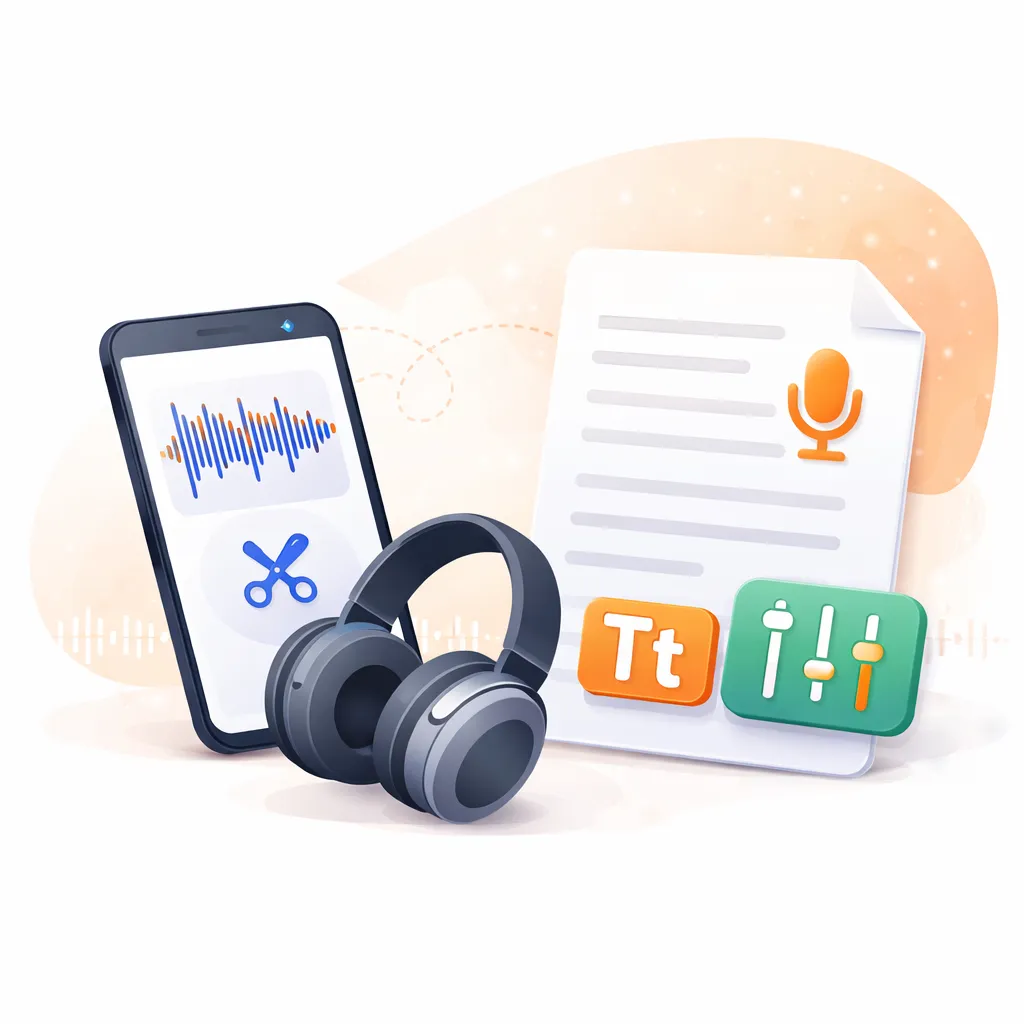
Trim, Transcribe, and Get the Most from Your Extracted Audio
Beyond simply extracting audio from video, you can trim the parts you need, keeping the highlights and removing unnecessary or paused sections. In addition, you can transcribe the audio into text. Since audio files are smaller than video files, AI transcription tools can handle more content more efficiently.
Secure Audio Extraction, No Data Leaks
Even for meeting videos or other important content, you can safely upload them. Extract audio from video is completely secure and private, and we never store or share your files.

how to
How to Extract Audio from Video?
12,000+ Happy Clients
What Our Users Are Saying
Compared to other audio extraction tools, Saveto AI gives you a quicker and easier option. Join our hundreds of users and make extract sound from video more efficient.
Using extract audio from video for my podcasts makes updating content much faster. I used to process the entire video, but now I only need to extract the highlights.
Help Center
Audio Extractor FAQs
If you have any questions or suggestions about extract audio from video, please feel free to share your feedback with us.
How can I extract audio from video with AI?
To extract audio from video, simply upload your file and click extract, no software installation needed.
Can I extract audio from YouTube videos?
Yes, our YouTube audio extractor supports extracting audio from YouTube videos and Shorts. Just paste the link, no need to download the video first.
Can I split or edit my audio?
Yes, when extracting audio, you can trim the corresponding parts of the video’s audio according to your needs.
Is it safe to get audio from video?
Extract audio from video on our platform is completely safe, you don’t need to worry about any privacy leaks.
What file formats are supported for extracting audio?
Our audio extractor supports most common formats like MP4, MOV, AVI, allowing you to extract audio without any compatibility issues.
Is extracting music from video free?
Yes, extract audio from video is 100% free to use, and you don’t need to sign in.