
Free Online MP4 to Text Converter
Transcribe your MP4 videos to text in one click with no lag. Even hour-long videos can be quickly converted into clean, easy-to-edit transcripts. Upload your MP4 file now and start for free.
How to Transcribe MP4 to Text?
Transcribe MP4 to text in just 2 steps. Simply upload your MP4 file and click the button. Our MP4 to transcript converter will transcribe it in seconds.
Upload your MP4 file
Upload your MP4 video directly to our MP4 to text converter. The file size limit is 100MB.
Export or Further Edit
After a few seconds, you can export the transcript in your preferred format or continue editing it, such as summarizing the content or turning it into a mind map.
Tips to Get More Accurate MP4 Transcription Results
If your transcript isn't as accurate as expected, it may not be an issue with our MP4 to text converter. The following tips can help you get more precise results and make your transcription faster and clearer.
Use clear audio
Make sure the video's speech is clear and pronunciation is standard. This helps our MP4 to text converter accurately recognize every word.
Keep the video volume stable
If the audio volume in the video fluctuates a lot, the MP4 transcriber may miss some words or produce less accurate results.
Avoid multiple people talking at once
If multiple people speak simultaneously, the MP4 to transcript AI may struggle to distinguish each voice, which can result in a messy transcript. Encourage speakers to talk one at a time for better clarity.
Transcribe 1-Hour MP4 Video to Text in Seconds
Our MP4 to text converter turns your MP4 files into text quickly and efficiently. Even for videos up to an hour long, you can get the full transcript in seconds, no long waiting, no charges, 100% free.
Exceptional 4.8 rating on G2
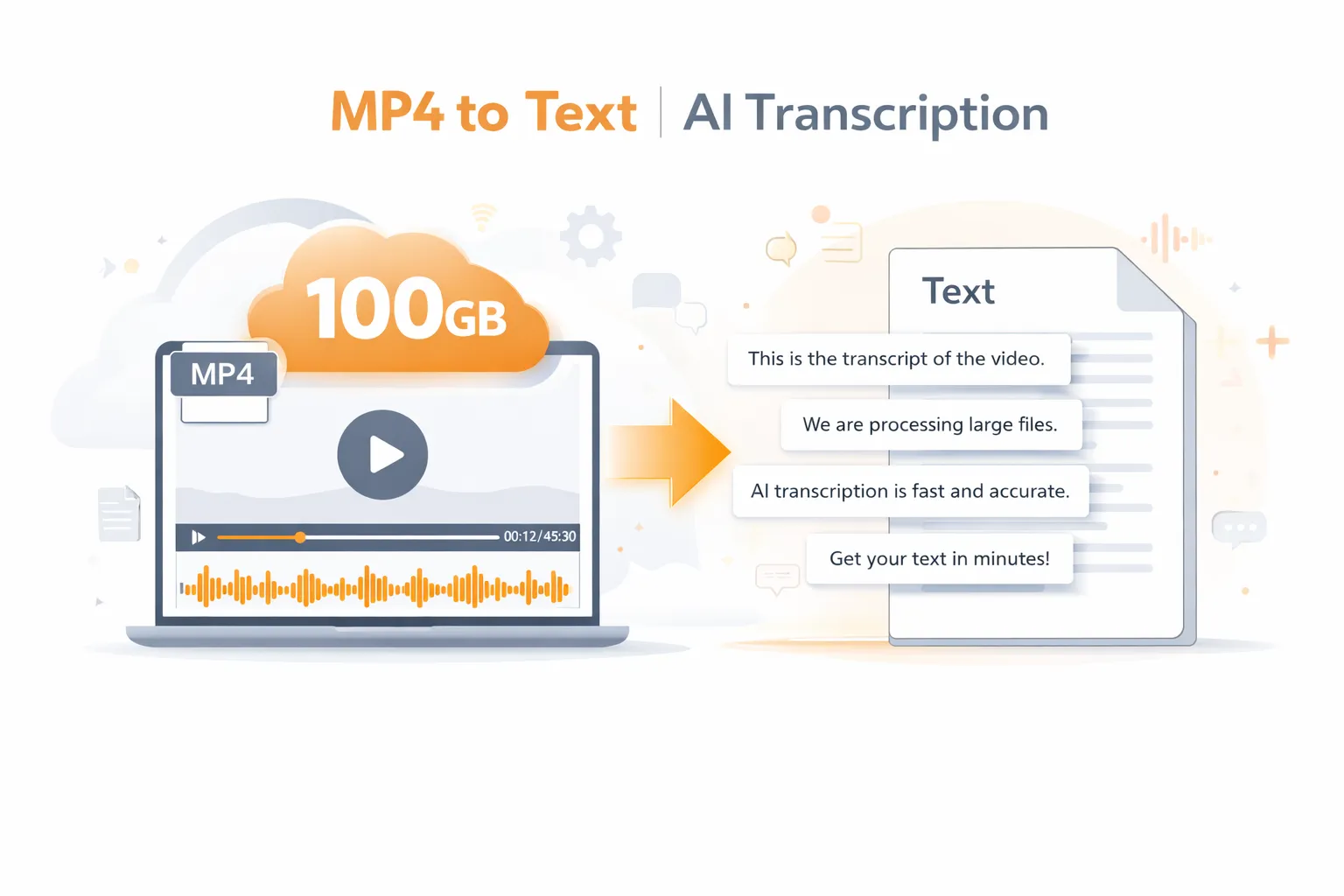
Transcribe Large Videos Up to 100GB Without Limits
Most free MP4 to text converters limit single uploads to 30 minutes or 1 hour, forcing you to split longer videos. Our MP4 transcriber has no such limits, you can upload videos up to 100GB and transcribe as many times as you need, completely unrestricted.
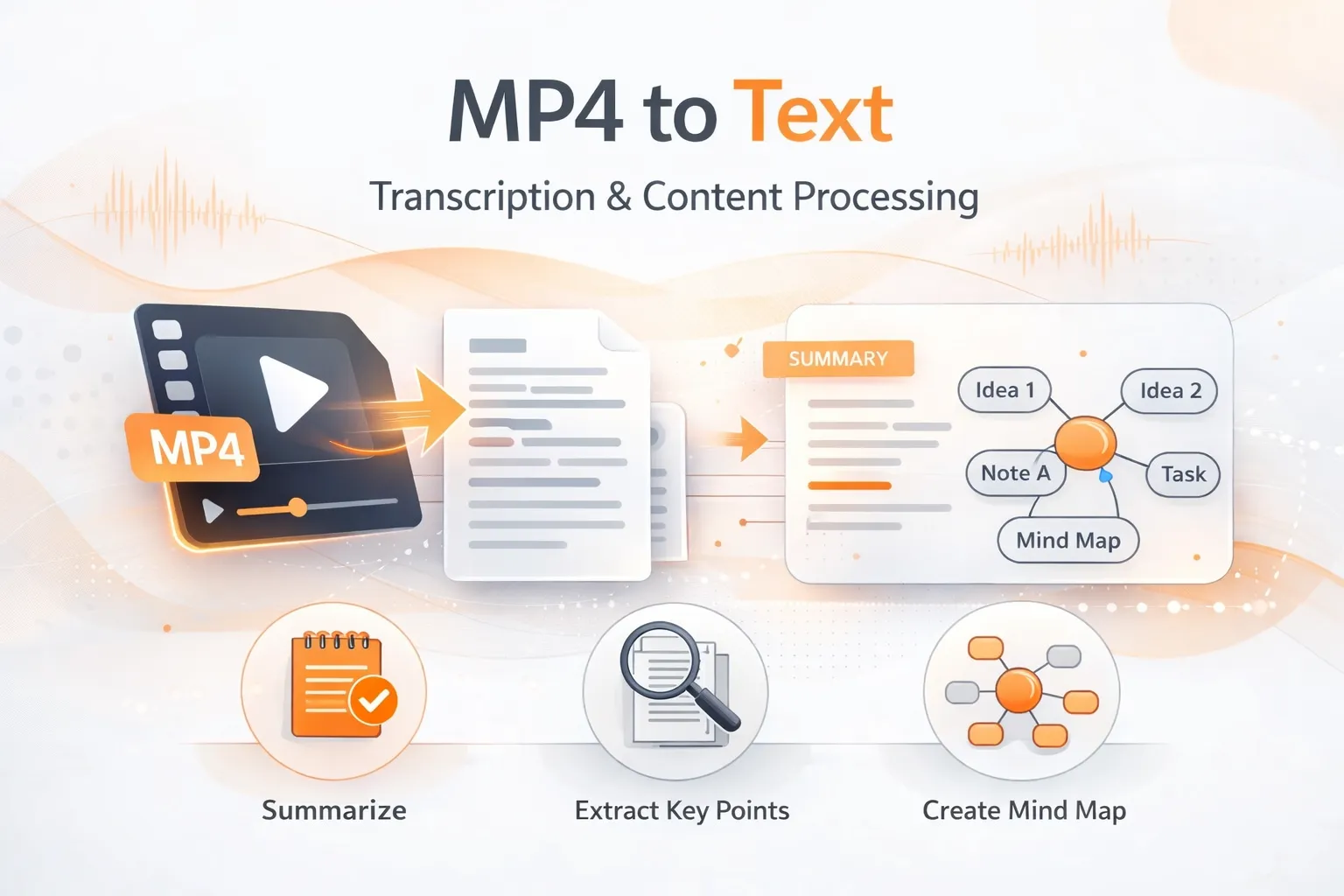
Your All-in-One MP4 to Text Tool for Study & Work
It's not just about converting videos into transcripts, our MP4 to text transcription tool also offers powerful content processing features. You can turn the transcribed text into summaries, extract key points, or quickly create mind maps to organize your content, helping you boost your learning and work efficiency.
More Benefits of Our MP4 to Transcript Tool
Whether compared with competing tools or traditional methods, our MP4 transcriber delivers a better experience and more benefits.
| Feature | Other Transcription Tools | Saveto AI |
|---|---|---|
| Free Usage | Usually comes with strict limits or only a few free trials | ✅ Completely free with no usage limits |
| Login Required | Most tools require account registration | ✅ No login required |
| Video Length Limit | Typically limited to 30 minutes – 1 hour | ✅ Supports videos up to 100GB |
| Processing Time | Usually around 10 minutes or longer | ✅ Fast processing in 3–5 minutes |
| Transcription Accuracy | May have missing words or inaccuracies | ✅ High accuracy, errors are rare |
| Additional Features | Mostly basic transcription only | ✅ Transcript, subtitles, summaries, and mind maps |
Student
"I honestly didn't expect the results to be that good, but this MP4 to transcript tool completely exceeded my expectations. It's incredibly convenient for taking notes."
Subtitle Creator
"I used to write subtitles manually while watching the video, which took a lot of time. With an MP4 to text tool, I can save several hours of work."
YouTube Creator
"I convert my YouTube videos into text and then organize them into blog posts to share on social media. This MP4 to transcript tool has helped me a lot."
FAQs for MP4 to Text Converter
If you have any questions or suggestions about our MP4 to transcript tool, please feel free to share your feedback with us.
What is MP4 to text converter?
Our MP4 to transcript tool is designed to automatically transcribe MP4 to text. It helps users quickly turn video content into readable transcripts for notes, subtitles, or further editing.
How accurate is the MP4 to text transcription?
The accuracy depends on the audio quality of the video. Clear speech with minimal background noise usually produces the best results. If needed, you can use our AI Voice Cleaner to remove background noise. It’s completely free as well.
Is there a limit on video length or file size?
Our MP4 to transcript converter supports large videos and files up to 100GB, allowing you to transcribe long recordings without splitting them.
Is my video safe when using the MP4 to text converter?
Yes. Your privacy is fully protected. Uploaded files are processed securely and are not stored or shared.
Does the MP4 to transcript converter support different accents?
Yes. The AI transcription tool is designed to recognize various accents and speaking styles. However, clearer and more standard pronunciation will help produce more accurate transcription results.
Do I need to create an account to use MP4 transcriber?
No. Our MP4 to transcript tool works online, so you can transcribe videos anytime.