
Record and Transcribe Audio with AI Online Free
Record and transcribe audio instantly with one click, automatically transcribe it into structured text. No time limit, completely free.
How to Use Recording Transcription with AI
The operation is very simple; just a few clicks are needed for our free AI recording transcription tool.
Step 1: Click to start recording
Please note that you need to grant recording permissions so your device can hear your voice.
Step 2: Start transcribing audio
Our free AI record and transcribe audio tool will automatically convert your recording into text.
Step 3: Download the transcribed text
Choose a suitable text document to download, or copy it directly to continue your next creative step.
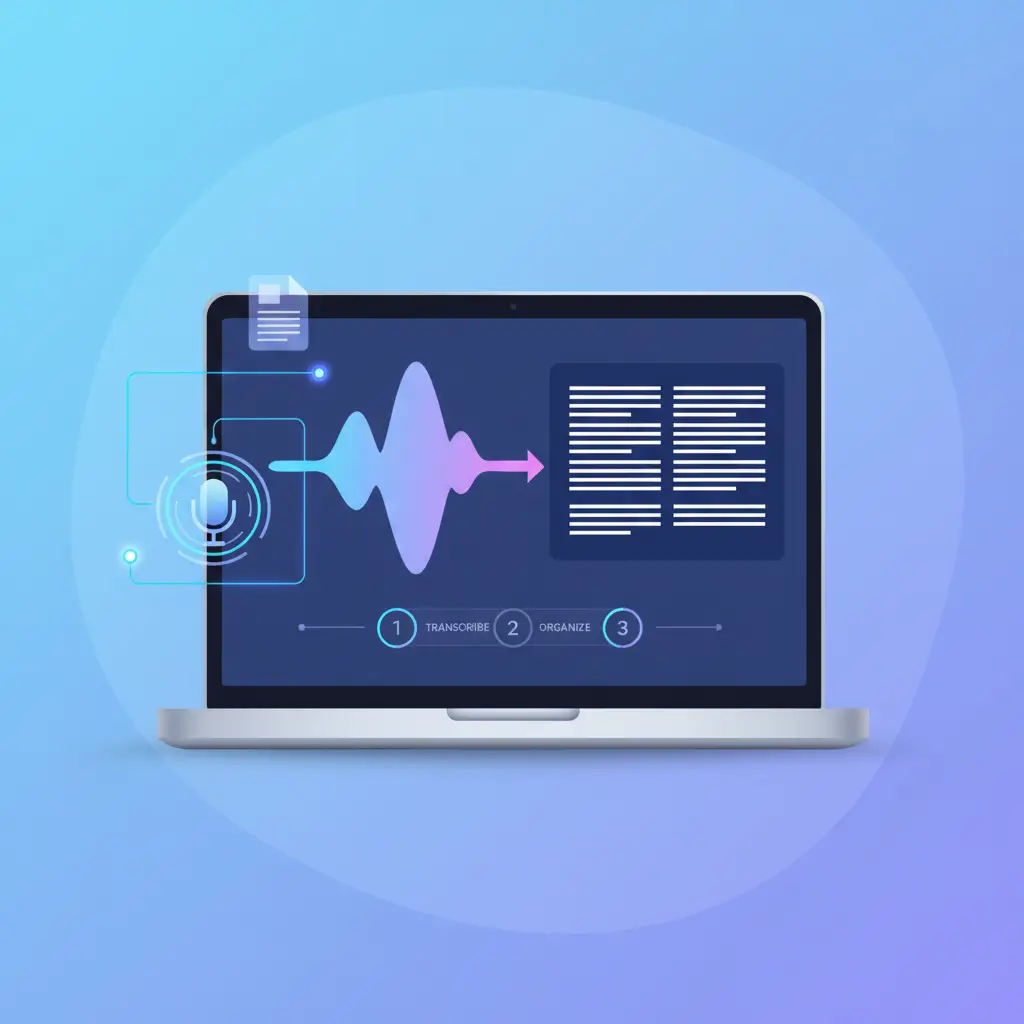
No Recording Time Limit with AI Record and Transcribe Audio Tool
Using free AI recording and transcription tools, there's no time limit for recording; you can continue until you're sure you can stop. Generally, recording for 2 hours is perfectly fine.
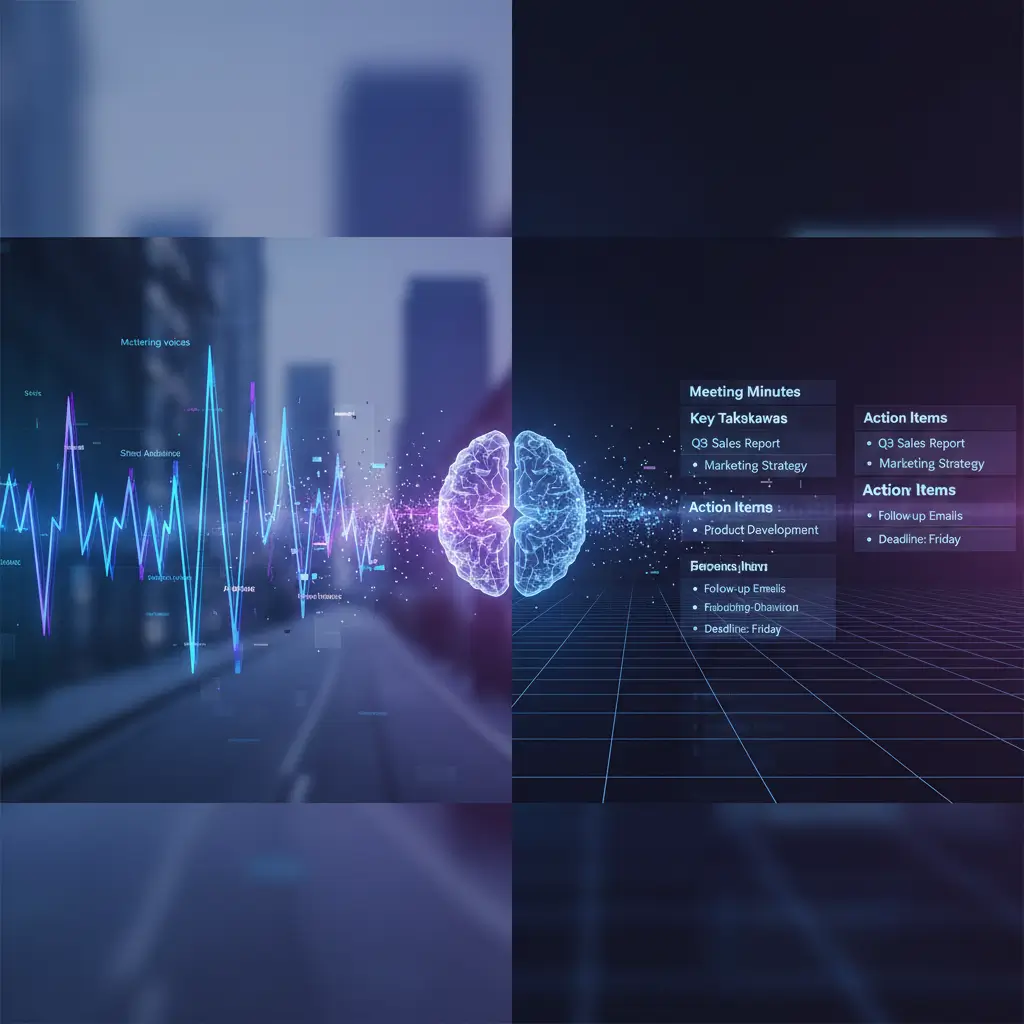
Automatically Removes Interference and Transcribes Audio into Structured Text
When you use our free AI record and transcribe audio online tool, don't worry if there's background noise in your recording. During the transcription process, AI will automatically remove background noise and identify the most valuable parts of the audio.
Real-Time Record and Transcribe Audio
What you record is what you get, especially when your recording is no more than 30 minutes long, our free AI record and transcribe audio online tool can transcribe the recording into text in real time.
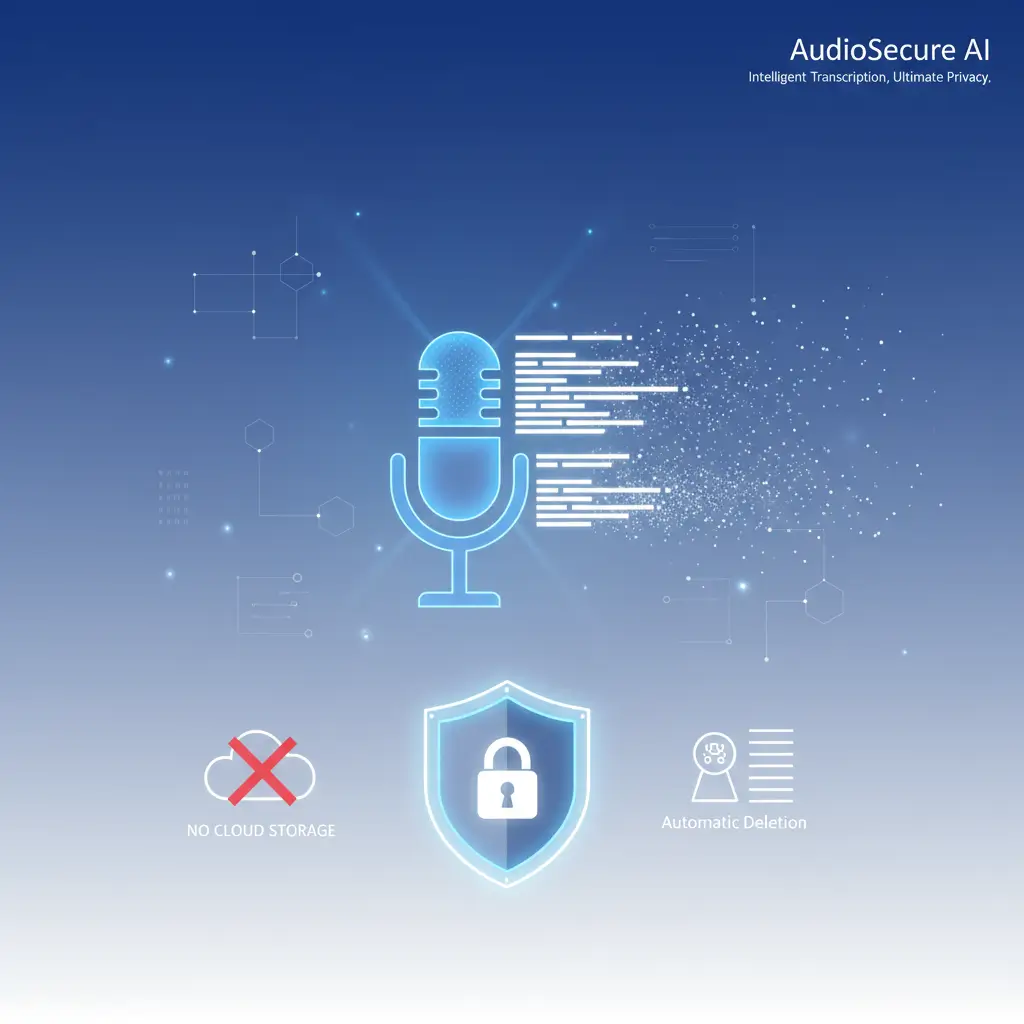
AI Recording Transcription Online 100% Safe
No login is required, no personal information is collected, recorded audio is not stored in the cloud, and it is automatically destroyed after transcription. AI Record and Transcribe Audio Online is absolutely safe.
Discover More Other AI Tools
Free Video to Text Converter
Free AI Audio to Text Converter
Free Background Noise Remover
AI Record and Transcribe Audio Tool Q&A
If you have any questions or suggestions about our transcription tool, please feel free to share your feedback with us.
What is AI record and transcribe audio tool?
It’s an online tool that records audio and then converts it into text; you don’t need to prepare your audio using separate recording equipment. It can all be done directly online.
Can I transcribe pre-recorded audio files, or do I have to record in real-time?
Is it free to record and transcribe audio?
What is the typical accuracy rate of AI audio recording and transcription?
Can audio transcription tools identify different speakers?
Will background noise during recording have an impact? How can I optimize it?
Can it recognize different accents during recording?
Can the transcribed text be directly exported as a subtitle file (SRT/VTT)?
Record And Transcribe Audio Online Now !
A completely free recording and transcription tool that requires no complicated steps. No login required.