Table of Contents
10 Best Tools for Transcribing Audio in 2026
Author: Alex Smith
Date: January 23, 2026
Summary: This article provides a comprehensive comparison of 10 of the best audio to text tools, offering detailed guidance to help you make the right decision.
In today’s content-driven internet era, millions of audio content pieces are generated every day, such as podcast interviews, meeting recordings, interview transcripts, and job interview records. Manually transcribing one hour of audio can take 4-6 hours, and this inefficient process is consuming the valuable time of creators and professionals.
Through real-world testing and in-depth comparisons, this article presents a curated selection of the 10 best audio transcription tools for 2026. Whether you are a business user needing real-time meeting transcripts, a content creator looking for multi-language support, or an independent worker with a limited budget, you can find a suitable solution.
Why Are Audio Transcription Tools Important?
AI speech to text capabilities cover the entire chain from creation to dissemination. Content creators can quickly convert podcasts and videos into reusable text materials, significantly improving production efficiency; in meeting scenarios, the system can automatically generate clearly structured meeting minutes, truly freeing up hands; academic researchers can efficiently organize interview recordings for subsequent qualitative analysis; media professionals can quickly sort through interview materials, accelerating the pace of news production; at the same time, it provides subtitles and text versions for people with hearing impairments, improving information accessibility; at the dissemination level, audio and video content is converted into indexable text, which helps search engine indexing and SEO optimization, unlocking greater content value.
In addition, AI audio transcription is performed in real time or even faster. With the current technological advancements in the market, the accuracy of transcription has also improved to over 90%. It perfectly replaces manual transcription work, and at only one-tenth of the cost.
How to Choose a Voice Transcription Tool: 6 Key Evaluation Criteria
1.Transcription Accuracy
Transcription accuracy depends on four factors: the tool’s ability to recognize clear audio, its adaptability to accents and dialects, its ability to avoid interference in noisy environments, and its ability to recognize specialized terminology.
The more prominent these four capabilities are, the more accurate the audio recognition results will be, and the more authentic the resulting text content will be.
2.Language Support
With the globalization of the internet, much video and audio content needs to support multiple languages. Therefore, the more languages an audio transcription tool can support, the more important it becomes. In addition, blogs often feature mixed-language conversations, and the ability to recognize mixed languages is also a crucial capability.
Furthermore, adaptation to regional accents and real-time translation capabilities are also key metrics.
3.Use Cases
The specific transcription tool you choose depends on your specific use case. For example, do you need real-time transcription or file upload transcription? Do you need long audio processing capabilities or batch transcription capabilities? Choose the tool based on your common use scenarios.
4.Price Comparison
When creating content, cost is an important consideration. Therefore, whether it’s a free version or a subscription version, you need to fully understand its terms and conditions. For enterprise customization, you need to understand the specific pricing plan.
5.Ease of Use
In terms of ease of use, an audio transcription tool should have a low learning curve: the overall learning curve should be gentle, allowing even new users to quickly get started; the interface design should be simple and intuitive, with core functions easily visible, minimizing unnecessary operational interference; it should also support mobile use, allowing processing and viewing anytime, anywhere; in the output stage, it should provide multiple export formats (txt and markdown formats) to facilitate integration with different workflows and use cases, truly achieving “use and go.”
6.Privacy and Security
In terms of security, are data storage and privacy protected? Does it comply with GDPR regulations? Does it have enterprise and security certifications? These are also crucial determining factors.
Comparison Table of 10 Audio Transcription Tools
| Tool | Starting price | Free quota | Accuracy | Language Support | Main Features | Best use |
|---|---|---|---|---|---|---|
| Saveto.AI | Free $0 | No Limits | ★★★★★ | 100+ | AI Transcription | Content creation |
| Otter.AI | $16.99/month | 600 minutes/month | ★★★★☆ | English-based | Real-time collaboration | Team meetings |
| Rev.AI | $0.02/minute | None | ★★★★☆ | 30+ languages | API, Human transcription option | Developer integration |
| Descript.com | $15/month | 1 hour/month | ★★★☆☆ | English-based | Audio and video editing | Content creation |
| Clipto.com | $9.99/month | None | ★★★★☆ | English-based | Focus on transcription | Content creation |
| Sonix.AI | $10/hour | 30-minute trial | ★★★★☆ | 40+ languages | Multilingual, Translation | Internationalization needs |
| Trint.com | $52/month | 30-minute free trial | ★★★★☆ | 30+ languages | Media workflow | News media |
| Happy Scribe | $17/month | Free trial | ★★★★☆ | 120+ languages | Human + AI | Subtitle creation |
| Evernote.com | $10.83/month | Free trial | ★★★★☆ | 50+ languages | Media workflow | Content creation |
| Riverside AI | $19/month | 2 hours of recording | ★★★★☆ | 100+ languages | High-quality recording | Podcast production |
Detailed Review of 10 Best Audio Transcription Tools
1. Saveto AI
Core Advantages
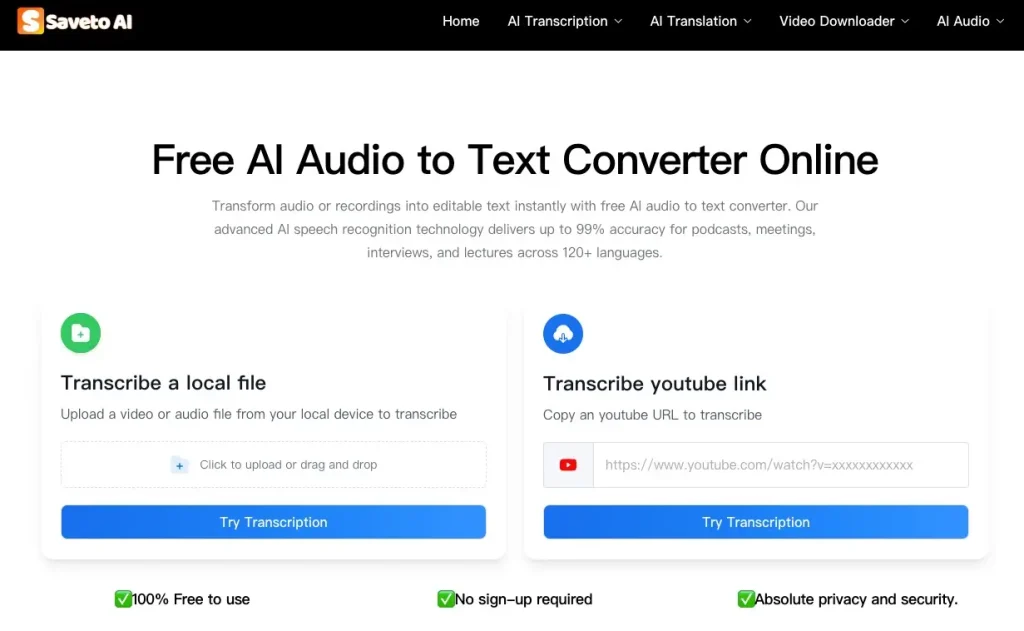
● AI-driven transcription tool, including video, audio, and links, with real-time online transcription and no complicated steps.
● One-click transcription into multiple languages, currently supporting over 150 languages worldwide, eliminating language barriers.
● One-click download of resources from any social media platform, including YouTube, TikTok, etc., eliminating the need to search for usable downloaders.
● 100% secure privacy and data; no login required, no personal data collected, and data automatically expires and is permanently deleted.
Target Users
● Social media creators
● Podcast creators
● SEO and marketing professionals
● Learners and educators
Pricing Plan
Limitations
2. Otter.ai
Core Advantages
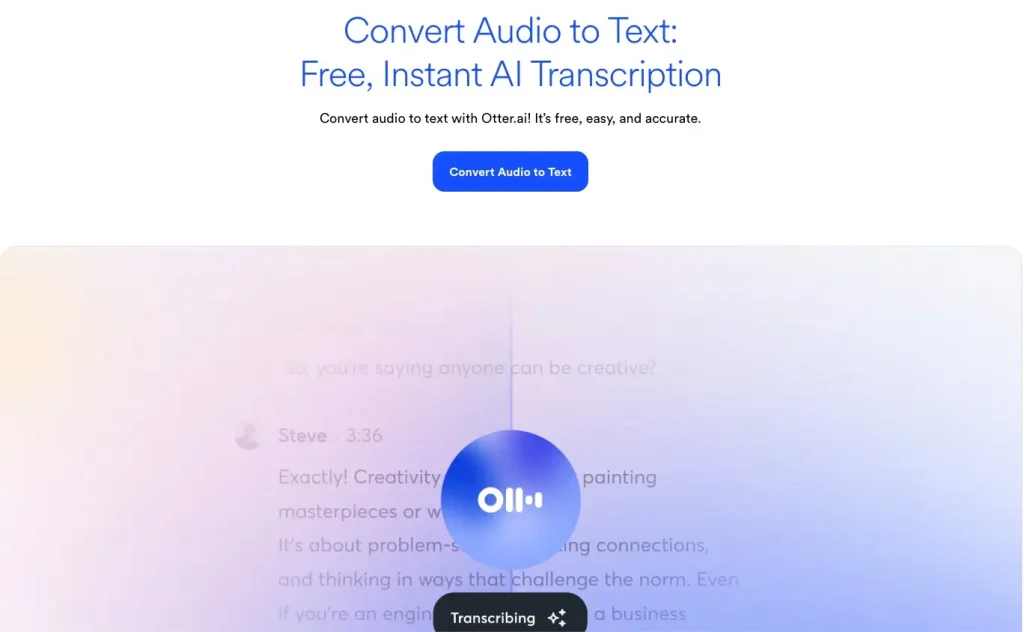
● Real-time Transcription and Collaboration: Supports automatic joining of Zoom/Teams/Meet meetings, generates real-time transcripts, and allows teams to collaborate and annotate within the transcripts.
● AI-driven Intelligent Summarization: Automatically generates meeting summaries, action items, and key points, eliminating the need for manual organization.
● Multi-language Support: Covers English, French, and Spanish, with an accuracy rate of 90-95%.
● Cross-platform Synchronization: Provides iOS/Android applications and supports unlimited device synchronization (paid plans).
● Rich Integration Ecosystem: Deeply integrated with Salesforce, HubSpot, Slack, etc., suitable for sales and team collaboration scenarios.
Suitable for
● Teams and businesses that frequently hold remote meetings
● Sales teams (OtterPilot for Sales feature automatically extracts sales insights)
● Students and educators (educational discounts available)
● Content creators who need real-time collaborative editing of transcripts
Pricing Plans
Limitations
● Limited language support (only 3 languages), not suitable for multilingual teams
● Transcription accuracy is slightly lower than competitors (85-92%), and recognition of professional terminology needs improvement.
● Advanced features (such as sales analytics) are only available in the Enterprise version; not accessible to small and medium-sized teams.
● Strict limitations on the free version: only 30 minutes per conversation, and device synchronization is limited to 2 devices.
3. Rev.ai
Core Advantages
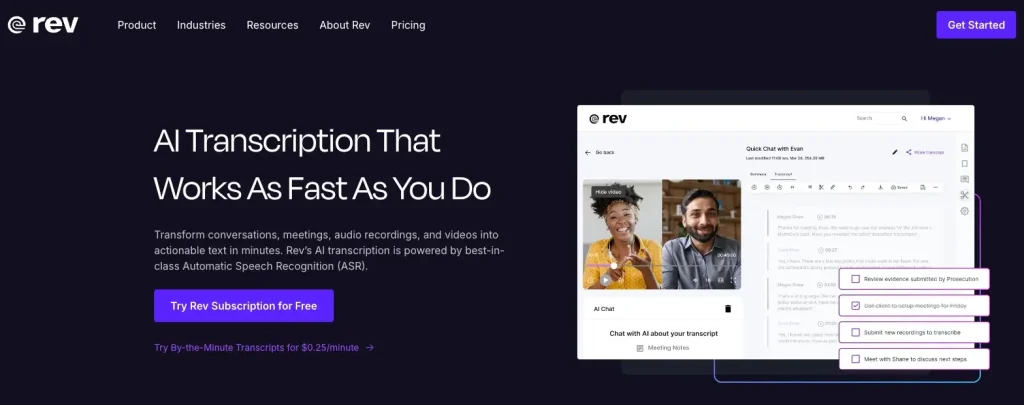
● Dual-track service model: AI transcription at $0.25/minute, human transcription at $1.99/minute, offering flexible choices.
● Industry-leading accuracy: Human transcription achieves up to 99% accuracy, AI transcription 90-95%.
● Fast delivery: AI transcription completed within 5 minutes, human transcription within 12-24 hours.
● Multi-language subtitles: Supports global subtitle translation services in 17 languages.
● Enterprise-grade security: Offers HIPAA compliance and advanced privacy controls (Unlimited plan).
Suitable for
● Legal, medical, and other professional fields with extremely high accuracy requirements.
● Media and news professionals requiring quick turnaround times.
● Multi-language content creators and global teams.
● Individual users with limited budgets but occasional needs for high-accuracy transcription.
Pricing Plans
● Free version: 45 minutes of AI transcription per month
● Pay-as-you-go: AI $0.25/minute, Human $1.99/minute
Limitations
● Basic editing features, lacking advanced tools such as sentiment analysis and entity detection.
● Unstable speaker identification, prone to errors in multi-speaker conversations.
● Complex subscription plan structure, human services require additional payment.
● AI summarization function is template-based, lacking in-depth customization capabilities.
4. Descript
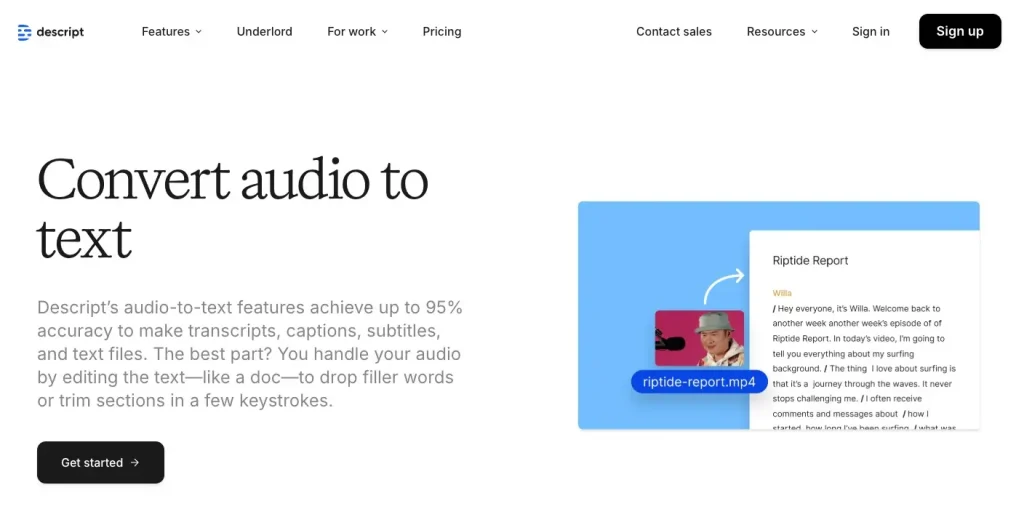
Revolutionary text-based video editing platform for transcription, editing, and publishing – an all-in-one creation platform.
Core Advantages
● Text-Driven Editing: Editing transcribed text is equivalent to editing audio and video, lowering the barrier to entry for video editing.
● AI Super Tools: Studio Sound for one-click audio enhancement, Eye Contact for gaze correction, and Overdub for voice cloning.
● Multi-Track Recording: Automatically separates speaker tracks and supports remote collaborative recording.
● Integrated Publishing Workflow: Directly publish to web players; embedded players support custom branding.
● Green Screen and Subtitles: AI background removal + automatic animated subtitle generation, no green screen equipment required.
Suitable for
● Podcast producers and video creators (YouTube, TikTok, etc.)
● Content creators with non-technical backgrounds (text editing is easier to learn than timeline editing)
● Marketing teams requiring voice cloning and AI voiceovers
● Online education and training content creators
Pricing Plans
Free Version: 1 hour of transcription per month, 720p export, limited AI features (5 uses)
Limitations
● 2025 Pricing Reform Controversy: Switching from transcription minutes to “media minutes” + AI credits, potentially doubling costs.
● Performance degradation and noticeable lag when handling large multi-track projects.
● Lack of advanced features found in traditional video editing software (color grading, complex effects, etc.)
● Learning Curve: The text-based editing mode is not user-friendly for editors familiar with timeline editing.
5.Sonix.ai
Core Advantages
● Ultimate Multilingual Support: Supports transcription in over 40 languages, no additional language fees at the same price.
● Deep AI Analysis: Topic detection, sentiment analysis, entity recognition + folder-level batch analysis.
● Collaboration and Sharing: Real-time highlighting, comments, access control + embedded player.
● High Accuracy: Achieves 95-97% accuracy with clear audio (tested on Marquez Brownlee interview).
● Secure and Compliant: SOC 2 Type 2 certified, GDPR compliant, data encrypted during transmission and storage.
Suitable for
● Multinational corporations and multilingual content teams
● Researchers and journalists (requiring topic analysis and sentiment insights)
● Podcast producers (integrating subtitle export to Premiere/Final Cut)
● Developers and enterprises requiring API integration
Pricing Plans
Limitations
● Complex pricing structure: Hybrid model of subscription fees + hourly charges, total cost is not transparent.
● No mobile application, only web-based (requires a stable internet connection).
● Shallow AI summarization function, lacking action items and structured output.
● Many additional fees: Translation, subtitle alignment, and subtitle burning all require extra payment.
6. Clipto.com
Core Advantages
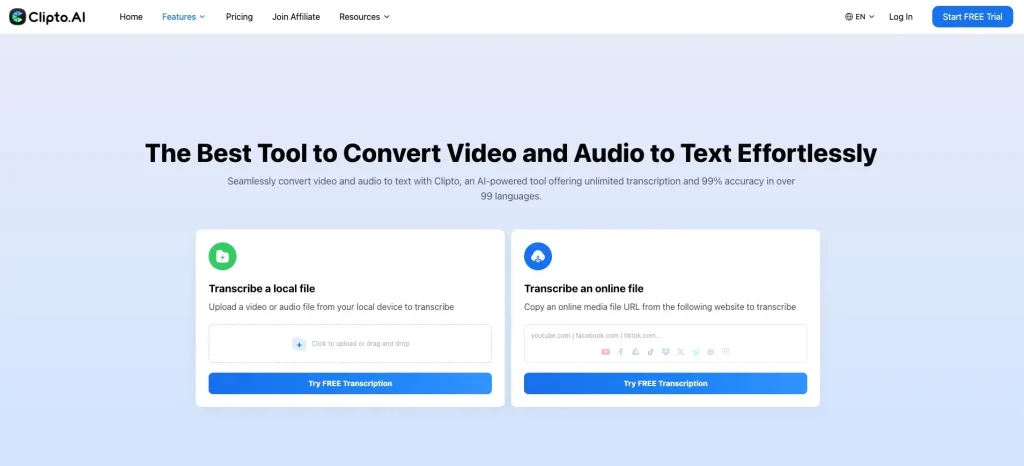
● Video editing tools
● Transcription assistance
● Simplified workflow
Suitable for
● Video creators
● Social media marketers
Pricing Plans
Limitations
● Each tool has a free usage limit.
● The platform offers many tools, but they are not very professional, and the response speed is slow.
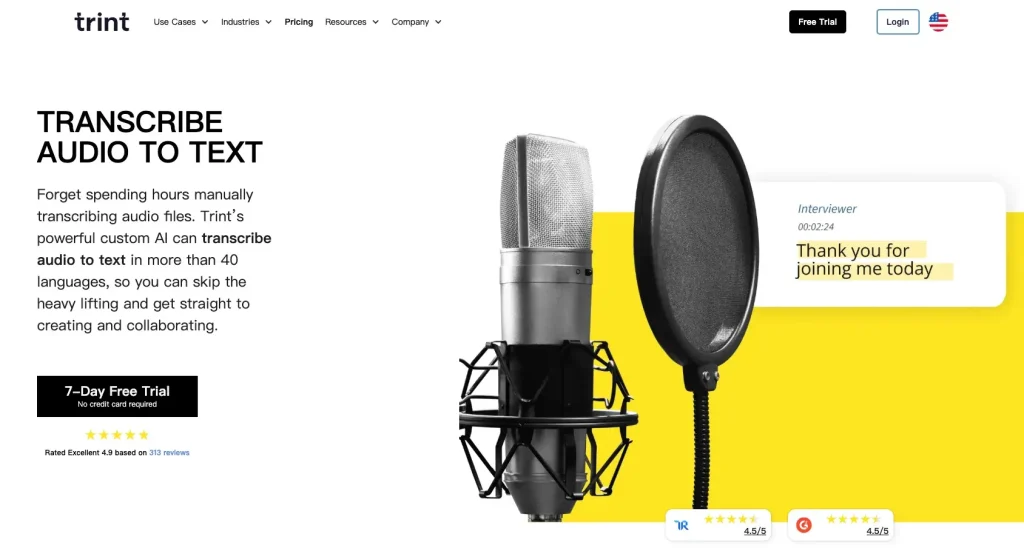
7. Trint
Core Advantages
● Real-time Transcription: Trint Live feature supports real-time transcription of press conferences, speeches, and more.
● 54-Language Translation: Transcribed content can be translated into 54 languages (Advanced plan).
● Verification Mode: Audio and text playback are synchronized to ensure accuracy of quotations (essential for journalists).
● Mobile App: iOS app supports on-site recording and instant transcription, allowing users to mark important moments.
● Enterprise Security: ISO 27001 certified, EU servers, meeting GDPR compliance.
Suitable for
● Journalists and news editors (real-time transcription + quotation verification)
● Legal and academic researchers (requiring high-accuracy transcription of long documents)
● Multilingual content publishing teams
● Large media organizations (requiring API integration and enterprise-level management)
Pricing Plans
Limitations
● High price and complex structure: Starter plan is limited to 7 files/month, forcing upgrades to Advanced.
● “Unlimited transcription” is vague: Heavy usage may trigger fair use review.
● Transcription accuracy is 87% (tested), lower than competitors, and weak in recognizing specialized terminology.
● Poor file management: Transcribed files cannot be deleted, quickly exhausting storage space.
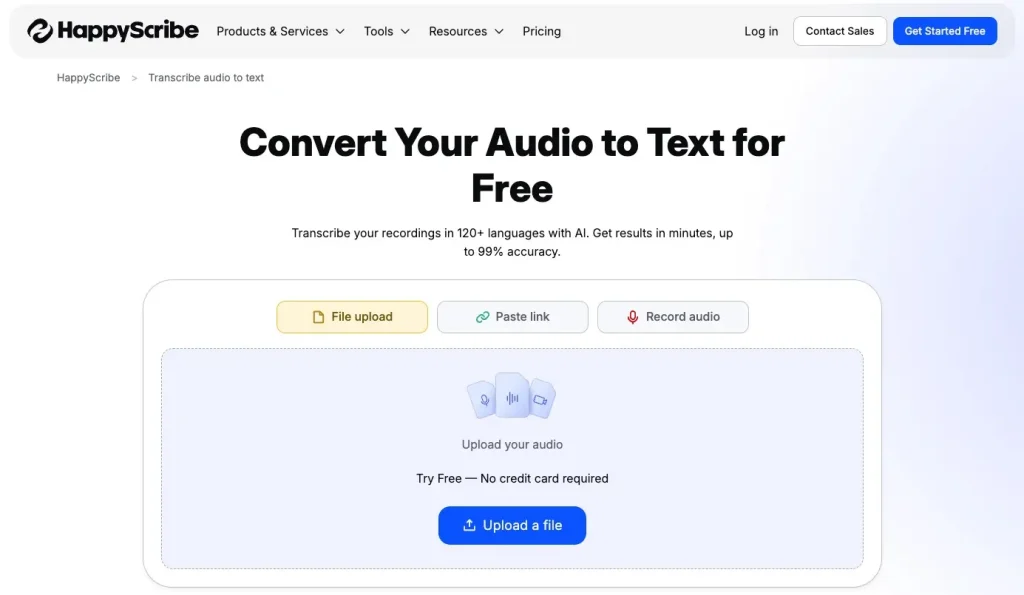
8. Happy Scribe
Core Advantages
● Wide Language Coverage: 120+ languages and dialects, including minority languages and regional variations
● Dual Service Modes: AI transcription with 85% accuracy (5 minutes), human transcription with 99% accuracy (12-24 hours)
● Subtitles and Translation: Automatic subtitle generation + global translation, suitable for video localization
● Interactive Editor: Text and audio synchronization, click on text to jump to the corresponding audio timestamp
● Custom Vocabulary: Add professional terminology and brand names to improve transcription accuracy
Suitable for
● Multilingual video content creators (YouTube, social media)
● Educational institutions and online course creators
● Global companies (requiring multilingual subtitles and translation)
● Individual users with limited budgets (basic plan at $17/month offers good value)
Pricing Plans
Limitations
● Medium AI accuracy (85%), requiring significant manual editing
● Lack of advanced integrations: Does not support mainstream third-party applications (only promises future support for Google Drive, Dropbox, etc.)
● No export in the free version; payment is required to use the transcription results
● Human service price is relatively high ($1.75/minute vs. Rev’s $1.99/minute)
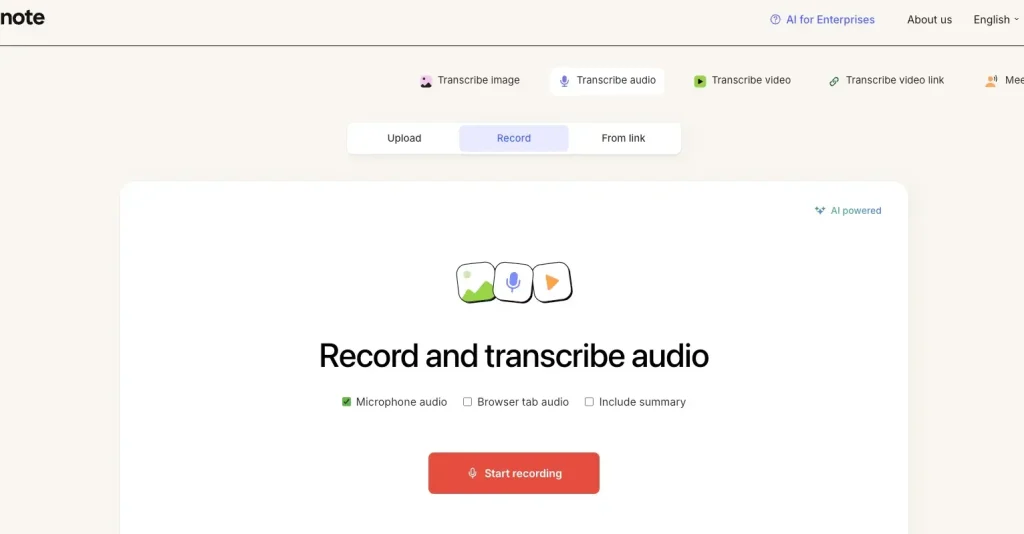
9. Evernote
Core Advantages
● All-in-one note system: Supports various formats including text, audio, images, handwritten notes, and PDF annotations.
● Powerful search: Full-text search + PDF internal search + handwriting recognition (paid version)
● Cross-platform synchronization: Unlimited device synchronization (Personal and above), Web Clipper browser extension
● AI-enhanced features: AI search, AI editing, AI summarization (Professional version)
● Task management: Create tasks, assign to team members, connect to Google Calendar
Suitable for
● Knowledge workers and researchers (building a second brain)
● Students and educators (class notes + material organization, 40% education discount available)
● Project managers and team collaborators
● Individual users who need long-term knowledge accumulation
Pricing Plans
Free version: 50 notes, 1 notebook, 250MB upload/month, 2 devices
Limitations
● Significant price increase in 2023 (Personal increased from $8.99 to $14.99, a 66% increase)
● Free version severely limited: Only 50 notes + 1 notebook, almost unusable
● Not a professional transcription tool: Only supports audio note recording, no automatic transcription function
● Competitive pressure: Newer tools like Notion and Obsidian offer more features at similar or free prices
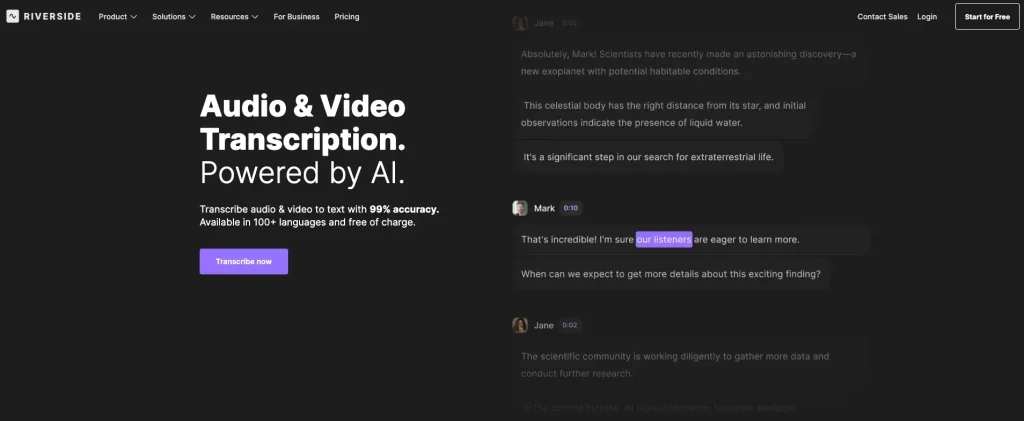
10. Riverside
Core Advantages
● Local 4K Recording: Local storage of up to 4K video + 48kHz lossless audio, unaffected by network issues
● Multi-track Recording: Independent audio and video tracks for each participant, allowing for flexible post-production editing
● AI-powered Workflow: Magic Audio for enhanced sound quality, Magic Clips for automatic short video generation, and AI Show Notes for generating episode summaries
● Multi-platform Live Streaming: Full HD simultaneous live streaming to YouTube, LinkedIn, Twitch, Instagram, and more
● Publishing Integration: One-click publishing to Spotify, Apple Podcasts, and YouTube, with built-in analytics dashboard
Suitable for
● Podcast producers (remote interviews + high-quality recording)
● Video creators and YouTubers (requiring 4K video and multi-track editing)
● Online education and training institutions (remote recording + live streaming)
● Marketing teams (webinars, product launches, customer testimonials)
Pricing Plans
Limitations
● Long Export Time: Users report that processing and exporting large files takes a long time.
● Strict Free Version Limitations: Only 2 hours of recording + watermark, not suitable for professional use.
● Connection Issues: Some users report decreased recording quality with unstable network connections.
● Not a Pure Transcription Tool: While it has transcription features, its core function is recording and editing; transcription is only a supplementary feature.
Summarize
If you’re looking for a completely free audio transcription tool, then Saveto AI audio to text tool is your best choice. Why?
1. It’s completely free; you can enjoy features that other tools charge for without spending a penny.
2. It’s absolutely secure; you can use it online without logging in, requiring no personal information whatsoever.
3. It’s a comprehensive solution; whether you want to download videos, translate resources, or obtain unique audio, it meets all your needs.
In the future, AI audio transcription will evolve from transcription to understanding: deep semantic analysis. Currently, most tools remain in the “speech → text” stage, merely acting as a tool. To reach this advanced level, Pioneers: Otter.ai’s sales insights and Sonix’s topic detection have already shown early promise. AI needs to understand:
1. Decision trees (who made what decision at what point in time)
2. Emotional curves (changes in meeting atmosphere)
3. Knowledge graphs (relationships between concepts)
Currently, real-time multilingual simultaneous interpretation suffers from noticeable delays due to post-transcription translation. However, when AI develops to a certain level, and computing power becomes as readily available as water and electricity, these delays will disappear, and what you hear will be what you get.
Shall we start converting the audio to text?
It's incredibly easy to use; with just a few clicks, you can obtain text content with an accuracy rate of up to 99%, significantly improving your creative efficiency.