
Top 10 Video to Text Converters You Should Try in 2026 (Free & Paid)
Summary: This article compares the top 10 video to text converters, covering their pros, cons, and pricing to help you choose the best video transcription tool.
With the explosive growth of video content, efficiently and accurately converting video into text has become a critical need across industries. Whether for video creators generating multilingual subtitles, professionals preparing meeting summaries, or turning video content into searchable text, a reliable video to text converter can greatly improve efficiency.
In this article, we provide an in-depth review of the top 10 video to text converters ranked on Google, evaluating them across accuracy, ease of use, and pricing to help you find the one that best suits your needs.
Top 10 Video to Text Converters Comparison Overview
| Tools | Accuracy | Speed | Login Required | Free Video Length | Price |
|---|---|---|---|---|---|
| Saveto AI | 98.5% | 3-5s | No Login | Unlimited | 100% Free |
| Evernote | 98.7% | 5-7s | Login Required | 60 mins | Freemium |
| HappyScribe | 90.3% | 5-10s | Login Required | 10 mins | Freemium |
| NoteGPT | 99.2% | 3-5s | Login Required | File Size Limit 1 GB | Freemium |
| Any2Text | 96.5% | 10-15s | Login Required | 75 mins | Freemium |
| UniScribe | 95.8% | 5-7s | No Login | 120 mins | Freemium |
| Vidzard AI | 98.9% | 5-7s | Login Required | 60 mins | Freemium |
| Reverside | 94.6% | 3-5s | No Login | File Size Limit 1 GB | Free |
| Clipto | 97.6% | 5-7s | Login Required | None | Paid |
| VEED | 97.3% | 10-15s | Login Required | File Size Limit 1 GB | Freemium |
Why You Need a Reliable Video to Text Converter?
For Video Creators
📝Needs:
- Quickly generate subtitles for videos to improve accessibility.
- Produce captions in multiple languages to reach a wider audience.
- Transcribed text makes videos easier to index and optimize for search engines.
- Reduce the time spent manually transcribing or organizing text, improving overall production efficiency.
For Professionals
📝Needs:
- Convert training videos into text quickly to capture all key points.
- Support transcription of multilingual videos, enabling cross-border teams or translators to localize content efficiently.
- Include timestamps for easier reference, especially in long meetings or webinars.
For Students
📝Needs
- Convert lectures, online courses, and tutorial videos into notes for easier review.
- Use subtitles or transcribed text to enhance listening comprehension and language study.
- Quickly extract lyrics from music videos, even for large numbers of songs, eliminating the need to type them manually.
💡Solutions
To meet the needs of people across different industries, the best video to text converter should have the following features:
- Accurate transcription
- Multi-language support
- Fast & batch processing
- Summarization (optional)
Detailed Review of 10 Video to Text Converters (Free & Paid)
1.Saveto AI——Best for 100% Free Video to Text Transcription
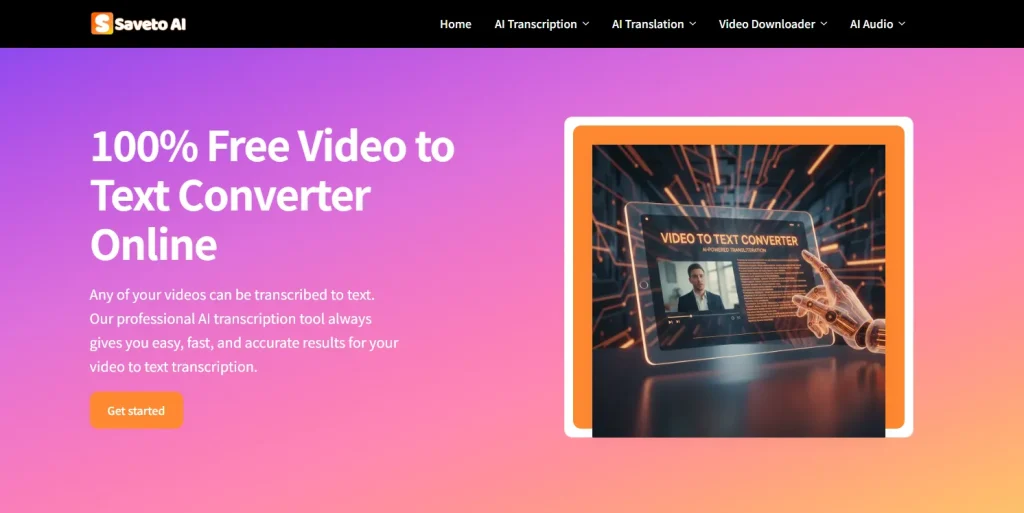
Saveto AI is a new website focused on transcription. Although it has just launched, its capabilities are already enough to rival professional, established websites. All of its features are 100% free, and you can try them without logging in. From speed, results, and functionality, it is trustworthy.
✅Pros
- 100% free & unlimited usage
- No login required, transcribe videos directly online
- Supports generating transcripts, subtitles, and chapters, with different features catering to different needs
- Includes a summarization feature, making it easy to create video summaries for note-taking
❌Cons
- Occasionally slower on very long videos
2.Evernote——Best for Batch Video Transcription
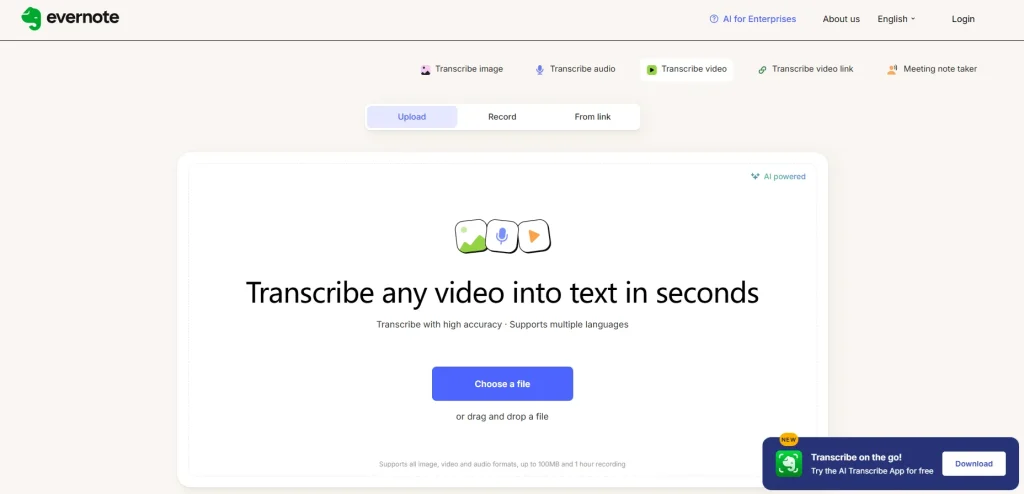
Evernote is a well-established transcription website. On Google, searching “video to text” places it at the top of the results. It not only supports the web but also has an app for download, allowing you to transcribe videos anytime, anywhere.
✅Pros
- Supports batch video upload, transcribing multiple video files at once
- Allows editing, so you can review and correct transcripts after transcription
❌Cons
- Only a limited number of free uses, payment required for further access
- Video length is limited to a maximum of 1 hour
3.HappyScribe——Best for Multiple Languages Transcription Output
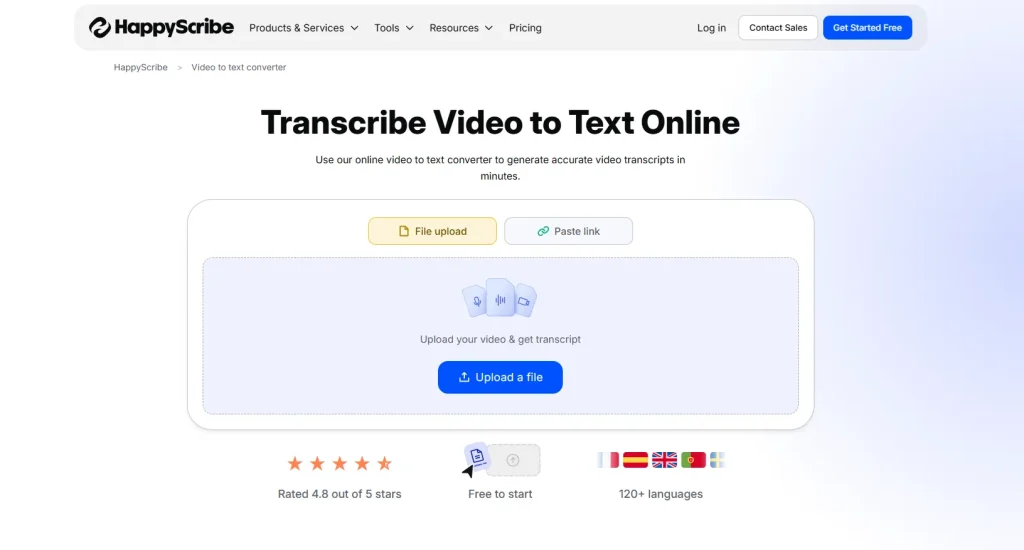
You can definitely find the most comprehensive language options on HappyScribe. For video creators, converting English videos into subtitles in multiple languages allows better reach to a global audience, making HappyScribe an excellent choice.
✅Pros
- Supports output in hundreds of languages
- Supports writing summaries, creating meeting notes, extracting quotes, and other simple and fast features
❌Cons
- Relatively slow speed, around 30 seconds waiting time for a 3-minute video
- Sometimes the video content is not recognized accurately, especially for Chinese videos
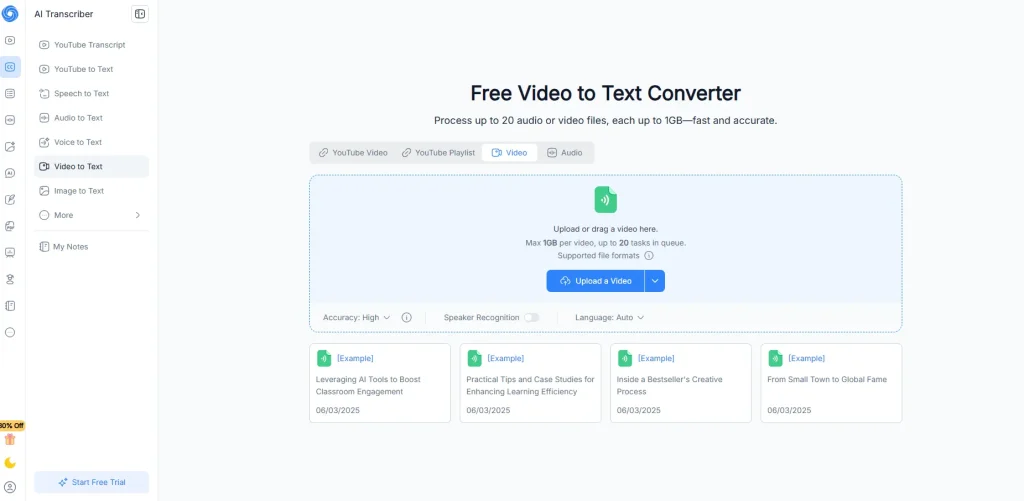
4.NoteGPT—— Best for Comprehensive and Detailed Transcription
With multilingual translation, speaker recognition, summary generation, and mind maps, NoteGPT includes everything essential for transcription, making it comprehensive and rich. Its accuracy is also very high, and if you have no budget constraints, its transcription results will definitely satisfy you.
✅Pros
- Supports speaker recognition with high accuracy
- Supports detailed product summaries, mind maps, and more, effectively improving learning efficiency
- Supports multilingual translation after transcription, allowing one-click full translation or segment-by-segment translation
- Provides examples for users to quickly reference
❌Cons
- Summaries generated from Chinese videos appear in English, which is a bug
- Video processing takes a bit long
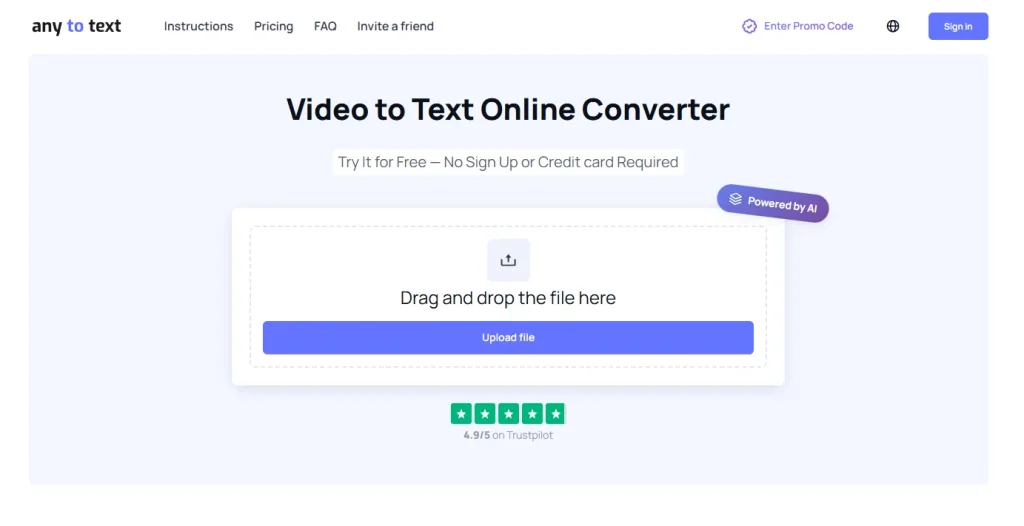
5.Any2Text——Best for Adjusting Transcription Lines and Character Count
Any2Text is a fully featured and comprehensive transcription website, giving you the greatest freedom to edit the transcribed text. Although it is a paid platform, it also offers a certain amount of video time for free users, which can meet basic daily needs.
✅Pros
- Freely adjust the number of characters and lines in the transcription, making it easy to organize
- Supports speaker recognition, adding timestamps, and other diverse features
❌Cons
- Processing is slow, a 3-minute video takes about 1 minute to complete transcription
- Video length is limited when uploading, especially for free users, with a maximum of 75 minutes
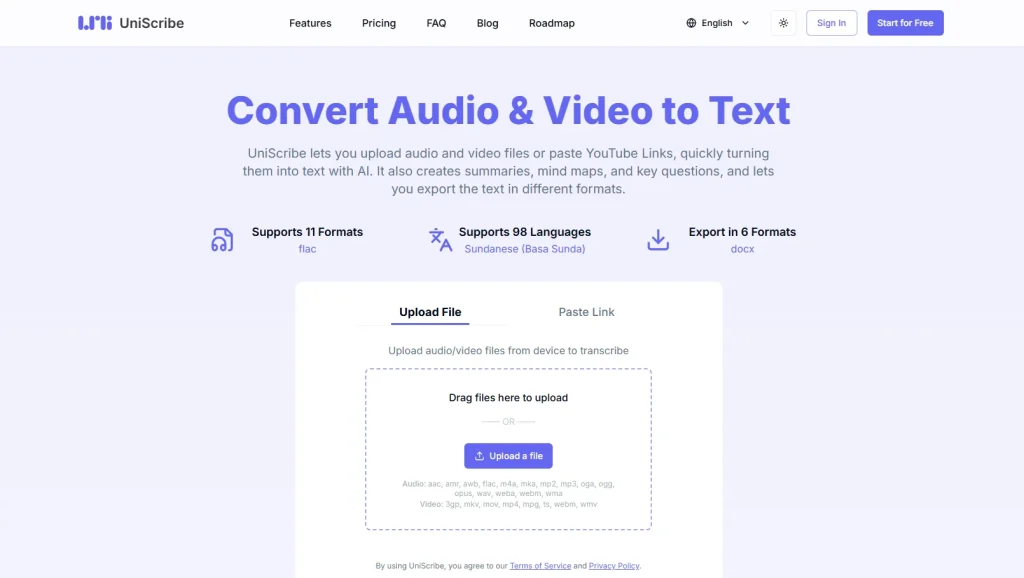
6.UniScribe——Best for Reviewing and Editing Video Transcriptions
UniScribe provides up to 120 minutes of transcription time for free users, which is very generous. It also supports find and replace functionality after transcription, making it easy to review and adjust. If you prefer a more flexible video transcription tool, UniScribe is an excellent choice.
✅Pros
- Supports generating summaries, key points, and mind maps, among other diverse features
- Supports find and replace functionality, allowing you to quickly locate and edit the information you need.
- Transcribed audio is synced with timestamps for playback, making it easy to review.
❌Cons
- Free users have limited features and do not support speaker recognition
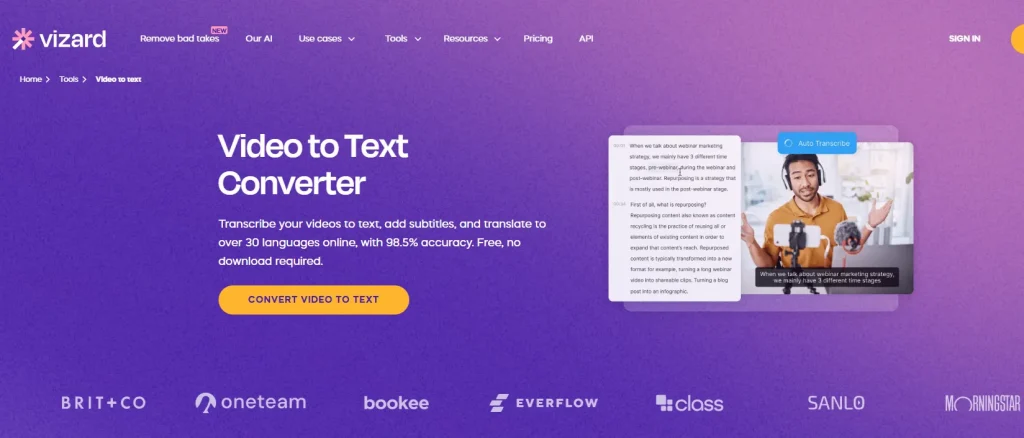
7.Vidzard AI——Best for Fun Transcription Editing
Vizard AI is a versatile platform, especially in video editing and transcription. It offers real-time playback, making it easy to review. You can freely edit the transcribed text, highlight parts you consider important, and even add emojis. It integrates professional and fun transcription tools in one.
✅Pros
- Provides demo videos to help beginners get started
- Real-time video playback for easy review
- Supports highlighting and adding emojis to transcribed text, making online editing very convenient
- Supports adding new subtitles to the original video
❌Cons
- Free users have a limited video length and limited features
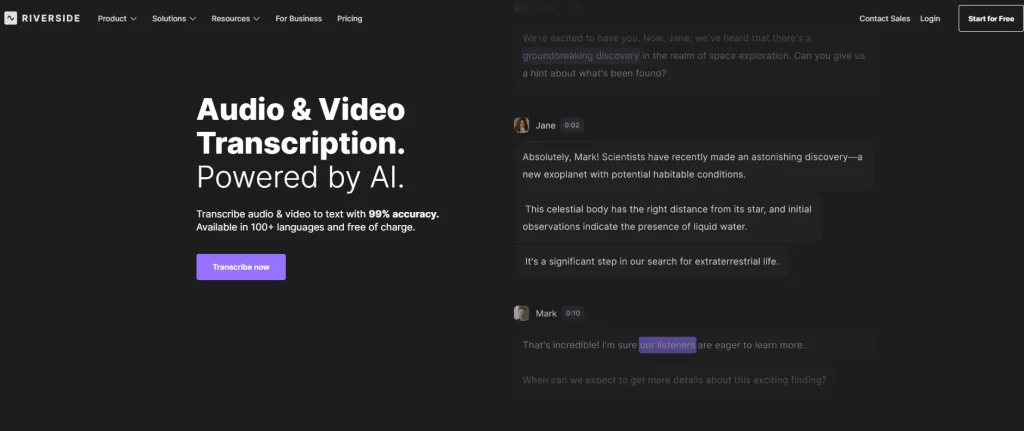
8.Riverside——Best for Extremely Fast Transcription
Riverside provides fast and efficient video transcription. It is a straightforward tool suitable for quickly turning videos into text.
✅Pros
- Transcription is very fast
- Allows you to select the type of content to transcribe, such as podcasts or interviews, helping the AI recognize it better
❌Cons
- Free users have limited features
- Supports limited features, only converting videos into text
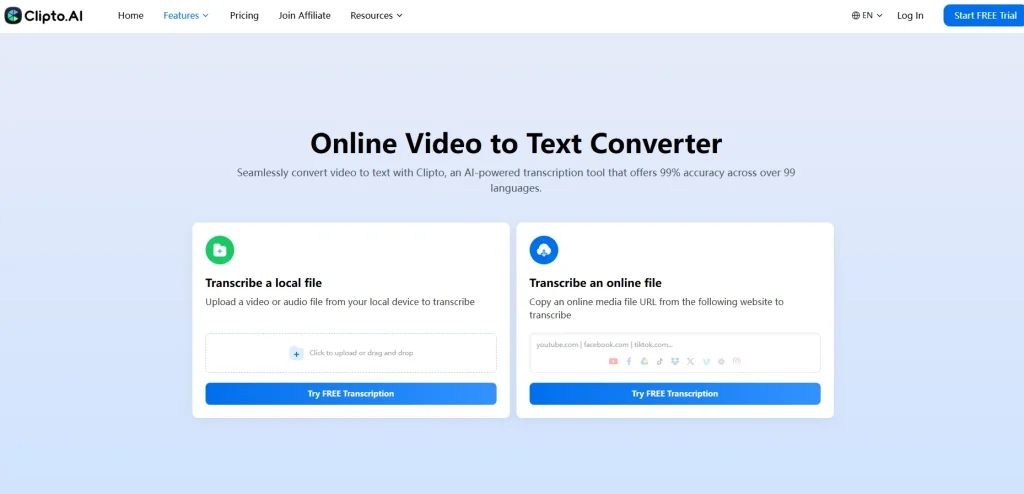
9.Clipto——Best for Diverse Output Formats
Clipto is a versatile video transcription tool that allows you to quickly convert videos into text. It supports multiple output formats and offers a range of editing features to enhance your workflow.
✅Pros
- Transcription is very fast
- Supports speaker recognition, editing, and other diverse features
- Supports multiple output formats, including DOCX, TXT, and SRT
❌Cons
- Free users have a limited video length and limited features
- No free usage is available, you need to upgrade to access the full report
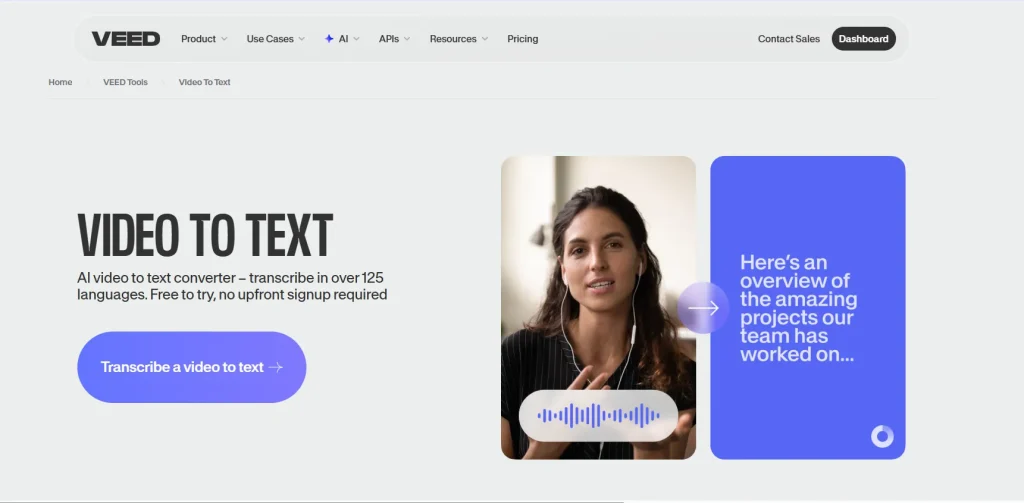
10.VEED——Best for Automatically Adding Translated Subtitles
Veed is an online video editing tool that makes it easy to handle, enhance, and transcribe your videos. Whether it’s cutting, adding subtitles, or simple effects, everything can be done quickly. It’s perfect for creators who want to produce content efficiently.
✅Pros
- The automatic video subtitle translation allows you to choose the language according to your needs, making it perfect for video creators
- Fully featured, you can also perform additional edits on your videos, such as noise removal
❌Cons
- The processing time is long, roughly two to three times that of other tools
- Free users have a limited number of uses, only one free attempt
Conclusion: Choosing the Right Video Transcription Tool for Your Needs
Choosing the best video to text converter tool can be tricky with so many options available. Based on our hands-on experience and the features of each tool, here’s a recommended list for your reference.
Best Free & Reliable Choice: If you want a tool that’s fast, accurate, and completely free, Saveto AI is the obvious pick. It doesn’t require login, supports unlimited video transcription, and even lets you create summaries and subtitles.
For Batch or Professional Needs: Evernote and HappyScribe are great if you need to process multiple videos at once, handle multiple languages, or use advanced editing features.
For Editing & Customization: If you want more control over your videos after transcription, like adding subtitles, removing noise, or making quick edits—VEED or Vidzard AI fit the bill perfectly